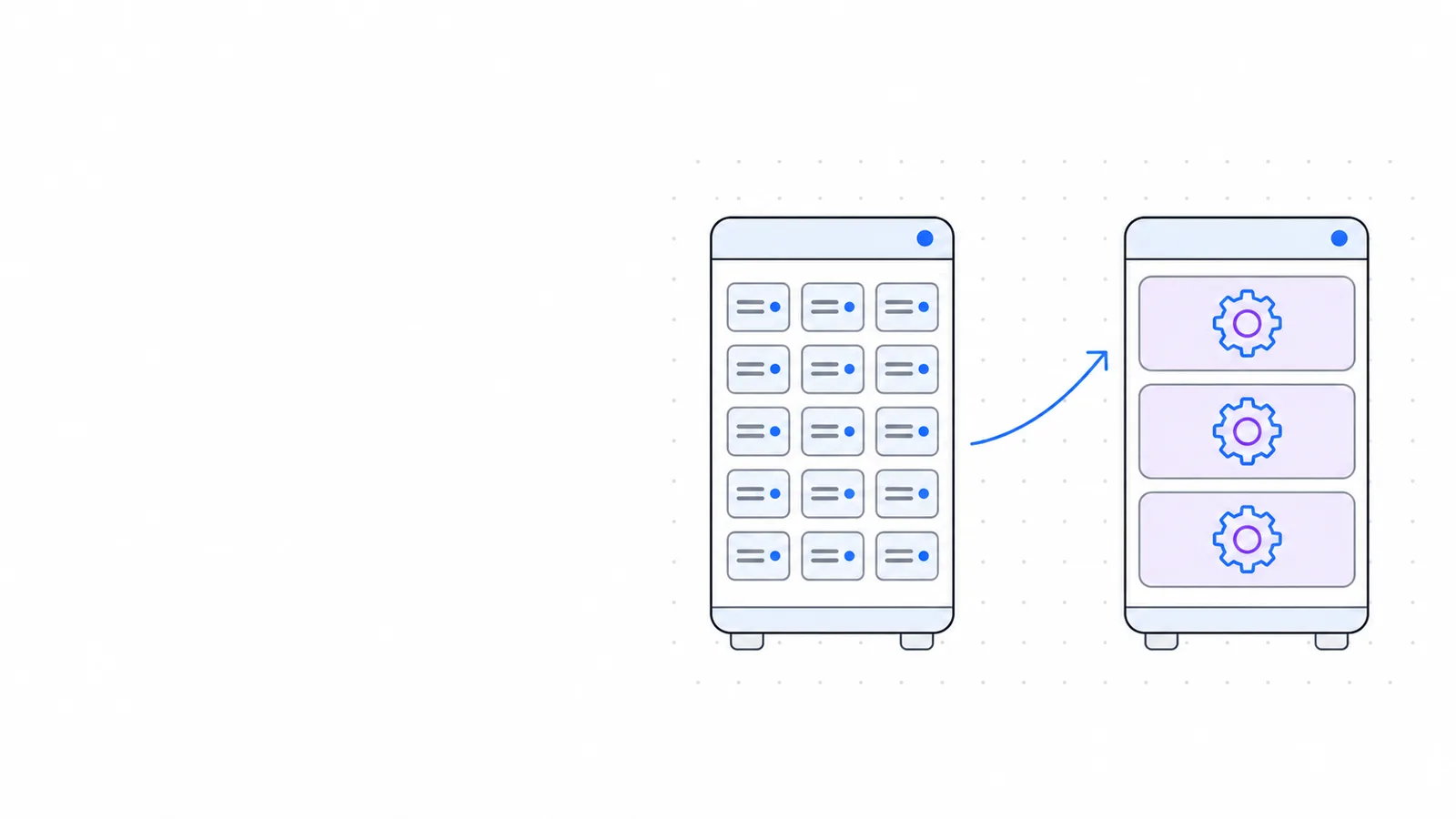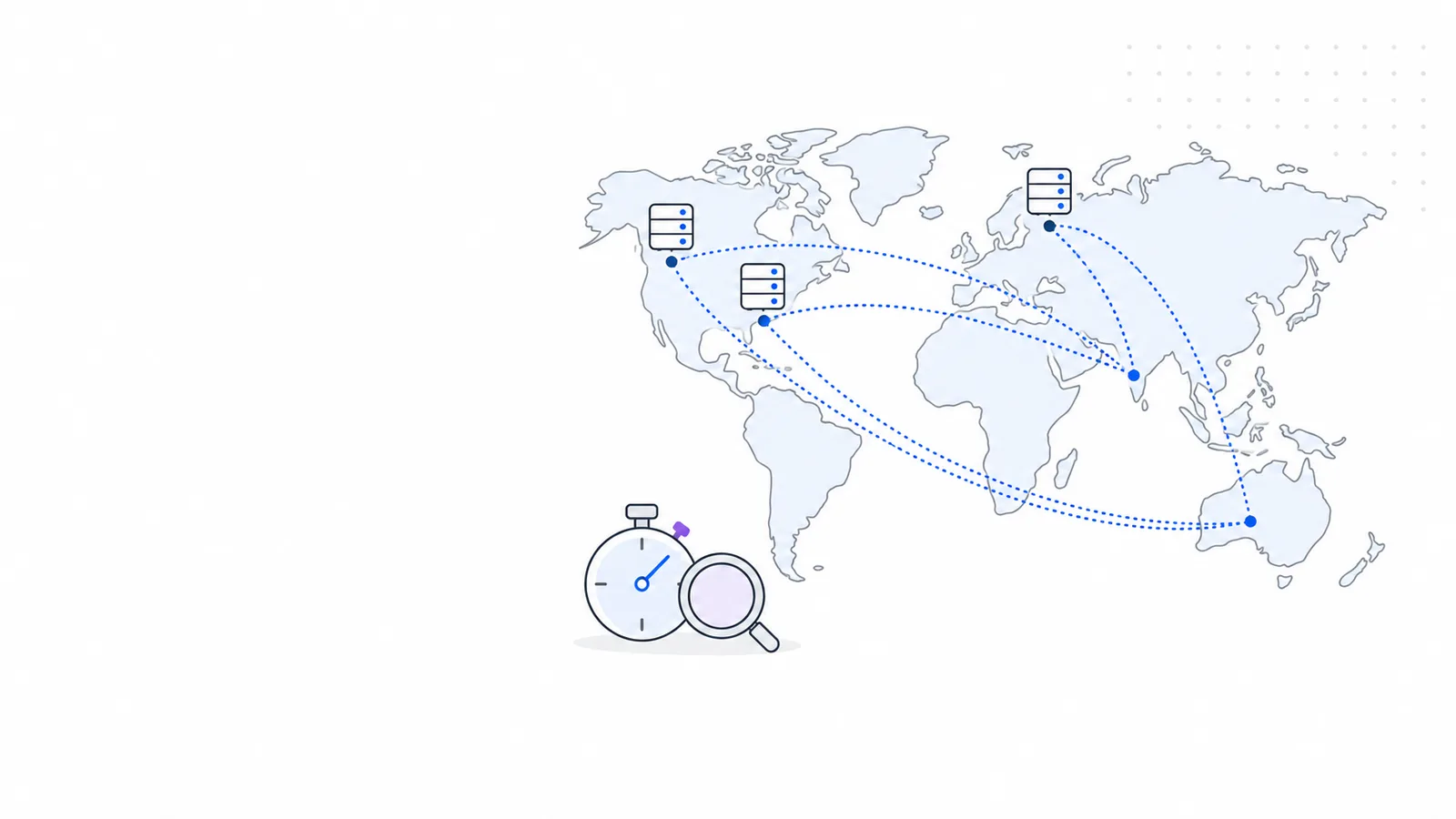


Does server location matter for SEO? A little, and mostly through speed. Google's documentation lists server location as one of several hints about which country a site is for, and says it is "not a definitive signal". Distance still adds delay for your visitors, so the region you pick affects how fast your pages load.
Key takeaways
- Google reads server location as a weak hint about your audience. A country-code domain and hreflang tags carry more weight.
- Distance adds latency to every request. Google's ranking systems use Core Web Vitals, so a distant server can cost you some speed.
- A CDN serves cached files from a point near each visitor. Pages built per visitor, such as carts and dashboards, still travel to the origin server.
- If your country has no local data center option, pick the region nearest to most of your visitors, add a CDN and make your target country obvious on the site.
- Rules about where data is stored can settle the choice before speed does.
What Google says about server location and SEO
Google's guide to multi-regional sites lists the signals it uses to decide which country a page is meant for (Google Search Central). Server location is on the list, with a caveat attached.
| Signal | What Google's documentation says |
|---|---|
| Country-code domain such as .uk, .in, .pk or .au | "a strong signal to both users and search engines that your site is explicitly intended for a certain country" |
| hreflang | Counted "whether in tags, headers, or sitemaps" |
| Server location, read from the server's IP address | "can be a signal about your site's intended audience", but "it is not a definitive signal" |
| Other signals | "local addresses and phone numbers on the pages, the use of local language and currency, links from other local sites, or signals from your Business Profile" |
Google gives its reason for the caveat in the same passage. "Some websites use distributed content delivery networks (CDNs) or are hosted in a country with better webserver infrastructure," so the IP address of a server says little about who the site is for.
The same guide compares URL structures, and it lists "Server location irrelevant" as an advantage of a country-specific domain. If your site is on a .co.uk, .in, .pk or .com.au domain, hosting it in another country does not confuse Google about your market.
Two older tactics no longer work. Google says it "ignores locational meta tags (like geo.position or distribution) or geotargeting HTML attributes". Search Console's country targeting setting is gone as well. Google's help page says the International Targeting report "has been deprecated" and that country targeting in Search Console "is no longer supported", while hreflang tags stay in use (Search Console Help).
Google Search Central also answered this question in a short video. It dates from 2022, so rely on the documentation above for current targeting methods.
How server location affects website speed
Location matters more for speed than for geotargeting. MDN defines network latency as "the time it takes for a data request to get from the computer making the request, to the computer responding", measured as a round trip (MDN). Its CDN glossary entry adds that "geographical distance affects latency proportionally" (MDN).
One page load pays that delay several times. MDN notes that the first request to a site takes longer because it includes a DNS lookup, a TCP handshake and the TLS negotiation. Each of those steps is a trip to the server and back.
The metric that shows this is Time to First Byte (TTFB). web.dev defines it as "the time between starting navigating to a page and when the first byte of a response begins to arrive". It says "good TTFB values are 0.8 seconds or less, and poor values are greater than 1.8 seconds" (web.dev). TTFB also includes the time the server spends building the page, so distance is one part of the number.
Where speed meets rankings
Google says that "Core Web Vitals are used by our ranking systems" (Google Search Central). The loading metric among them is Largest Contentful Paint, which should happen "within the first 2.5 seconds of the page starting to load" (Google Search Central). A slow first byte leaves less of that time for everything else.
The effect is limited. The same page says good scores do not "guarantee that your pages will rank at the top of Google Search results". It adds that "Google Search always seeks to show the most relevant content, even if the page experience is sub-par". Page experience helps most when many pages answer the query equally well. Relevance comes first, and speed helps you compete among pages that are equally useful.
What a CDN fixes and what it leaves alone
A content delivery network (CDN) keeps copies of your files on servers in many countries. web.dev describes the benefit this way: "CDNs solve the problem of user proximity from your origin server by using a distributed network of servers that cache resources on servers that are physically closer to your users" (web.dev).
The limit is in what the CDN caches. The same article says edge caching "is not appropriate for personalized content", and that "requiring a trip all the way back to the origin can negate much of the value of a CDN". Cloudflare's documentation states that "the Cloudflare CDN does not cache HTML or JSON by default" (Cloudflare Docs). With default settings, images, stylesheets and scripts come from a nearby edge server, and the page itself still comes from your origin.
| Type of site | How much the origin's location matters |
|---|---|
| Blog, brochure site or portfolio with a CDN and page caching | Less. Most visitors receive cached copies from a nearby edge server. |
| Online store, membership site or web app | More. The server builds cart, checkout and account pages for each visitor, so those requests travel to the origin every time. |
| Any site without a CDN | Most. Every request from every visitor travels to the origin. |
How to tell Google which country you target
If you want to rank in one country, send the signals Google documents instead of relying on a local IP address.
- Use a country-code domain when you serve one country. Google treats a few country codes as generic, including .ai, .co, .io, .me and .tv, so those do not target a country. A generic domain such as .com is not tied to any location either. You can check what is available on our domain search.
- Add hreflang tags if you publish separate versions of a page for different countries or languages. Google uses them to "point users to the most appropriate version of your page by language or region" (Google Search Central). A site with a single version does not need them.
- Put local details on the pages. Google names local addresses, phone numbers, local language and currency, links from other local sites and your Business Profile.
- Do not swap content based on the visitor's IP address. Google warns that "IP location analysis is difficult and generally not reliable" and that "most, but not all, Google crawls originate from the US", so its crawler may never see your other versions.
For hreflang, Google's rules are that each version lists itself and every other version, with fully-qualified URLs. The value is a language code in ISO 639-1 format, followed by an optional region code in ISO 3166-1 Alpha 2 format. The region code for the United Kingdom is GB.
<link rel="alternate" hreflang="en-GB" href="https://example.com/uk/" />
<link rel="alternate" hreflang="en-AU" href="https://example.com/au/" />
<link rel="alternate" hreflang="en-IN" href="https://example.com/in/" />
<link rel="alternate" hreflang="en-PK" href="https://example.com/pk/" />
<link rel="alternate" hreflang="x-default" href="https://example.com/" />
The x-default line is the fallback for visitors whose language or region you have not listed.
How to choose a region when your country has no local option
Not every host has a data center in Australia, India, the United Kingdom or Pakistan, and WaseerHost does not. Our data centers are in the USA, Germany and Finland, and the German shared hosting data center is in Frankfurt. The choice then comes down to which available region is nearest to your visitors.
| Where most of your visitors are | Region to test first | What to keep in mind |
|---|---|---|
| United Kingdom | Germany or Finland | Both are in Europe, so the path is much shorter than a transatlantic one. |
| India | Germany or Finland | Europe is geographically nearer to South Asia than North America is. Routes differ between internet providers, so measure both. |
| Pakistan | Germany or Finland | The same reasoning as India applies. Measure from a local connection before you commit. |
| Australia | The USA and Europe, side by side | Australia is far from all three regions. A CDN and page caching do most of the work here. |
| United States | The USA | A server on the same continent keeps the round trip short. |
| Several countries | The region with the most paying customers | Let the CDN cover everyone else. |
If your business depends on a busy store or app used only by customers in one distant country, a server inside that country will have lower latency than any overseas region. In that case a local provider can be the better fit.
Measure it before you decide
- Open the country report in your analytics tool and note where most visitors come from.
- Get a URL hosted in each region you are considering. A small test site is enough.
- From a connection in your target country, run this command against each URL.
curl -o /dev/null -s -w "connect: %{time_connect}s\nfirst byte: %{time_starttransfer}s\ntotal: %{time_total}s\n" https://example.com/- Compare the results. The curl manual defines
time_connectas the time "until the TCP connect to the remote host (or proxy) was completed", which mostly reflects network distance. It definestime_starttransferas the time "until the first byte was received", including "the time the server needed to calculate the result" (curl manual). - Run the test a few times at different hours and pick the region with the lower, steadier numbers.
- After launch, watch the Core Web Vitals report in Search Console, which shows how real visitors experience the site.
Our shared hosting plans come with a 30-day money-back guarantee, so you can run this test on a live account before you commit. If you later move a site to a different host or region, Google's guide to changing hosting recommends lowering your DNS TTL "at least a week in advance". It also notes that "it's normal to see a temporary drop in Googlebot's crawl rate immediately after the launch, followed by a steady increase over the next few days" (Google Search Central). We offer free website migration if you would like help with the move.
Data rules that can decide the region
Speed is not the only reason to care about location. Some contracts, industry rules and privacy laws limit where you may store personal data or which countries you may send it to. If you handle health records, payment details or government work, check those rules before you compare latency.
Two questions help here:
- Which country will the server and its backups sit in? Ask the host to name the country.
- Does your CDN keep cached copies in other countries, and do your rules allow that?
This article is not legal advice. A lawyer or your industry regulator can tell you which rules apply to your business.
Frequently asked questions
It has a small effect. Google lists server location among its geotargeting signals and says it is "not a definitive signal". The bigger effect is on speed, because Google's ranking systems use Core Web Vitals and a distant server adds delay to each request.

Written by
Web & AI Systems Lead
Web and AI Systems Lead at Wasevo, the company behind WaseerHost. He builds web applications and AI systems.