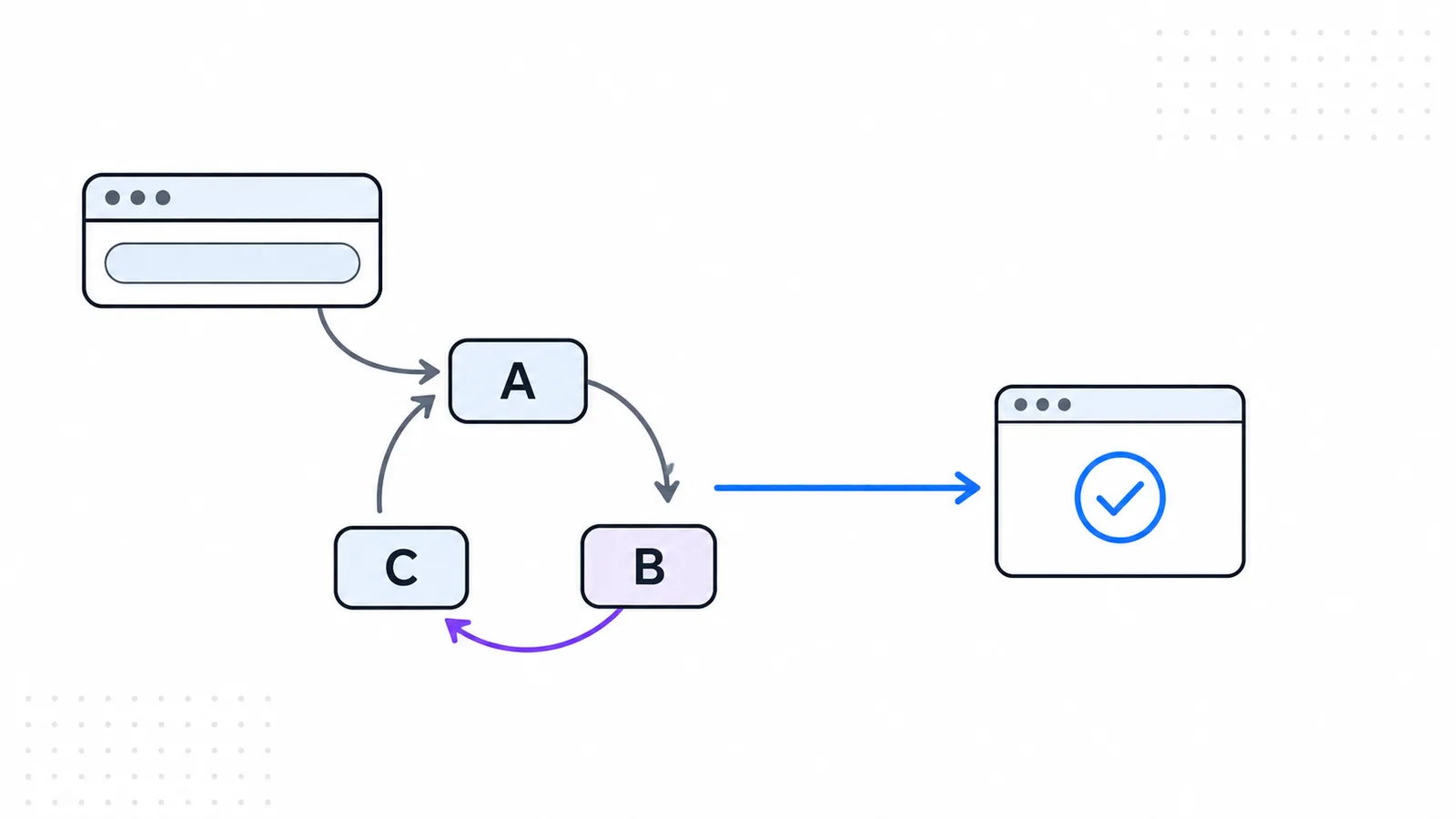


You installed an SSL certificate, turned on HTTPS, and now the browser says "This page isn't working. Redirected you too many times" (ERR_TOO_MANY_REDIRECTS). The "too many redirects" error after SSL means two things on your side are fighting: one sends visitors to HTTPS and another sends them back to HTTP, or two rules keep rewriting the same address. This guide shows how to see the loop with curl and how to fix each cause, in the order they usually show up.
Key takeaways
- A redirect loop after installing SSL almost always comes from two redirect sources disagreeing, not from a broken certificate.
- The most common cause on sites behind Cloudflare is SSL/TLS mode Flexible combined with an HTTPS redirect on the origin.
- On WordPress, check that the WordPress Address and Site Address both start with https and match your preferred www or non-www host.
- Clear cookies and cache last, because they hide whether your fix worked.
What the error means
Chrome gives up when a server redirects a request over and over. Chromium's network error list defines TOO_MANY_REDIRECTS (-310) as "Attempting to load an URL resulted in too many redirects". Firefox words it differently, as the MDN redirections guide shows.
A redirect is a response with a Location header that tells the browser where to go next. A loop happens when that address redirects again and leads back to where the visitor started. The certificate does not cause this by itself. The redirects around it do.
Step 1: Find the loop with curl
Ask the server where it sends you. The -I flag fetches headers only, -L follows redirects, and --max-redirs stops curl early. With -L, curl follows up to 50 redirects by default, so a low limit keeps the output short.
Run one check for each way a visitor can arrive:
curl -sIL --max-redirs 8 http://example.com | grep -iE '^(HTTP|location)'
curl -sIL --max-redirs 8 http://www.example.com | grep -iE '^(HTTP|location)'
curl -sIL --max-redirs 8 https://example.com | grep -iE '^(HTTP|location)'
curl -sIL --max-redirs 8 https://www.example.com | grep -iE '^(HTTP|location)'
Replace example.com with your domain. The grep keeps the status lines and Location targets. Look for:
- The same two URLs repeating, such as
http://going tohttps://andhttps://going back tohttp://. - Two hostnames bouncing, such as
example.comsending towww.example.comand back. - A chain that ends at a normal
200status. That variant is fine, so focus on the ones that loop.
When curl hits its limit without finishing, it exits with code 47, which the curl manual lists as "Too many redirects".
To see whether Cloudflare sits in front of your site, look at the response headers:
curl -sI https://example.com | grep -i '^server'A server: cloudflare line means traffic passes through Cloudflare, so check Cause 1 first. Anything else means the loop lives on your own server or in WordPress.
Cause 1: Cloudflare SSL/TLS mode is Flexible
In Cloudflare's SSL/TLS encryption modes, Flexible means visitors can use HTTPS to Cloudflare, but Cloudflare connects to your origin over plain HTTP.
Add an HTTPS redirect on the origin (in .htaccess, cPanel or a WordPress plugin) and the loop starts. Cloudflare asks over HTTP, the origin answers "go to HTTPS", and Cloudflare asks over HTTP again. Cloudflare's troubleshooting page says the same. In Flexible mode a loop forms if the origin redirects HTTP to HTTPS, and the fix is to remove the origin's HTTPS redirects or switch to Full or higher, which requires an SSL certificate on the origin.
Switching to Full (strict) is the better fix, because Flexible leaves the Cloudflare to origin leg unencrypted.
- Install a valid certificate on your origin server.
- In the Cloudflare dashboard, open SSL/TLS and set the encryption mode to Full (strict). It validates the origin certificate, which can come from a public CA such as Let's Encrypt or from Cloudflare Origin CA.
- Rerun the curl checks.
If you cannot install an origin certificate yet, the other fix is to remove the HTTPS redirect from the origin and let Cloudflare do the redirect at the edge. Cloudflare's Always Use HTTPS option (SSL/TLS, then Edge Certificates) redirects visitor requests from HTTP to HTTPS. Cloudflare recommends against also redirecting at your origin server, since that can cause redirect loops.
The reverse loop in Full modes
In Full and Full (strict) mode, Cloudflare connects to the origin over HTTPS, so a loop forms if the origin redirects HTTPS to HTTP. Remove any old rule that sends visitors back to http://. Cloudflare says HSTS can loop in the same situation, or when the encryption mode is Off.
Cause 2: WordPress still uses an http address
WordPress stores its own address in two settings, siteurl (WordPress Address) and home (Site Address). The WordPress developer documentation notes that they are stored under those option names. If the server forces HTTPS but WordPress still believes the site lives at http://, WordPress sends the visitor back to the http address, the server redirects to https again, and you have a loop.
Check them in Settings, General if you can still reach the dashboard. If you cannot log in, set them in wp-config.php. The WordPress docs give these two lines, with your own domain in place of example.com:
define( 'WP_HOME', 'https://example.com' );
define( 'WP_SITEURL', 'https://example.com' );
The wp-config documentation says the values must include https:// and must not end with a slash. These constants override the values in the wp_options table without changing the database copy.
Use the same host in both lines. If your site answers on www.example.com, write https://www.example.com in both. A mismatch with your server's www rule is its own loop (see Cause 4).
WordPress behind Cloudflare Flexible
If you must stay on Flexible for now, WordPress sees every request as plain HTTP. Cloudflare tells the origin which protocol the visitor used in the X-Forwarded-Proto header (the Cloudflare headers reference says it carries the protocol the client used). WordPress documents how to read it in Administration Over SSL, in wp-config.php:
if ( strpos( $_SERVER['HTTP_X_FORWARDED_PROTO'], 'https' ) !== false ) {
    $_SERVER['HTTPS'] = 'on';
}
This only works when the proxy sends that header. Treat it as a stopgap and move to Full (strict).
Cause 3: Duplicate redirect rules
Two tools both forcing HTTPS is harmless when they agree. It becomes a loop when they disagree about the target, such as one rule sending to https://www.example.com and another to https://example.com.
Look for HTTPS redirects in every place they hide:
- The
.htaccessfile in your site's root folder. - A WordPress SSL or redirect plugin, or a caching or security plugin with a "force HTTPS" switch.
- The cPanel Force HTTPS Redirect toggle. In the cPanel Domains interface, this sends visitors from HTTP to HTTPS, and it can only be enabled on a main domain that has a valid SSL certificate.
- Cloudflare: Always Use HTTPS, Page Rules and redirect rules. Cloudflare says conflicting redirect rules can send traffic back and forth between hosts or protocols.
Keep one. Apache recommends a Redirect in a dedicated HTTP virtual host when you control the server config, and gives this .htaccess version when you do not:
RewriteEngine On
RewriteCond "%{HTTPS}" !=on
RewriteRule "^(.*)" "https://%{SERVER_NAME}$1" [R=301,L]
This is from the Apache Forcing HTTPS recipe. The %{HTTPS} variable is on when the connection uses SSL/TLS, so the rule fires only for plain HTTP. Behind Cloudflare Flexible, the origin always sees plain HTTP, which is why this rule loops there and why Cause 1 comes first.
Download a copy of .htaccess before you edit it. Then disable every HTTPS rule except one and rerun the curl checks.
Cause 4: www and non-www conflicts
A loop appears when two layers choose different hosts. The server sends example.com to www.example.com, and WordPress or a plugin sends it back. In the curl output, the Location lines alternate between the two hosts. Choose one canonical host and make every layer agree:
- Decide on www or non-www.
- Set
WP_HOMEandWP_SITEURL(or the two Settings fields) to that host withhttps://. - Keep only one host redirect, in
.htaccessor in the hosting panel, pointing to the same host. - Check that DNS has records for both hosts, for example with the DNS lookup tool.
Apache's canonical hostname recipe in the same documentation page is a template for the redirect. Its example uses http://, so change the scheme to https and test with curl.
Last step: clear cookies and cache
Do this after the fixes above, not before. Clearing cookies does not repair a loop the server still produces, and stored browser data can make a half-fixed site look fixed or broken. Some sites also set cookies that trigger their own redirects. In desktop Chrome, per Google's instructions:
- Open the More menu (three dots) and choose Delete browsing data.
- Pick a time range and select Cookies and other site data.
- Select Delete data.
To clear one site only, use Settings, Privacy and security, Third-party cookies, See all site data and permissions. Deleting cookies can sign you out of sites. Purge any caching plugin or CDN cache too, then test in a private window. Curl uses no browser cookies or cache, so it separates a server problem from a browser problem.
If it still doesn't work
- Rename the
wp-content/pluginsfolder over FTP or the file manager to disable all plugins, then test. If the loop stops, rename it back and re-enable plugins one at a time. - Rename
.htaccessand reload. If the site loads, the loop was in that file. - Review every Cloudflare redirect rule and Page Rule for a pair that points at each other.
- Treat mixed content as a separate problem. Cloudflare notes that forcing HTTPS does not fix it, and that Automatic HTTPS Rewrites can resolve some of those links.
Preventing the loop on a new SSL install
WaseerHost plans include free SSL certificates and use cPanel, so the certificate and the redirect live in one place. See current shared hosting plans, read about WordPress hosting, or see website security. On any host, keep one HTTPS redirect, one canonical host, and the same address in WordPress.
Frequently asked questions
Two redirect sources disagree. Typical pairs are Cloudflare Flexible mode with an HTTPS redirect on the origin, a WordPress address still set to http while the server forces https, or two rules redirecting to different hosts. The certificate is rarely the problem.

Written by
Web & AI Systems Lead
Web and AI Systems Lead at Wasevo, the company behind WaseerHost. He builds web applications and AI systems.