

If you are asking what is an SSL certificate, the short answer is that it is a small data file on a web server that proves which website you reached and lets the browser open an encrypted HTTPS connection to it. Without a valid one, browsers label your site "Not secure" or stop visitors with a full-page warning. This guide explains how certificates work, how DV, OV and EV differ, when a free certificate is enough, and how to check, fix and renew yours.
Key takeaways
- An SSL certificate ties a public key to your domain name, and a certificate authority signs it so browsers can trust it.
- "SSL" is the old name. Every certificate issued today works with TLS, the protocol that replaced SSL.
- DV, OV and EV certificates give the same proof that the visitor reached the right domain. They differ in how much the certificate says about the organization behind the site.
- A free DV certificate is enough for most websites, as long as it renews automatically.
- Most browser warnings come from four causes, which are an expired certificate, a name that does not match, an untrusted issuer, or mixed content.
What is an SSL certificate?
An SSL certificate is a digital certificate installed on the server that hosts your website. MDN describes a digital certificate as a data file that binds a public cryptographic key to an organization, signed by a certificate authority (CA) that vouches for it.
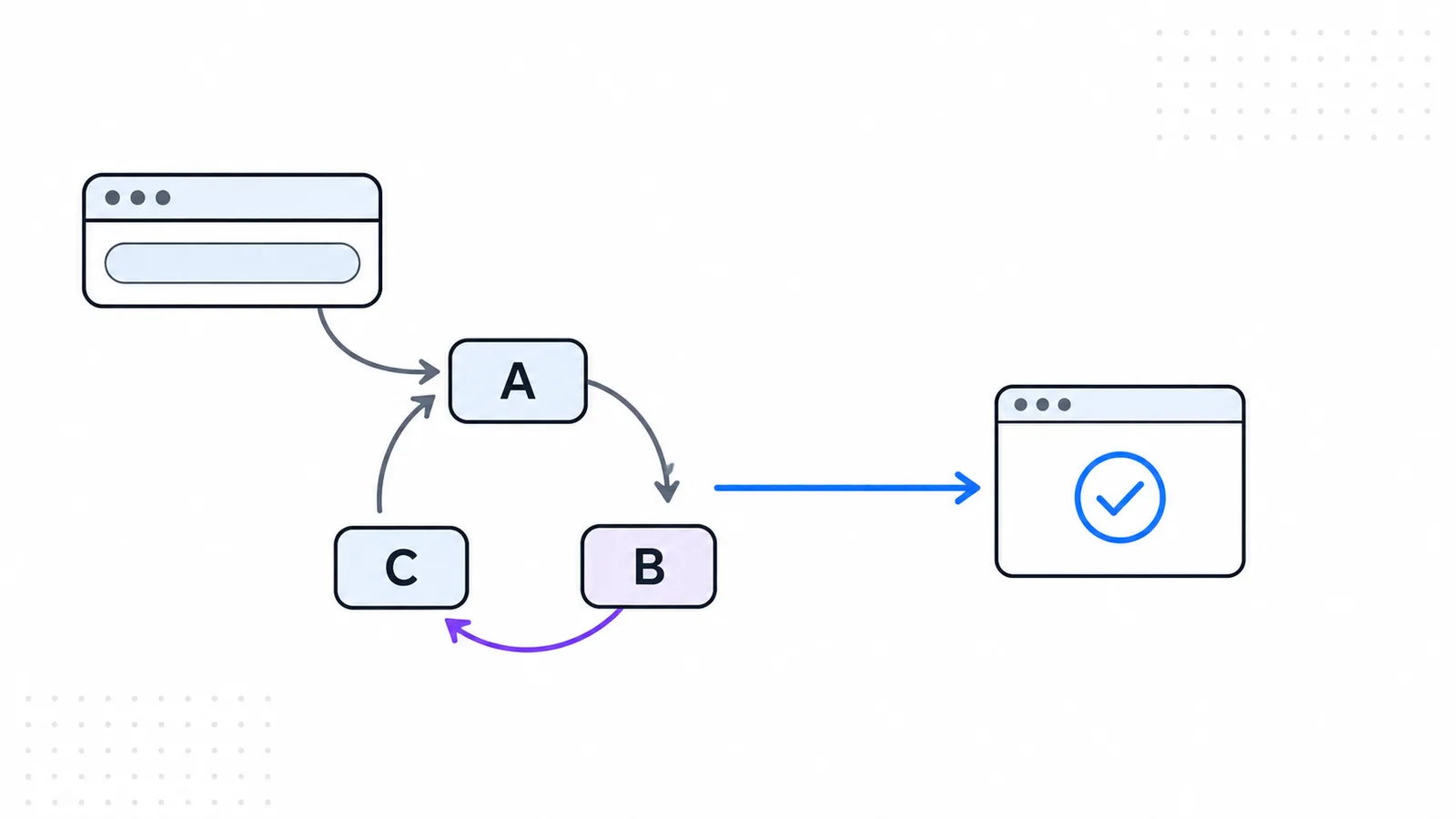
When a visitor opens https://example.com, three things happen:
- The server sends its certificate to the browser.
- The browser checks that the certificate covers
example.com, that today's date falls inside its validity period, and that a CA the browser already trusts signed it. Browsers ship with a built-in list of trusted root certificates for this check. - If all three checks pass, the browser and server agree on encryption keys and the page loads over HTTPS.
From then on, nobody between the visitor and the server can read or change the traffic. That covers passwords, card numbers, contact forms and the pages themselves.
SSL and TLS mean the same thing in everyday use
Secure Sockets Layer (SSL) is the original protocol. Netscape released its last version, SSL 3.0, in 1996, and Transport Layer Security (TLS) has since replaced it. Major browsers began removing support for TLS 1.0 and 1.1 in early 2020, so a web server now needs TLS 1.2 or TLS 1.3.
The name "SSL certificate" stayed in use anyway. A certificate sold as SSL, TLS or SSL/TLS is the same product, and you do not need a different certificate for each protocol version.
What a certificate contains
You can read any site's certificate yourself. On macOS or Linux, this command prints the main fields. Replace example.com with your domain in both places.
echo | openssl s_client -connect example.com:443 -servername example.com 2>/dev/null | openssl x509 -noout -subject -issuer -dates -ext subjectAltNameThe output shows four things:
subjectis the name the certificate was issued to.issueris the certificate authority that signed it.notBeforeandnotAfterare the start and end of the validity period.X509v3 Subject Alternative Namelists every hostname the certificate covers, for exampleexample.comandwww.example.com.
DV vs OV vs EV certificates
Certificate authorities follow rules set by the CA/Browser Forum, a group of CAs and browser makers. Its Baseline Requirements define the certificate types below.
| Type | What the CA checks | What the certificate shows | Typical use |
|---|---|---|---|
| Domain Validated (DV) | That you control the domain | The domain names only | Blogs, business sites, most online stores |
| Organization Validated (OV) | Domain control plus the organization's identity | Domain names plus the organization's name and country | Companies that want their name in the certificate |
| Extended Validation (EV) | Domain control plus a stricter check of the legal entity | The legal entity's name, place of business, jurisdiction and registration number | Banks, payment providers, large brands |
The Baseline Requirements state that although each type carries different subject information, all of them provide the same level of assurance of the domain name. The extra checks in OV and EV add information about who runs the site. They do not change how the browser confirms it reached the right domain.
For a DV certificate, the CA only asks you to prove control of the domain. Your server places a file at an address the CA chooses, or you add a DNS record the CA asks for. Software can do both, which is why a DV certificate can be issued without anyone filling in a form.
Two more terms describe how many hostnames a certificate covers. A multi-domain certificate lists several domains in one certificate. A wildcard certificate covers every subdomain at one level, such as *.example.com.
Free vs paid SSL certificates
Let's Encrypt is a nonprofit certificate authority that charges no fee for its certificates. It issues DV certificates only. Its FAQ says it does not offer OV or EV because it cannot automate issuance for those types.
A free DV certificate makes sense when:
- You want HTTPS on a personal site, a business site or a store.
- Your host installs and renews the certificate for you.
A paid certificate makes sense when:
- You need an OV or EV certificate that names your organization.
- A partner, bank or internal policy asks for one of those types.
Free certificates have shorter lives. Let's Encrypt certificates are valid for 90 days by default, so they depend on automatic renewal. That is normally invisible to you because the hosting control panel handles it.
WaseerHost includes free SSL certificates with its hosting plans, so you do not need to buy a certificate to run a site over HTTPS. You can see current plans for details.
How to check a site's SSL certificate
In the browser
In Chrome on a computer, look at the security status symbol to the left of the web address and select it. Chrome's help page explains the labels. The default symbol means the information you send or get is private between you and the site. "Not secure" means the site does not use a private connection, and someone may be able to view and change what you send.
From the command line
Use the openssl command from the previous section. Check that notAfter is in the future and that the hostname you typed appears in the Subject Alternative Name list.
In cPanel
- Log in to cPanel.
- Under Security, open SSL/TLS Status.
- Find your domain in the table and read the certificate status. The filters use the statuses Active, Expiring Soon, Expired and Unsecured.
- Select View Certificate to see the full details.
How to fix common SSL certificate warnings
Chrome shows a short code under each certificate warning. The code tells you which check failed.
| Chrome error code | Which check failed |
|---|---|
NET::ERR_CERT_DATE_INVALID | Today's date is outside the certificate's validity period |
NET::ERR_CERT_COMMON_NAME_INVALID | The certificate does not list the hostname in the address bar |
NET::ERR_CERT_AUTHORITY_INVALID | The browser does not trust the issuer |
Expired certificate
The certificate passed its notAfter date, usually because automatic renewal stopped working.
- Confirm the date with the
opensslcommand or in SSL/TLS Status. - In cPanel, open SSL/TLS Status and select Run AutoSSL. For a paid certificate, renew it with the provider and install the new file.
- If you are the only person who sees the warning, check the clock on your device. The Chromium source code lists a wrong local clock as one cause of this error.
Name mismatch
The certificate is valid, but not for the hostname the visitor typed. A common case is a certificate that lists example.com but not www.example.com, or a new subdomain added after the certificate was issued.
- Read the Subject Alternative Name list and compare it with the address in the browser.
- Make sure the missing hostname points to the same server. You can check its records with the DNS lookup tool.
- Issue the certificate again so that it includes the missing name. cPanel's AutoSSL adds the
wwwversion of each domain when that hostname passes its validation test.
Untrusted issuer
The browser cannot connect the certificate to a CA it trusts. The usual cause is a self-signed certificate, which a server creates for itself and no CA signs. Replace it with a certificate from a trusted CA, such as the free one your host provides.
Mixed content
Mixed content is a different kind of problem. The certificate is fine, but the HTTPS page loads some files over plain http://. MDN explains that browsers upgrade insecure requests for images, audio and video to HTTPS, and block other insecure requests such as scripts, stylesheets and iframes. The result is often a page with broken layout or missing features.
To fix it:
- Open the page, then open the browser's developer console. It prints a warning for each resource it upgraded or blocked.
- Change each
http://link tohttps://, or use a relative link for files on your own domain. - If the site has many old links, add this response header. It tells the browser to request every insecure URL on the page over HTTPS.
Content-Security-Policy: upgrade-insecure-requests;If you cannot set headers, the same policy works as a tag inside the page's <head>:
<meta http-equiv="Content-Security-Policy" content="upgrade-insecure-requests" />If a resource is not available over HTTPS at all, the upgraded request fails, so you need to host that file elsewhere or remove it. If turning on HTTPS left you with a loop instead of a warning, see our guide to fixing too many redirects after SSL.
How to renew an SSL certificate
Automatic renewal
On a cPanel host, AutoSSL replaces certificates before they expire. According to cPanel's documentation, AutoSSL attempts to renew Let's Encrypt certificates when they expire within 29 days. Let's Encrypt recommends automatic renewal and advises against renewing by hand.
To renew manually before the next automatic run:
- Log in to cPanel.
- Go to Security, then SSL/TLS Status.
- Select Run AutoSSL.
Paid certificates
Renew a paid certificate with the provider that issued it, then install the new certificate on the server. In cPanel, the SSL/TLS Wizard handles purchases, and the SSL/TLS interface lets you install a certificate you bought elsewhere.
When automatic renewal fails
Check these three things:
- The domain still points to the hosting server. The CA must reach your site to validate it, so a domain that moved to another server cannot renew on the old one.
- No CAA record blocks the CA. A CAA record in your DNS zone restricts which CAs may issue certificates for the domain. If one exists for another provider, add a record for the CA your host uses or remove the old one.
- The hosting account is active. AutoSSL does not issue certificates for suspended accounts.
Why certificate lifetimes keep getting shorter
The CA/Browser Forum is lowering the maximum validity of public certificates in stages.
| Certificates issued from | Maximum validity |
|---|---|
| 15 March 2026 | 200 days |
| 15 March 2027 | 100 days |
| 15 March 2029 | 47 days |
Let's Encrypt is shortening its own certificates too. Its default certificates drop from 90 days to 64 days on 10 February 2027 and to 45 days on 16 February 2028. A certificate that you renew by hand once a year is no longer an option. Pick a setup that renews for you, and check the expiry date after any DNS or server change.
A certificate protects data on its way between visitor and server. It does not protect the site from weak passwords or outdated software, so treat it as one part of your website security.
Frequently asked questions
Yes. Without HTTPS, Chrome labels a site "Not secure" and warns that someone may be able to view and change the information sent through it. Google has also used HTTPS as a lightweight ranking signal since 2014. A free DV certificate removes both problems.

Written by
Web & AI Systems Lead
Web and AI Systems Lead at Wasevo, the company behind WaseerHost. He builds web applications and AI systems.