How to secure a VPS: first-hour Linux hardening checklist
Secure a VPS in its first hour with a sudo user, SSH keys, no password login, a ufw firewall, automatic updates, fail2ban and backups. Commands for Ubuntu and Debian.

Clear, tested instructions for domains, DNS, email, cPanel, WordPress and n8n, with the exact commands and settings.
Secure a VPS in its first hour with a sudo user, SSH keys, no password login, a ufw firewall, automatic updates, fail2ban and backups. Commands for Ubuntu and Debian.
Top guides
All guidesHow to transfer a domain between registrars: the 60-day rules, unlocking, the authorization code, DNS before and after, timelines and fixes for failed transfers.
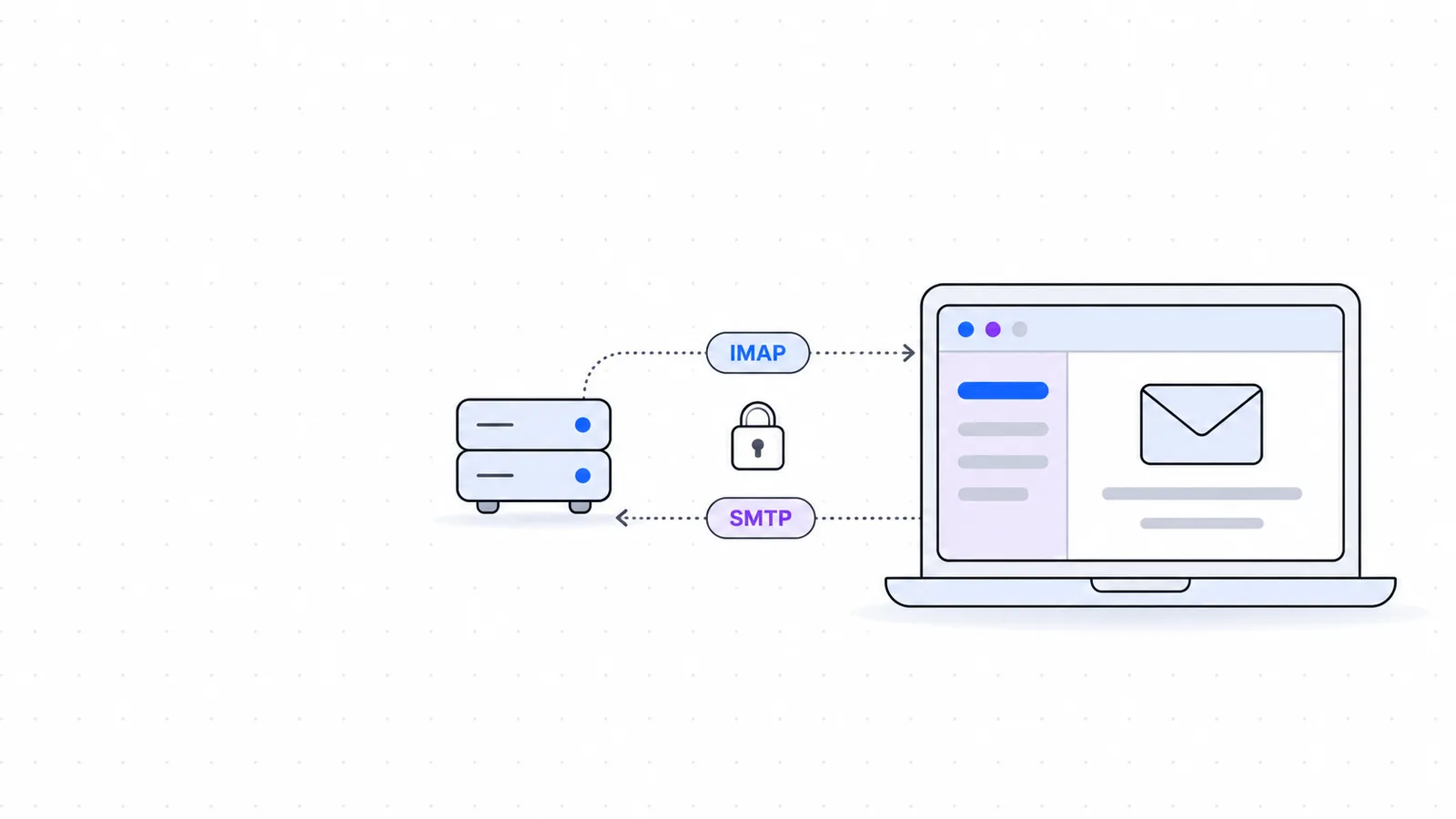
Add a business email account to Outlook or Apple Mail with the right IMAP and SMTP servers, ports and SSL/TLS settings, plus fixes for common setup errors.
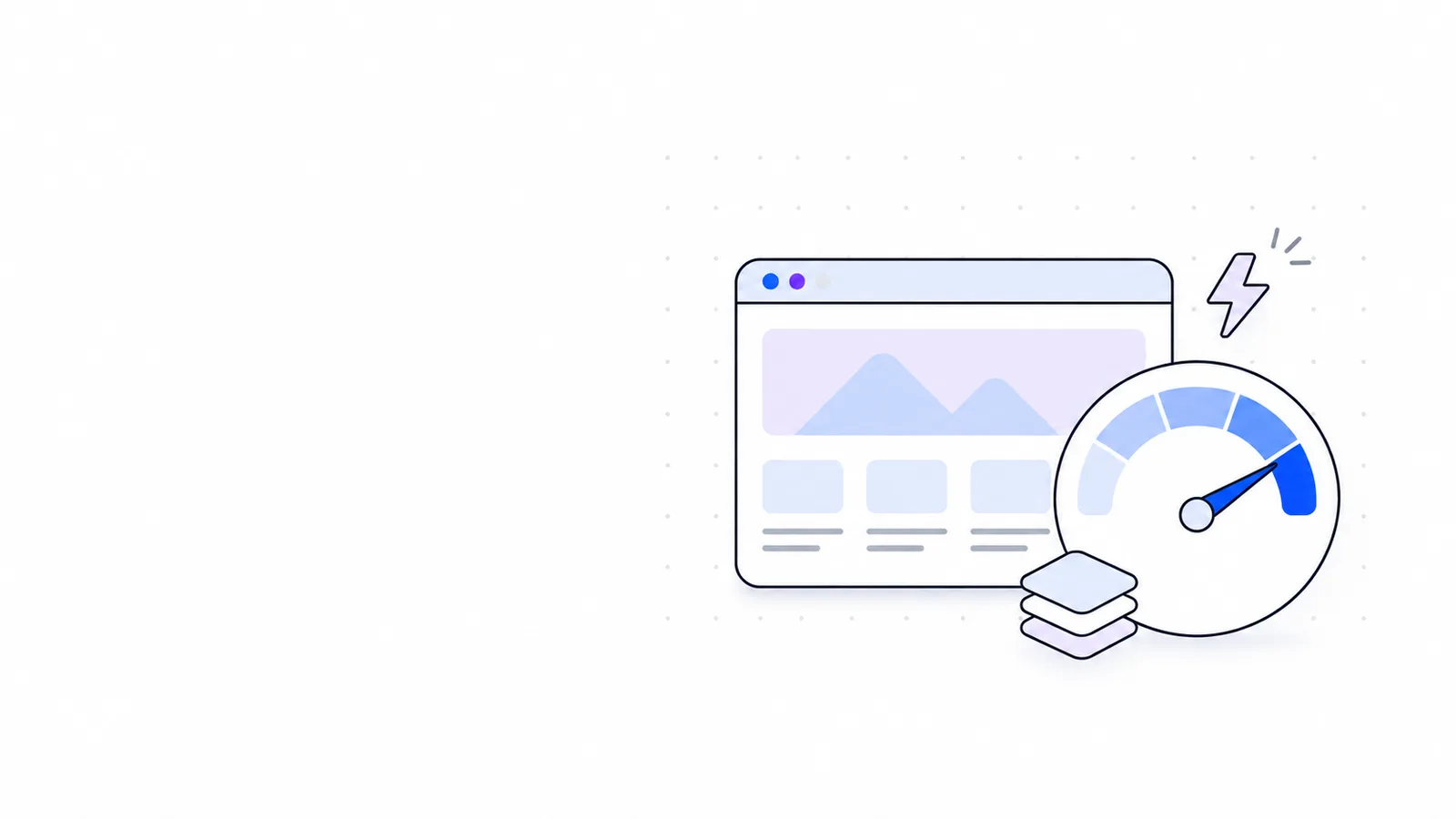
How to speed up WordPress step by step: measure with PageSpeed Insights, fix images, turn on caching, trim plugins, update PHP, clean the database and add a CDN.
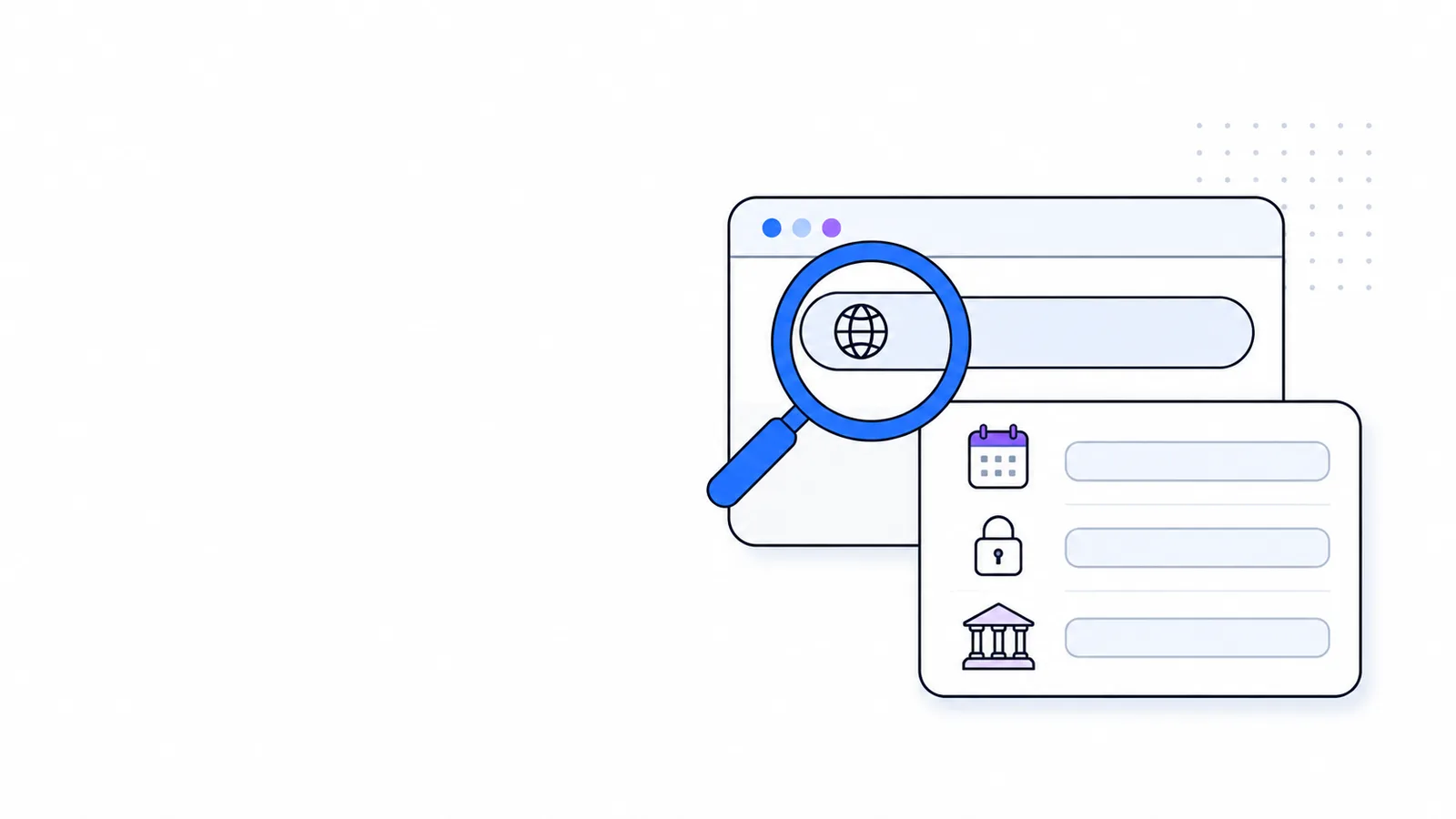
Run a WHOIS or RDAP lookup to see who owns a domain. Learn what a redacted record means, how to contact the owner and what to do if the name has expired.
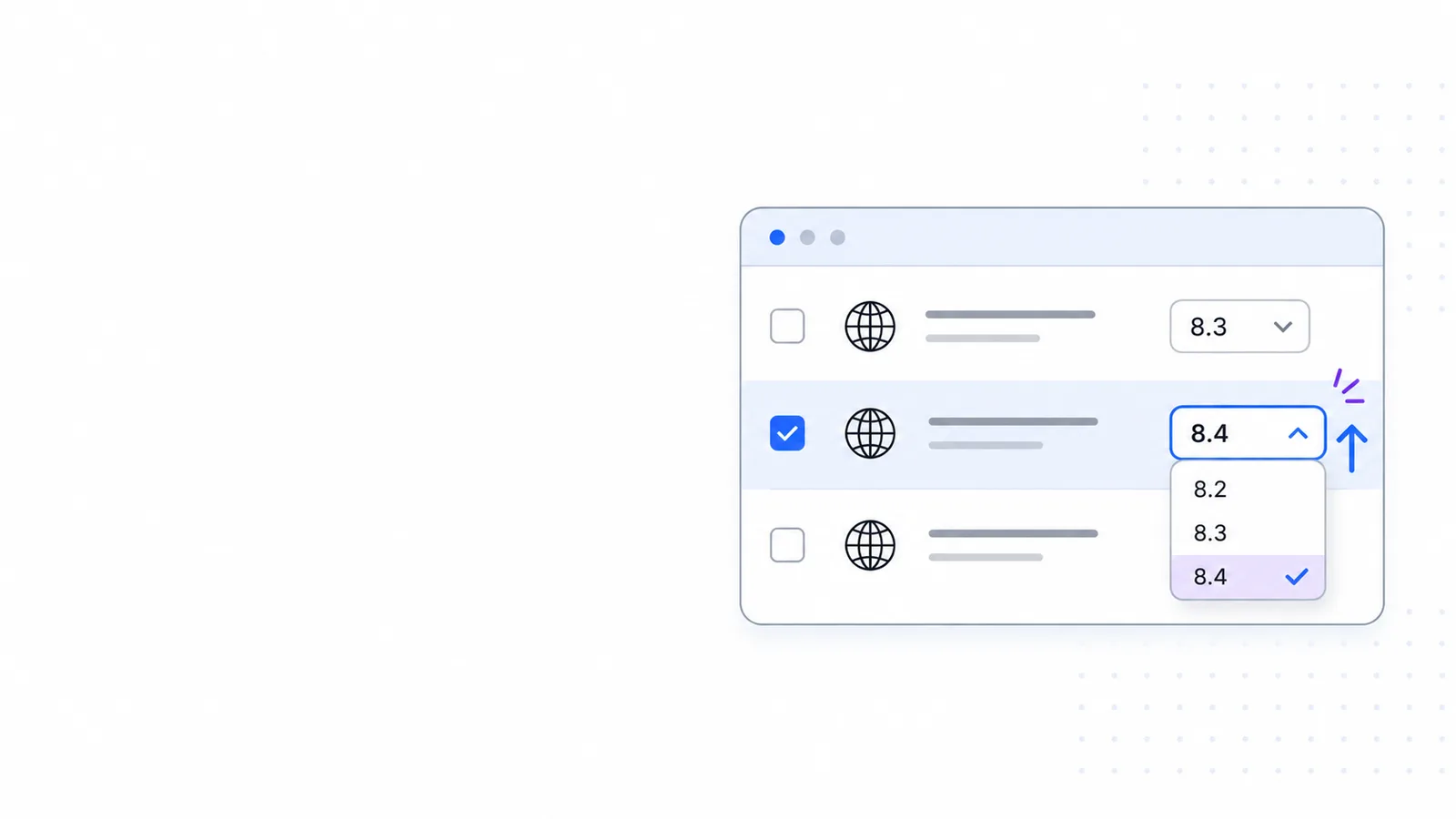
Change the PHP version for one site in cPanel, enable extensions, confirm the result with phpinfo and fix the errors that follow an upgrade.
Install n8n with Docker Compose on a Linux VPS: Docker setup, DNS, the .env and compose files, Traefik HTTPS, the data volume, updates and backups.
Connect to a VPS over SSH from Windows, macOS or Linux, set up a key pair, and fix permission denied, host key changed and timeout errors.
DNS propagation time depends on the old TTL of the record you changed. Record edits take minutes to hours, and nameserver changes can take up to 48 hours.
Copy-ready .htaccess rules for 301 and 302 redirects: one page, a whole domain, HTTP to HTTPS and www to non-www, plus the cPanel steps and how to test.
An SSL certificate proves your site's identity and turns on HTTPS. Learn how DV, OV and EV differ, when free is enough, and how to fix warnings and renew.
Back up WordPress files and the database from cPanel, by hand or with a plugin, then store the copies safely and prove you can restore one.
Install WordPress on cPanel hosting with a one-click installer or by hand with a database and File Manager, then fix the common setup errors.
cPanel is the control panel for a web hosting account. See what each main tool does for files, email, databases, domains, SSL and backups, and what to set up first.
Move a website between cPanel accounts with a Full Backup, WHM Transfer Tool or a manual copy. Test with a hosts file, switch DNS safely and roll back if needed.
Run n8n self hosted for production with Docker Compose, PostgreSQL, an HTTPS reverse proxy, encryption key backups, safe updates and queue mode when you need it.
A practical WordPress security checklist: updates, strong logins with two-step verification, user roles, file editing, permissions, salts, HTTPS, tested backups and what to do if hacked.
ERR_TOO_MANY_REDIRECTS after installing SSL means two redirects disagree. Find the loop with curl, then fix Cloudflare, WordPress, .htaccess or www conflicts.
What a 500 internal server error means and how to fix it on a cPanel host: error log, .htaccess, permissions, PHP version, limits, plugins and core files.
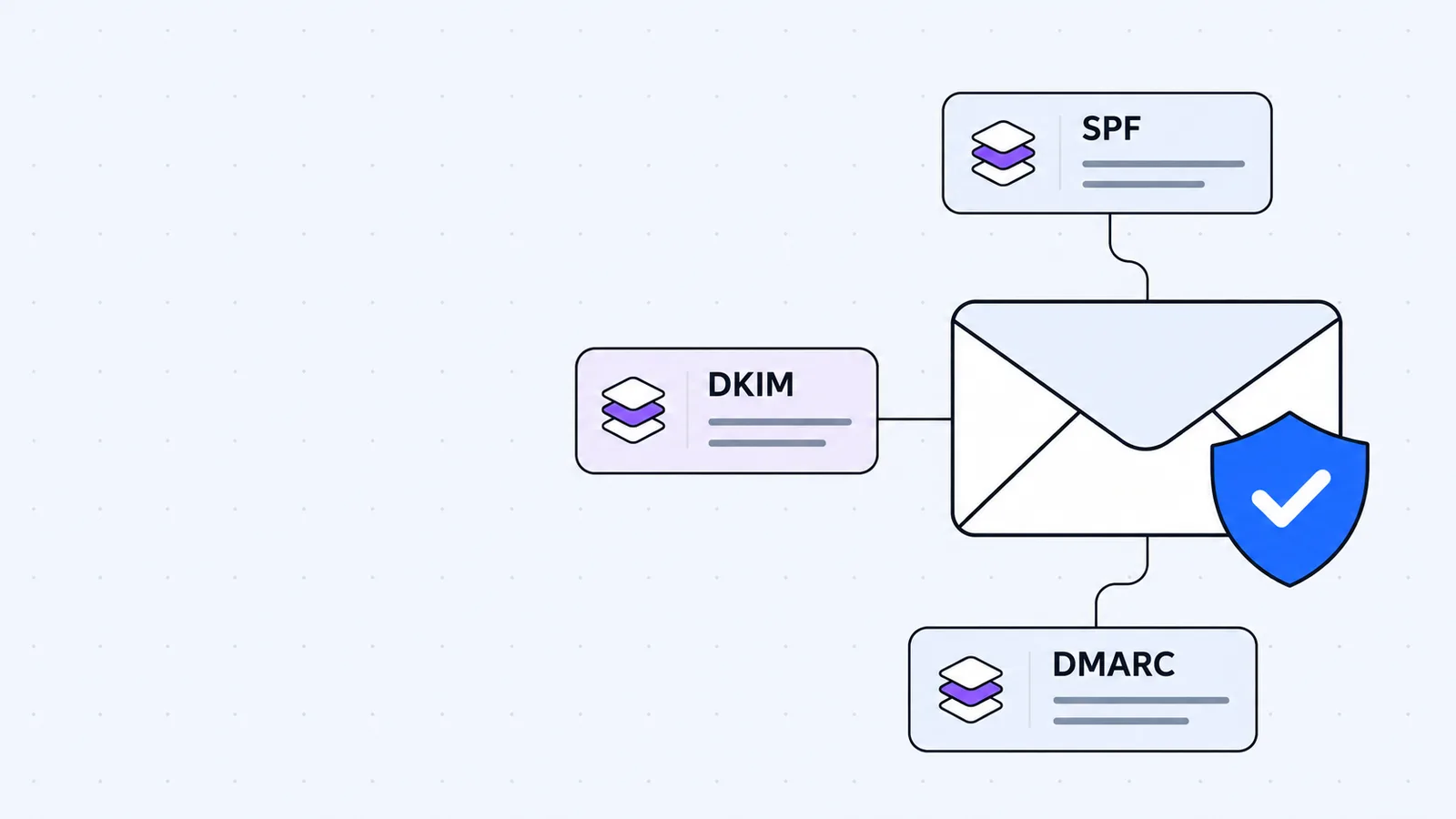
Set up SPF, DKIM and DMARC on a cPanel host with the Email Deliverability tool, read each record, and roll DMARC out safely from p=none to reject.
Looking for a Vercel alternative? Next.js runs on any Node.js host. Here are the four official ways to deploy it, which features each supports, and what you manage yourself.
DNS_PROBE_FINISHED_NXDOMAIN means the DNS lookup said the domain doesn't exist. Find out whether it's your device or the website, then fix it step by step.
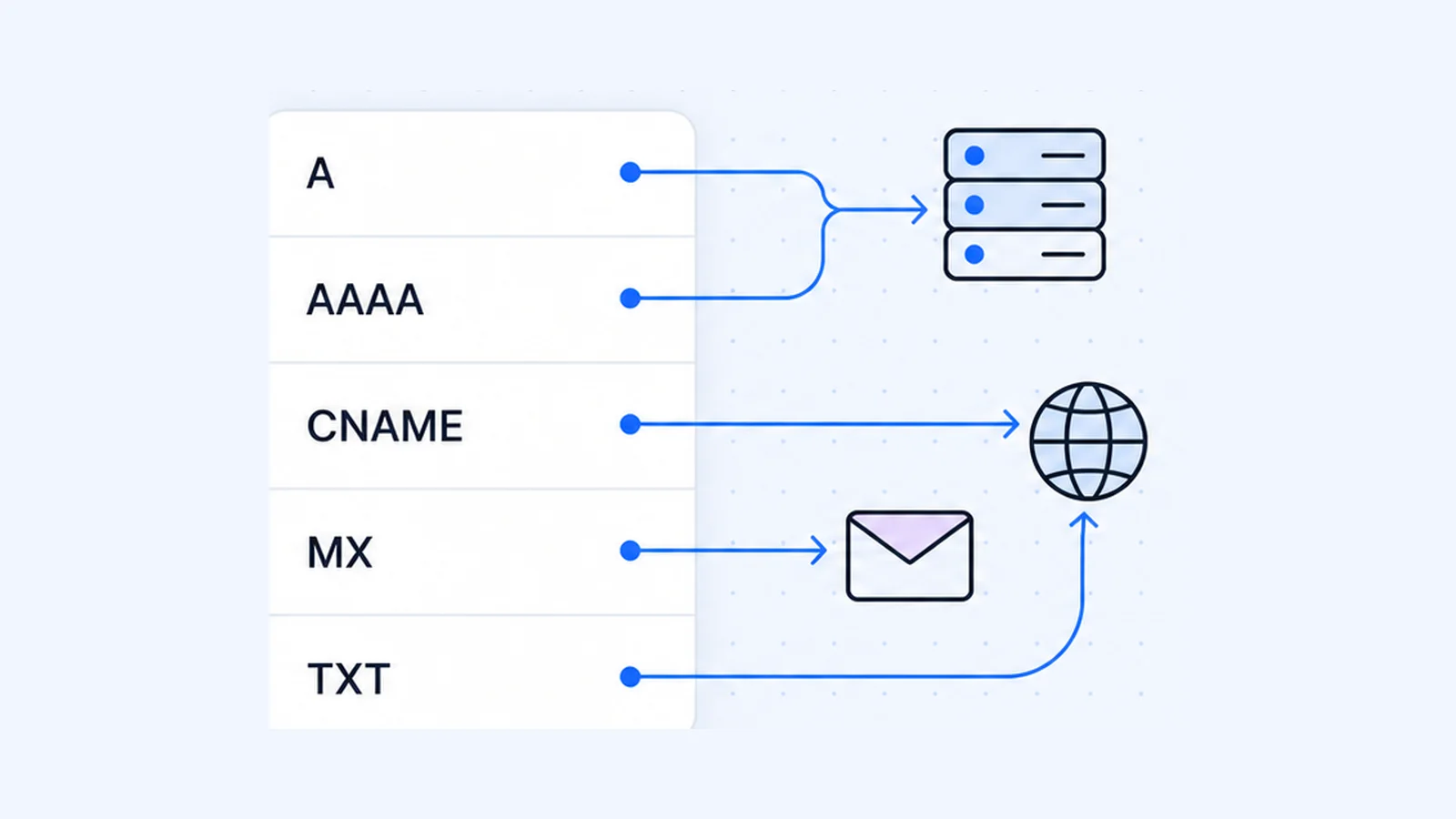
DNS records tell the internet where your site and email live. Learn what A, AAAA, CNAME, MX, TXT, NS, SOA, PTR, CAA and SRV records do and how to look them up.
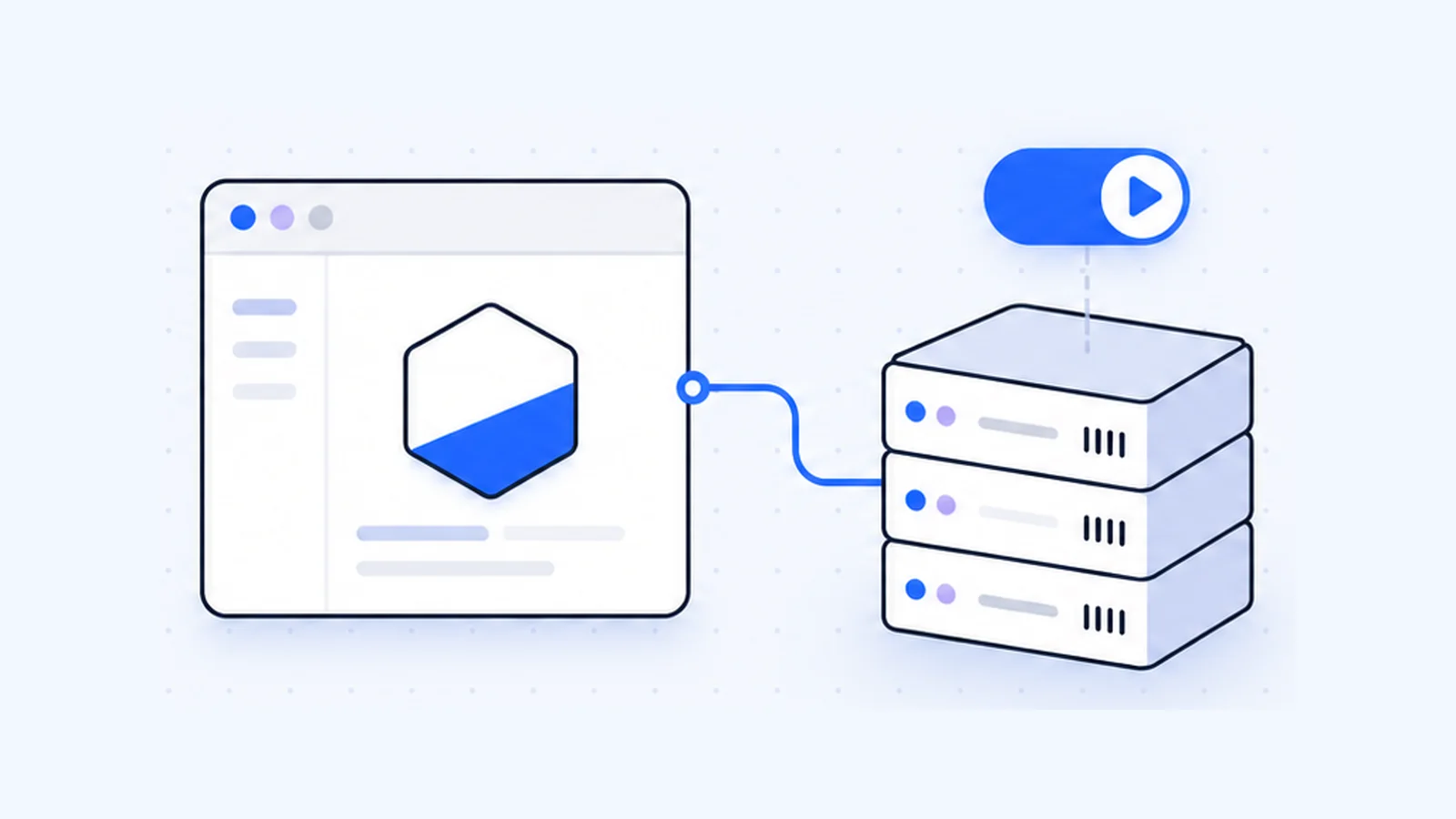
Host a Node.js app in cPanel: create the app, pick the Node version and startup file, run npm install, set environment variables, restart, and run Next.js standalone.
Deploy Laravel on cPanel shared hosting: Git and Composer, the /public document root, .env and APP_KEY, migrations, caching, the scheduler cron and queues.
A three-phase website migration checklist: backups, DNS and email inventory, TTL, hosts-file testing, SSL, email cutover, SEO and when to cancel the old host.
Check when a domain expires with a WHOIS/RDAP lookup, read the two expiry dates correctly, and learn what happens after expiry for .com and ccTLD domains.
Two ways to use Gmail with your own domain after Google's 2026-2027 changes: Google Workspace, or your hosting mailbox in the Gmail app over IMAP. Plus SPF, DKIM and DMARC basics.
Run ipconfig /flushdns on Windows, sudo killall -HUP mDNSResponder on a Mac, or resolvectl flush-caches on Linux. Exact commands, Chrome's cache and how to verify.
Fix the DNS server not responding error: test whether DNS is the cause, then restart, flush, switch to 1.1.1.1 or 8.8.8.8, and reset Windows networking.
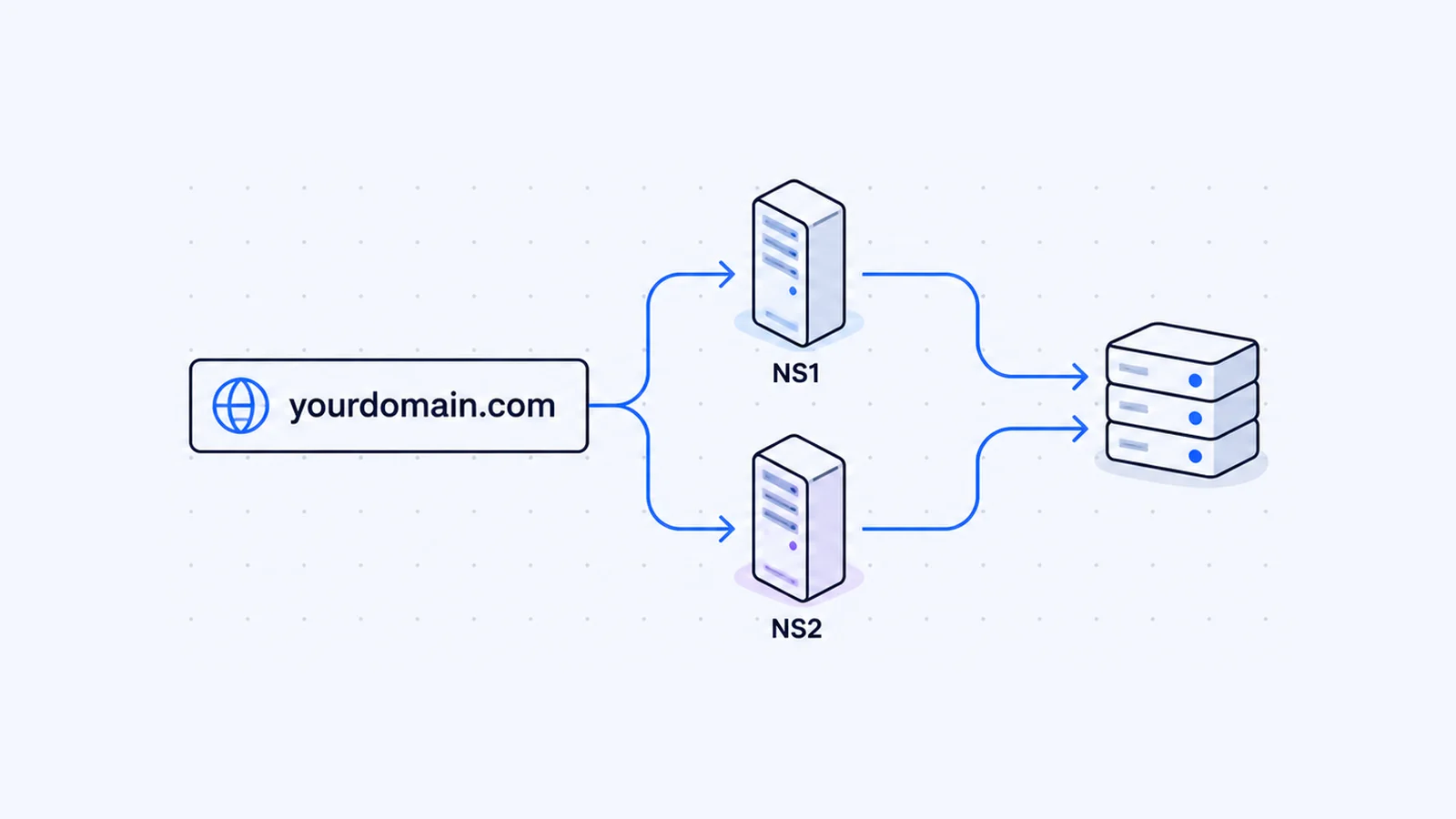
Nameservers hold your domain's DNS records. Learn how they differ from DNS records, how to check them with dig or nslookup, and how to change them safely.
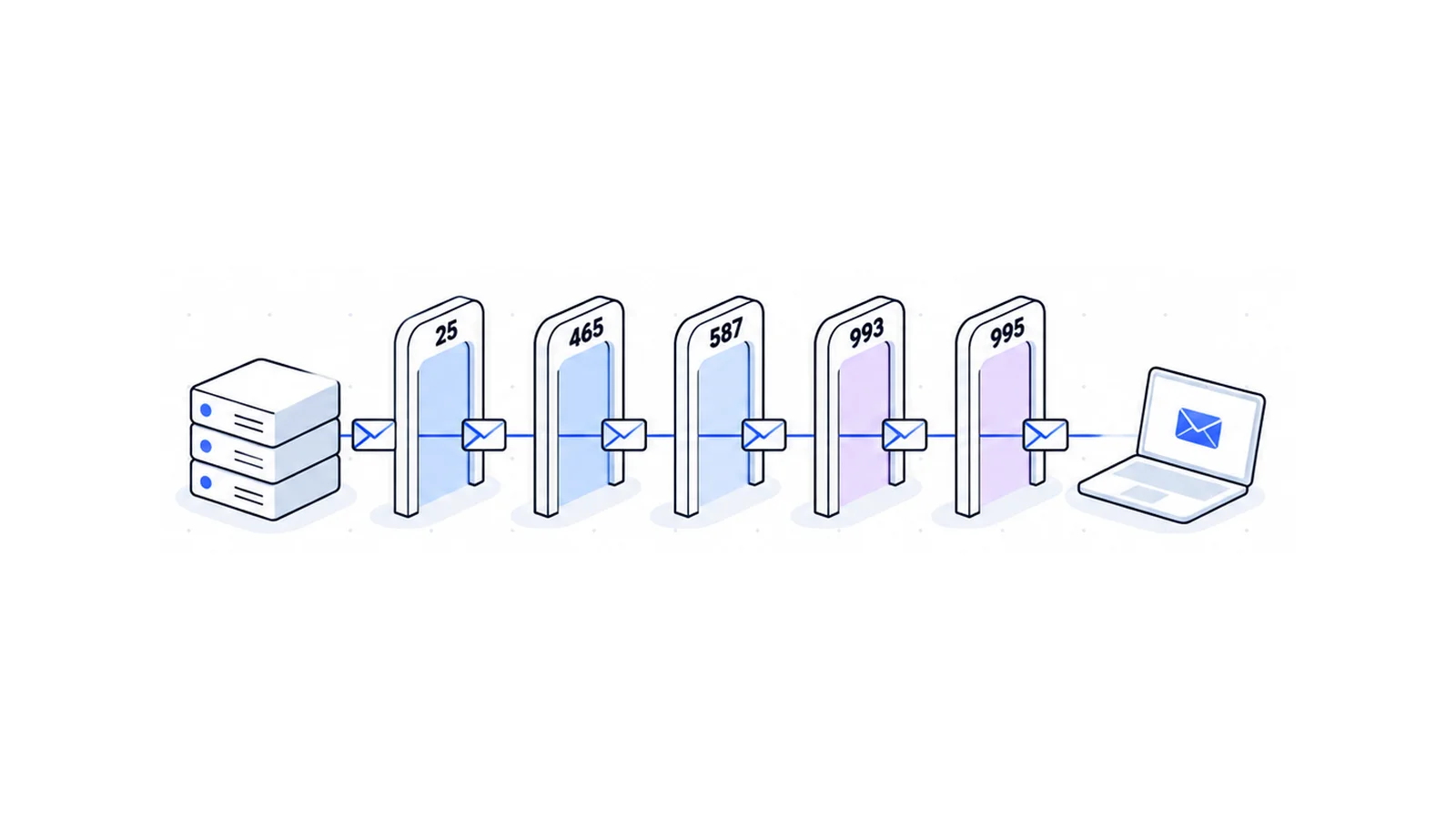
Which SMTP port to use (465 or 587), what port 25 is for, the IMAP and POP3 ports (993, 995), and how to test any mail port, with every number checked against IANA and the RFCs.
11 guides
4 guides
5 guides
5 guides
4 guides
2 guides
3 guides
Check a domain before you buy, move or fix it.
One short email when we publish something useful. No spam; unsubscribe at any time.
Free SSL · Free migration · 24/7 support