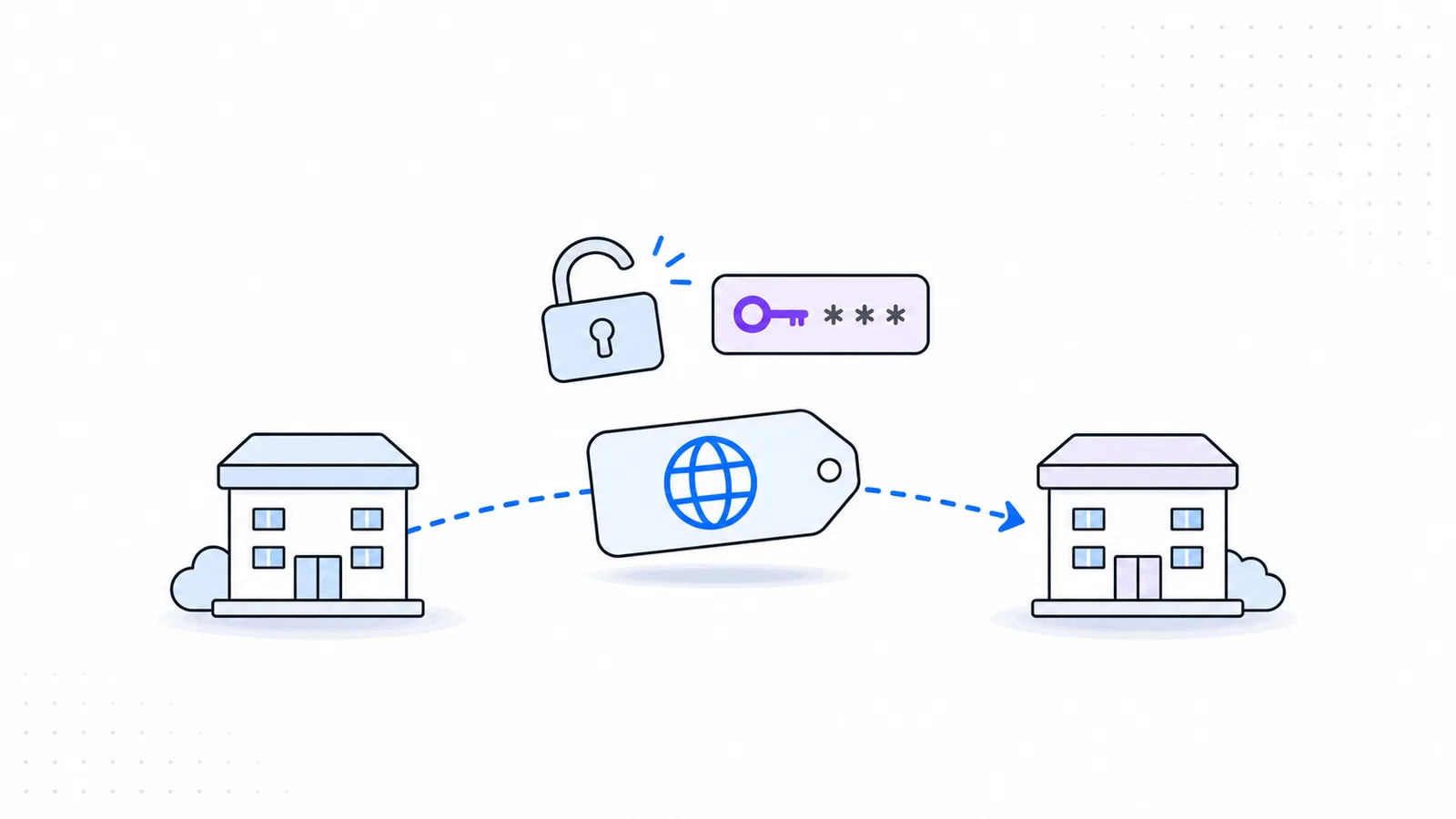


To transfer a domain, unlock it at your current registrar, get its authorization code (also called an EPP code or auth code), then start the transfer at the new registrar and approve it. For .com and other generic domains, the registry completes the move within five calendar days. This guide explains how to transfer a domain step by step, how the 60-day rules work, and how to keep your website and email online while the registrar changes.
Key takeaways
- A transfer changes the registrar that manages your registration. It does not move your website, mailboxes or DNS records.
- A registrar may refuse a transfer for 60 days after registration or a previous transfer, and must lock the domain for 60 days after a change of registrant name, organization or email unless you opted out first.
- The current registrar must remove the transfer lock and give you the authorization code within five calendar days of your request.
- Copy your DNS records before you start. If the old registrar also hosts your DNS, move DNS first and transfer the registration second.
- Country-code domains such as .uk and .au follow their own registry rules.
What a domain transfer changes
A domain transfer moves your registration from one registrar to another. The new registrar sends a transfer command to the registry, and the registry updates its database to show the new registrar (ICANN Transfer Policy, section I.A.2.2).
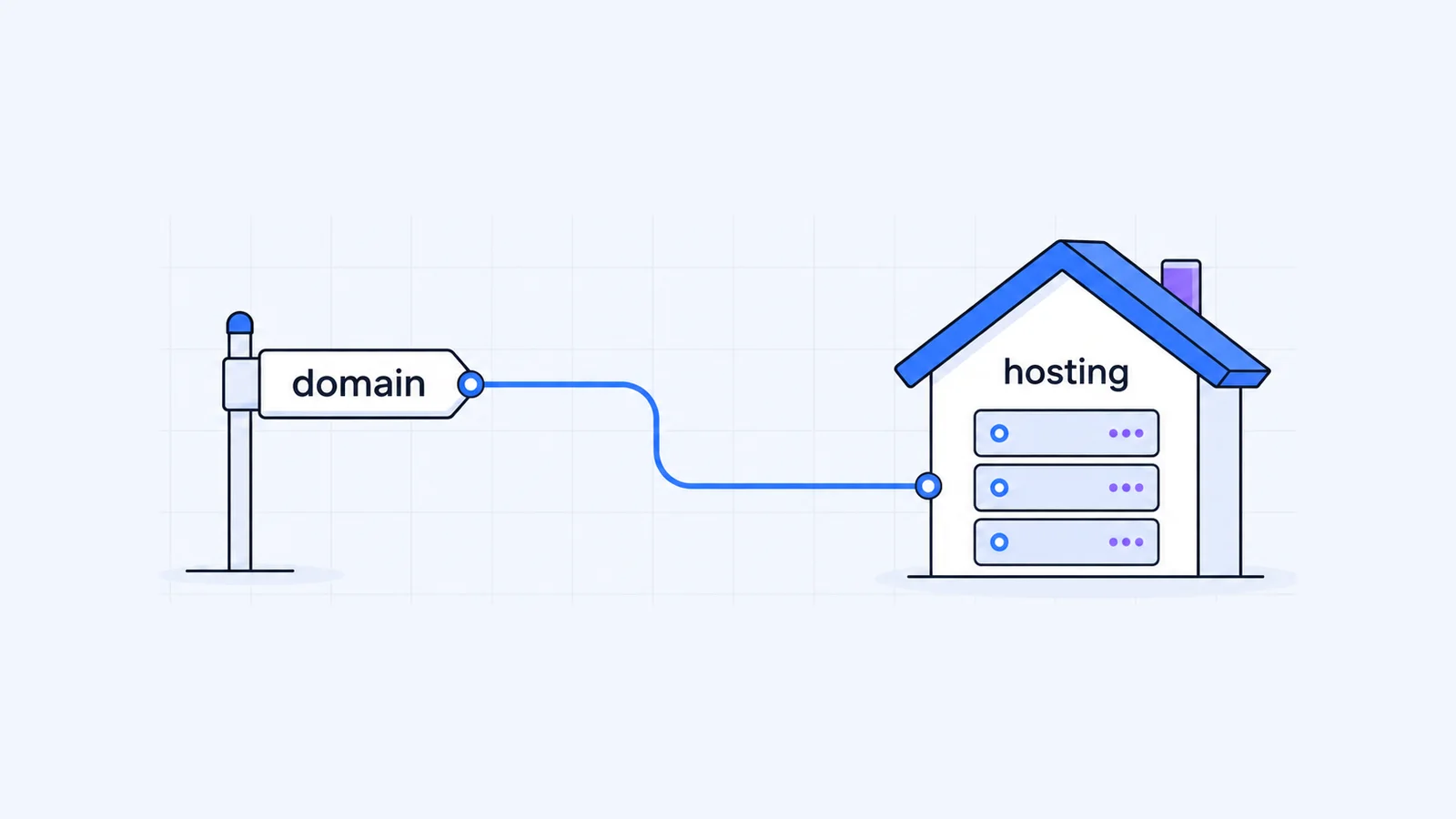
Hosting, mailboxes and website files do not move. Those live with your hosting or email provider, and your nameservers decide which provider visitors reach. If nameservers are new to you, read what nameservers are and how to change them first.
You may not need a transfer at all. ICANN's registrant FAQ points out that you can change web hosting providers, or update the domain's nameservers, and leave the registration where it is (ICANN FAQs for registrants).
The 60-day rules: check that you can transfer
ICANN's policy for generic domains such as .com, .net and .org contains three separate 60-day rules. The first two are optional for the registrar. The third is mandatory.
| Situation | What the rule says | Who decides |
|---|---|---|
| Registered less than 60 days ago | The registrar may deny the transfer | Your current registrar |
| Transferred between registrars less than 60 days ago | The registrar may deny the transfer | Your current registrar |
| Registrant name, organization or email changed less than 60 days ago | The registrar must apply a 60-day transfer lock, unless it let you opt out before the change | ICANN policy |
| Domain is under a UDRP or URS proceeding, a transfer dispute or a court order | The registrar must deny the transfer | ICANN policy |
The third rule catches people who update their contact email just before a transfer and lock the domain for two months. The policy advises you to request the registrar transfer before changing the registrant (ICANN Transfer Policy, section II.C.1.3). If the email on file no longer works and you must change it, ask your registrar whether it offers the opt-out before you save the change.
How to transfer a domain step by step
1. Confirm the current registrar and the domain status
Look up the domain with ICANN Lookup or the WaseerHost WHOIS tool. The status clientTransferProhibited means the registrar lock is on, and the registry will reject transfer requests until someone removes it (ICANN EPP status codes).
2. Save your DNS records and nameservers
Check which nameservers the domain uses:
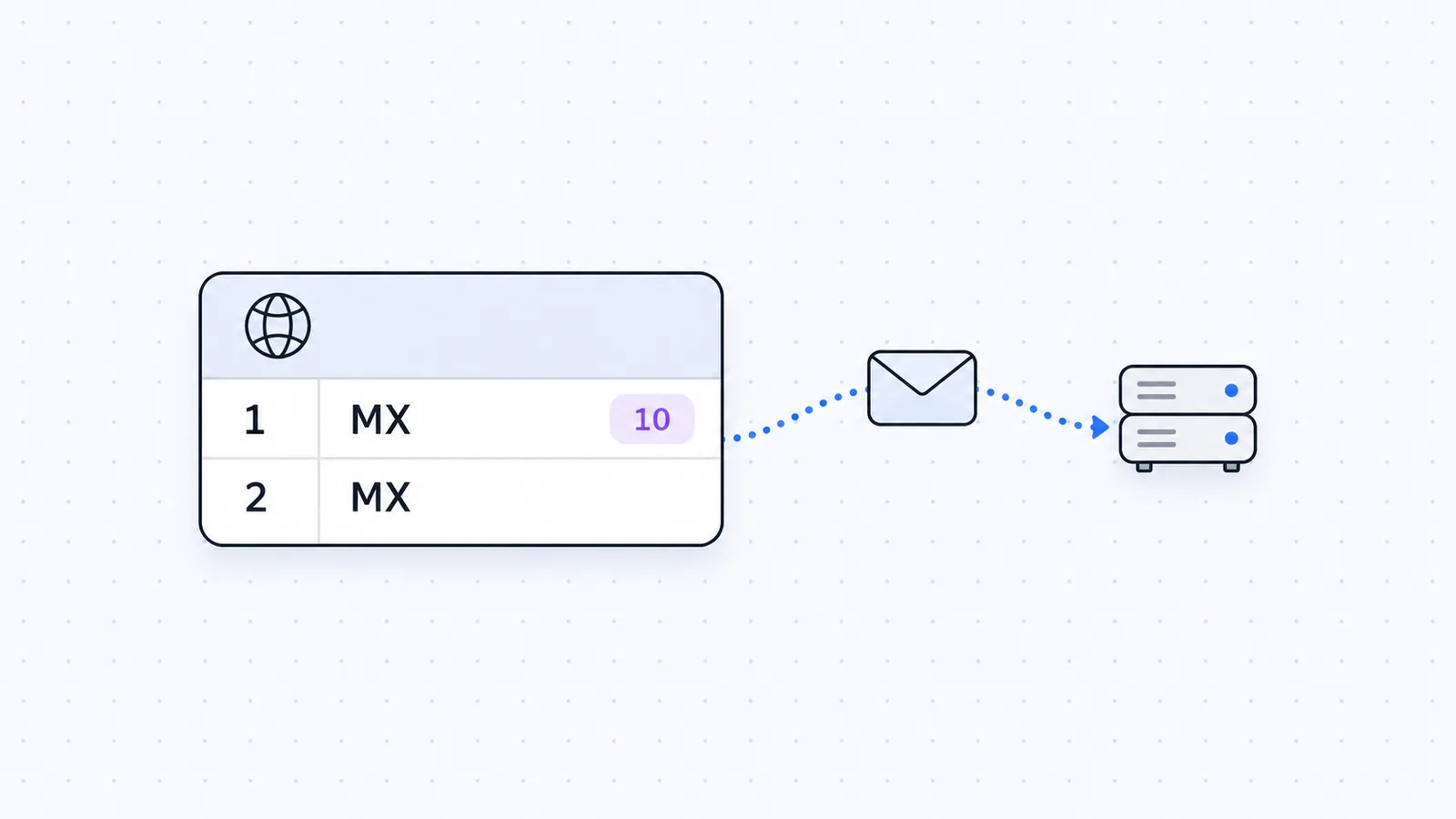
dig NS example.comnslookup -type=NS example.comThen export or screenshot every DNS record in the zone, including the MX and TXT records that email depends on. A DNS lookup shows the public records if you cannot find the zone editor.
3. Check the registrant email without changing it
Registrars send authorization codes and transfer notices to the registrant email address on the domain, which is not always your account login email. Make sure you can read that inbox. If the address works, leave it alone, because a change can start the 60-day lock.
4. Remove the registrar lock
In the current registrar's dashboard, find the setting called Domain lock, Registrar lock or Transfer lock and turn it off. Some registrars have more than one lock. The registrar must remove the clientTransferProhibited status within five calendar days of your request.
5. Get the authorization code
Request the authorization code from the same dashboard. ICANN calls it the AuthInfo code, and registrars also call it the EPP code or transfer code. Every domain has its own code, and the registrar must give it to you within five calendar days of your request (ICANN Transfer Policy, section I.A.5.2). Codes often expire, so request yours when you are ready to use it.
6. Start the transfer at the new registrar
Open the transfer page at the new registrar, enter the domain name, paste the authorization code and pay. For most generic domains the transfer price includes a one-year extension added to your current expiry date (Cloudflare Registrar docs).
7. Approve the transfer and wait
Your current registrar must send you a confirmation notice within 24 hours of hearing from the registry. If that notice includes an approve link, use it to release the domain sooner. If you do nothing and the current registrar does not object, the registry completes the transfer after five calendar days. While you wait, the domain shows the status pendingTransfer.
8. Tidy up in the new account
When the domain appears in the new account, confirm that the nameservers match the ones you saved in step 2 and that the website and email work. Then turn the registrar lock back on and review auto-renew, contact details and the privacy setting.
WHOIS privacy during a transfer
Many registrars now redact personal contact details from public WHOIS, so the new registrar often cannot see your email address. ICANN's FAQ says that since 25 May 2018 a new registrar that cannot access the registration data does not have to collect the old authorization form from you.
You can usually leave privacy switched on. Squarespace's transfer guide, for example, says you do not need to disable WHOIS privacy, but that some providers still use an older flow that requires it (Squarespace Help). Follow the new registrar's instructions, then check the privacy setting once the transfer finishes.
DNS before and after the transfer
The risk of downtime in a transfer comes from DNS, and it depends on who hosts your DNS zone.
If your nameservers belong to your hosting company or a separate DNS provider, the transfer does not touch them.
If your nameservers belong to the registrar you are leaving, that registrar may stop serving your zone once the domain is gone. Squarespace's guide warns that most domain hosts cannot keep your DNS settings in place during a transfer. Use this order:
- Create the DNS zone at the provider you will use afterwards, such as your web host, and add every record you saved.
- If DNSSEC is on, remove the DS record at the current registrar and wait a day. Cloudflare's docs explain that the old signatures no longer match after a nameserver change, and lookups fail.
- Change the nameservers at the current registrar and wait until the site and email work from the new zone.
- Start the registrar transfer.
Avoid DNS edits during the transfer window. Some registrars block changes to nameservers and DNSSEC while a transfer is pending.
A move to a new hosting company is a separate job. WaseerHost offers free website migration for the hosting side.
How long does a domain transfer take?
| Stage | Time limit | Source |
|---|---|---|
| Registrar removes the lock and provides the authorization code | Up to 5 calendar days, instant where the dashboard offers self-service | ICANN Transfer Policy I.A.5 |
| Current registrar sends the confirmation notice | Within 24 hours of the registry's notice | ICANN Transfer Policy I.A.3.4 |
| Registry completes the transfer if nobody objects | 5 calendar days | ICANN Transfer Policy I.A.6.2 |
| .au domain after approval | Up to 3 days | auDA |
A generic domain with self-service unlocking therefore takes about five days from the moment you submit the code, and less if you approve the release yourself. If the registrar uses its full five days for the code and five more for the release, expect about ten days.
Country-code domains follow different rules
ICANN's Transfer Policy does not govern country-code domains. Each registry sets its own process, time limits and fees, so ask the new registrar before you begin.
For a .uk domain, you ask the current registrar to change the domain's IPS tag to the tag of the new registrar. Cloudflare's .uk documentation notes that a .uk transfer has no transfer fee and does not add a year to the registration (Cloudflare .UK domains).
A .au transfer uses a transfer authorisation code, which your registrar sends to the registrant contact email. auDA, the .au administrator, says a transfer can take up to three days to take effect once approved, and that there is no fee for a transfer between registrars (auDA).
What can go wrong and how to fix it
The new registrar says the domain is locked
The clientTransferProhibited status is still set. Turn off every lock in the old dashboard, then check the status again in WHOIS. The status serverTransferProhibited is different. The registry sets it, usually during a dispute or redemption, and your registrar has to ask the registry to remove it.
The authorization code is rejected or never arrives
Request a fresh code and paste it without spaces before or after, because codes expire at many registrars. If no code arrives, the registrar probably sent it to an old registrant email address. Weigh the 60-day lock before you change that address.
The transfer is denied
The registrar must tell you and the new registrar the reason. Valid reasons include evidence of fraud, a dispute over who you are, an unpaid previous registration period and the 60-day windows. A registrar may not deny a transfer because you have not paid for a future renewal or did not answer its email, and it may not withhold the code over a payment dispute.
You paid for a year and did not get it
A generic domain cannot have more than 10 years on its term, so a domain already at that cap gains nothing. Also, if you renewed an expired domain and then transferred within 45 days of that renewal, the registry does not add the extra year. Cloudflare's FAQ says you are entitled to ask the previous registrar for a refund in that case (Cloudflare Registrar FAQ).
The registrar will not cooperate
If the registrar refuses to unlock the domain or hand over the code within five calendar days, file a transfer complaint with ICANN.
You see a transfer you did not request
A pendingTransfer status that you did not start is a warning sign. Contact your current registrar at once and ask it to deny the request.
Next steps
Before you change anything, write down the registrar, the expiry date and the nameservers, and keep a copy of your DNS records. If you want your domain and hosting in one account, WaseerHost offers domain registration alongside its hosting plans. See WaseerHost domains for the current options.
Frequently asked questions
Only in three cases. ICANN's policy lets your registrar deny a transfer during the first 60 days after registration and during the 60 days after a previous registrar transfer. A separate 60-day lock applies after you change the registrant name, organization or email, unless your registrar let you opt out before the change.

Written by
Web & AI Systems Lead
Web and AI Systems Lead at Wasevo, the company behind WaseerHost. He builds web applications and AI systems.