What Is Private DNS? How It Works and How to Turn It On
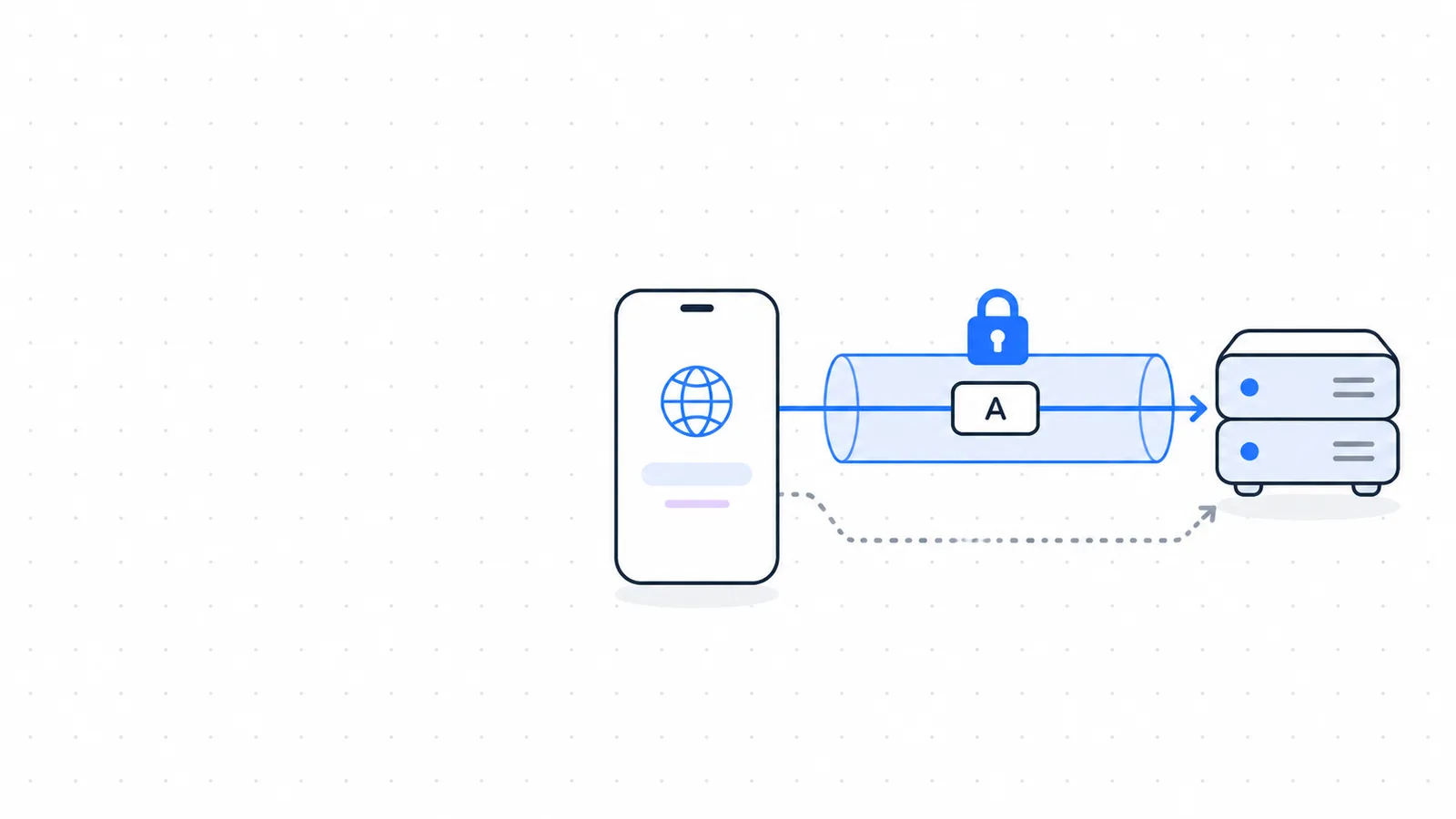
Private DNS encrypts the DNS lookups your device makes. See how it differs from DNS over HTTPS, how to turn it on, and what it means for your own website.

11 min read
Registering, transferring and managing domain names.
Private DNS encrypts the DNS lookups your device makes. See how it differs from DNS over HTTPS, how to turn it on, and what it means for your own website.
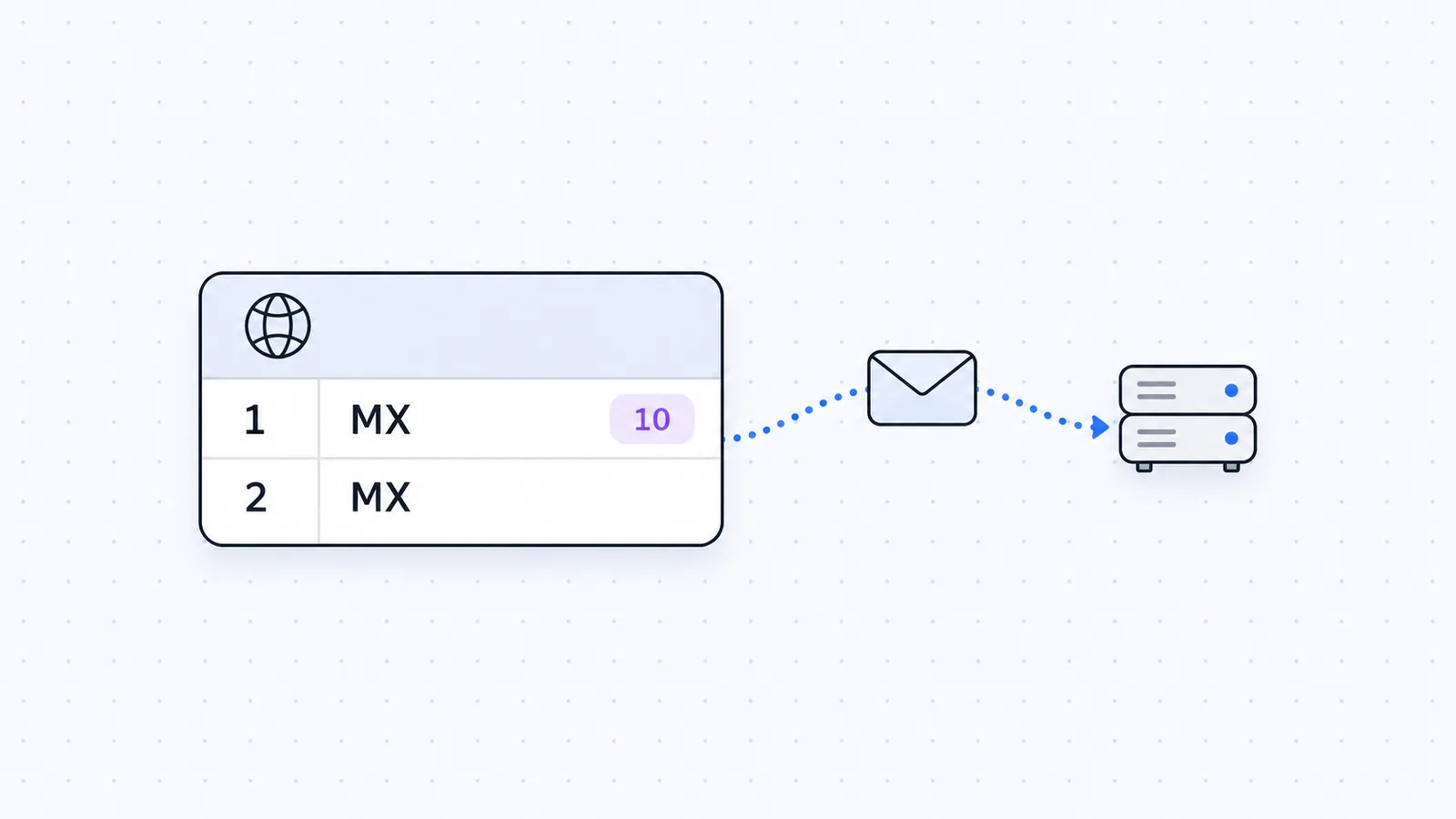
Add MX records in cPanel or at your registrar, with the exact values for Google Workspace and Microsoft 365, how priority works and how to test the result.
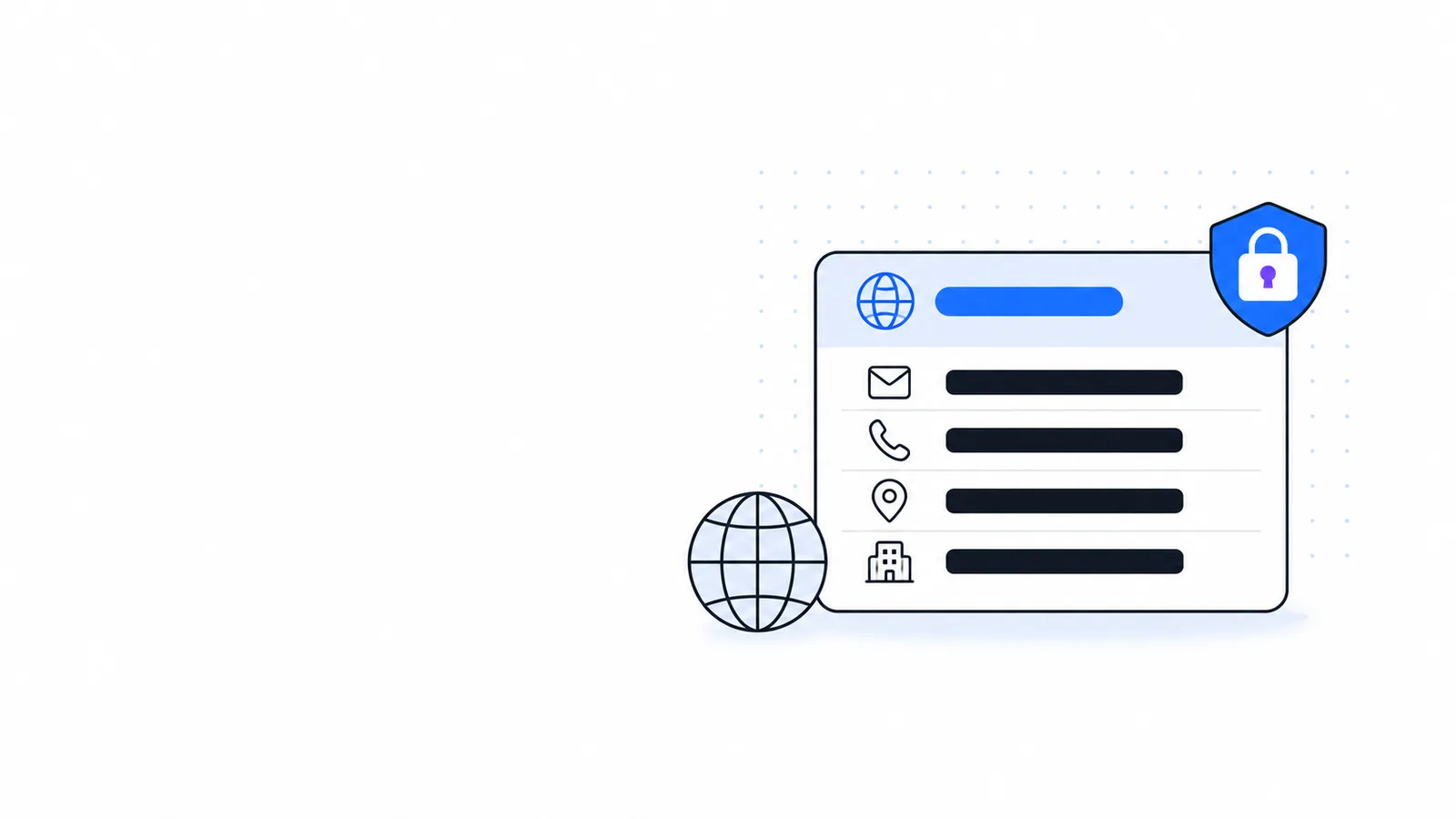
WHOIS privacy keeps your name, address, phone and email out of the public domain record. See what it hides, what ICANN rules changed and how to check a domain.
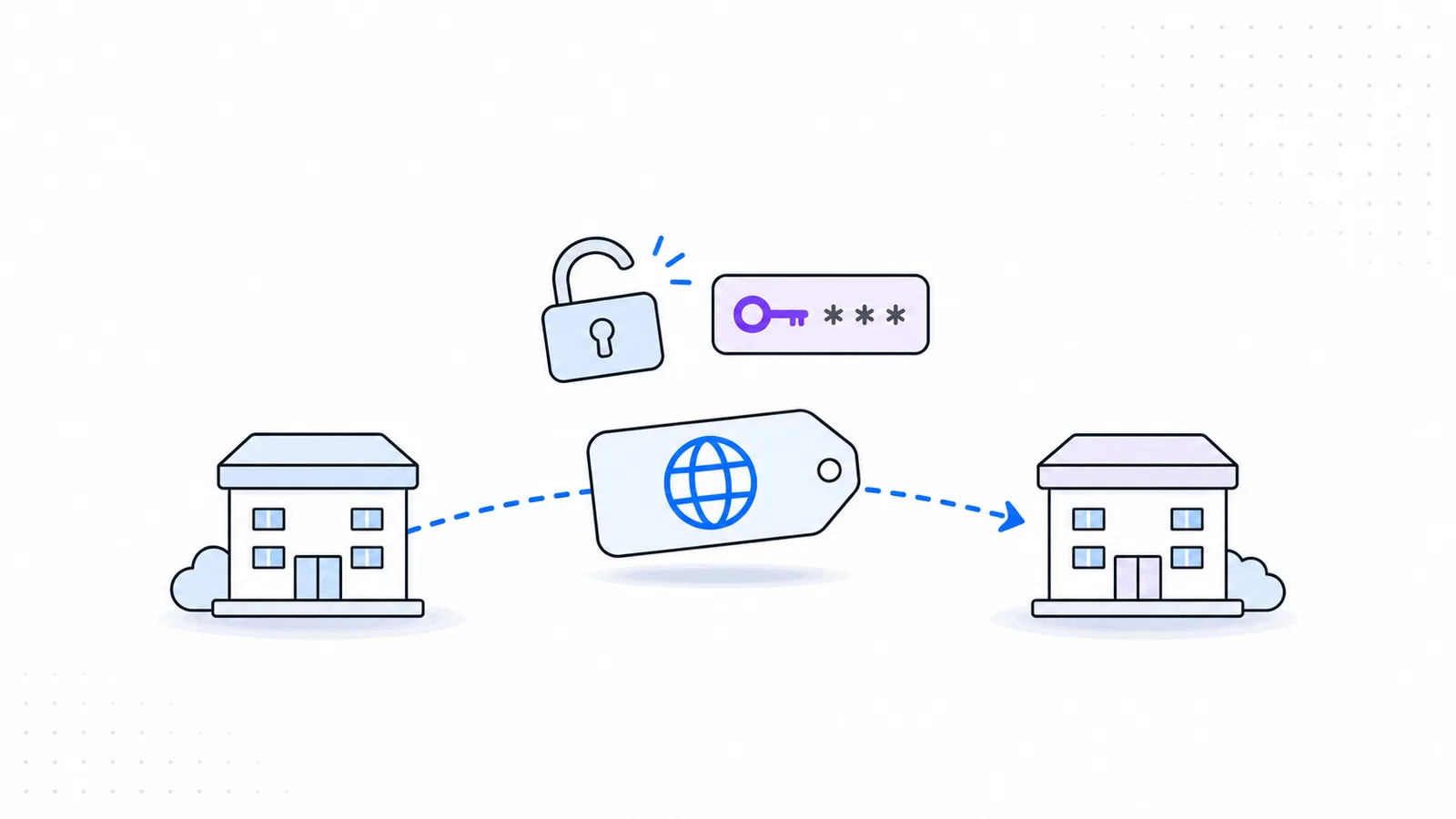
How to transfer a domain between registrars: the 60-day rules, unlocking, the authorization code, DNS before and after, timelines and fixes for failed transfers.
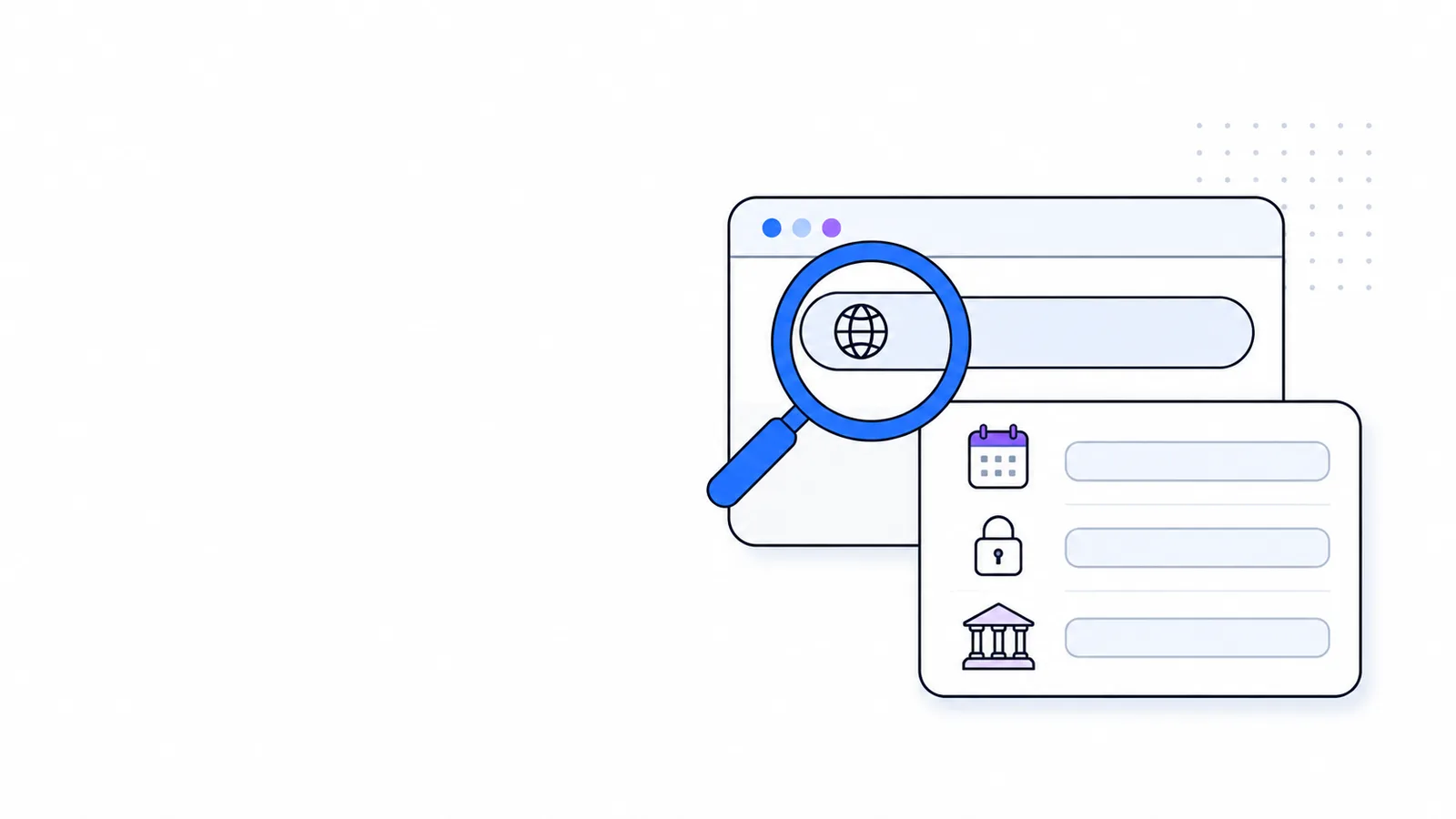
Run a WHOIS or RDAP lookup to see who owns a domain. Learn what a redacted record means, how to contact the owner and what to do if the name has expired.
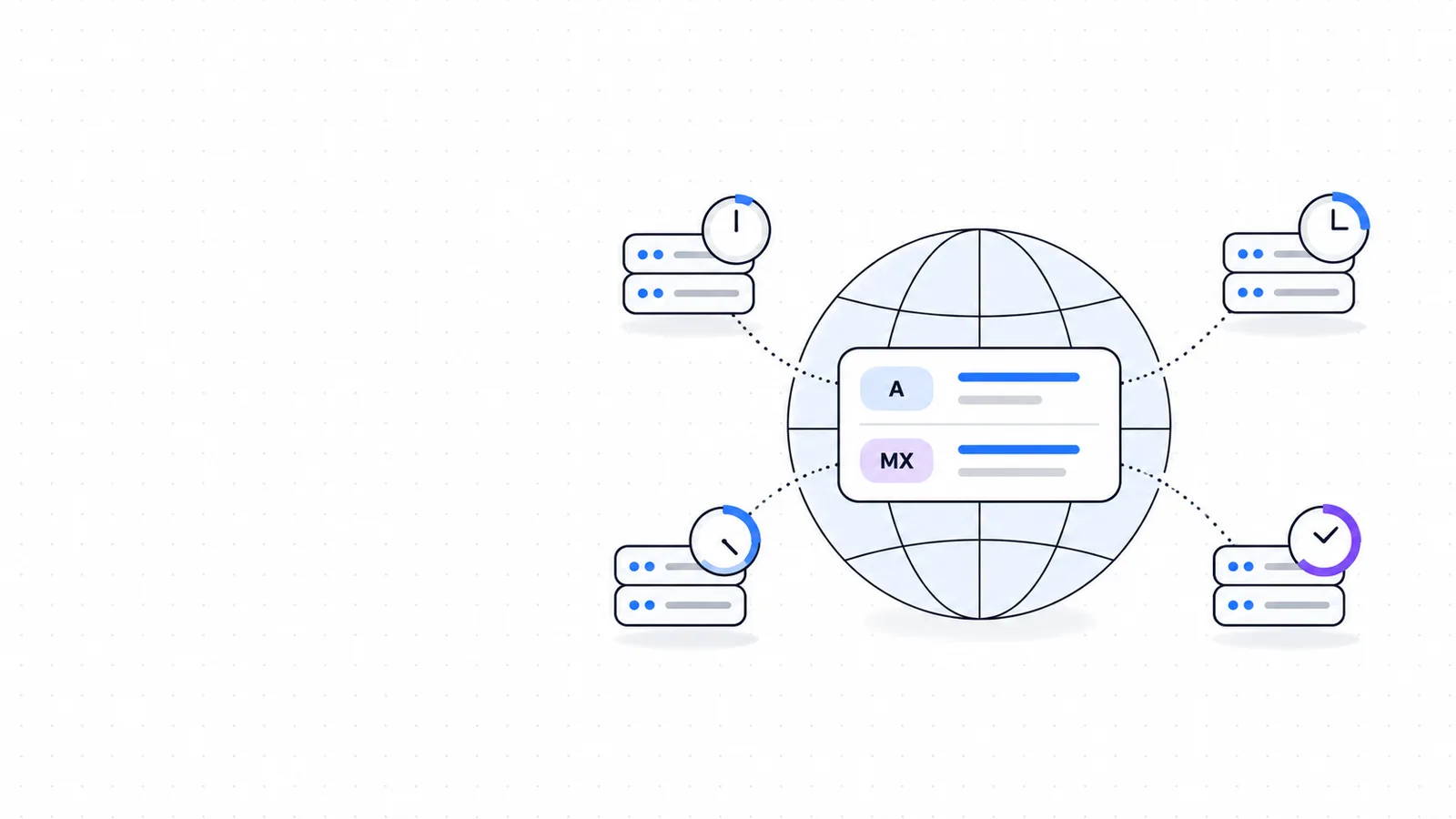
DNS propagation time depends on the old TTL of the record you changed. Record edits take minutes to hours, and nameserver changes can take up to 48 hours.
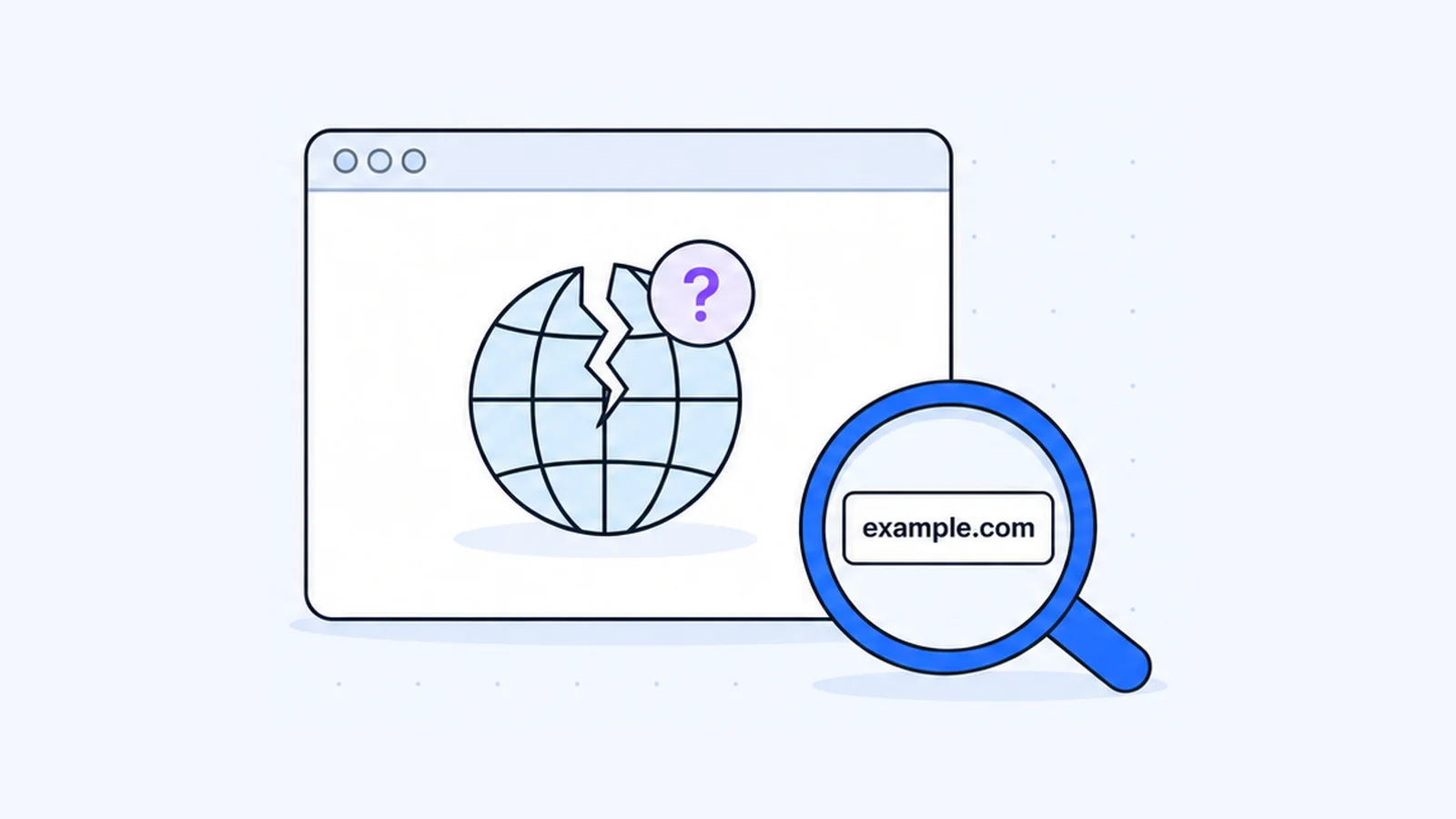
DNS_PROBE_FINISHED_NXDOMAIN means the DNS lookup said the domain doesn't exist. Find out whether it's your device or the website, then fix it step by step.
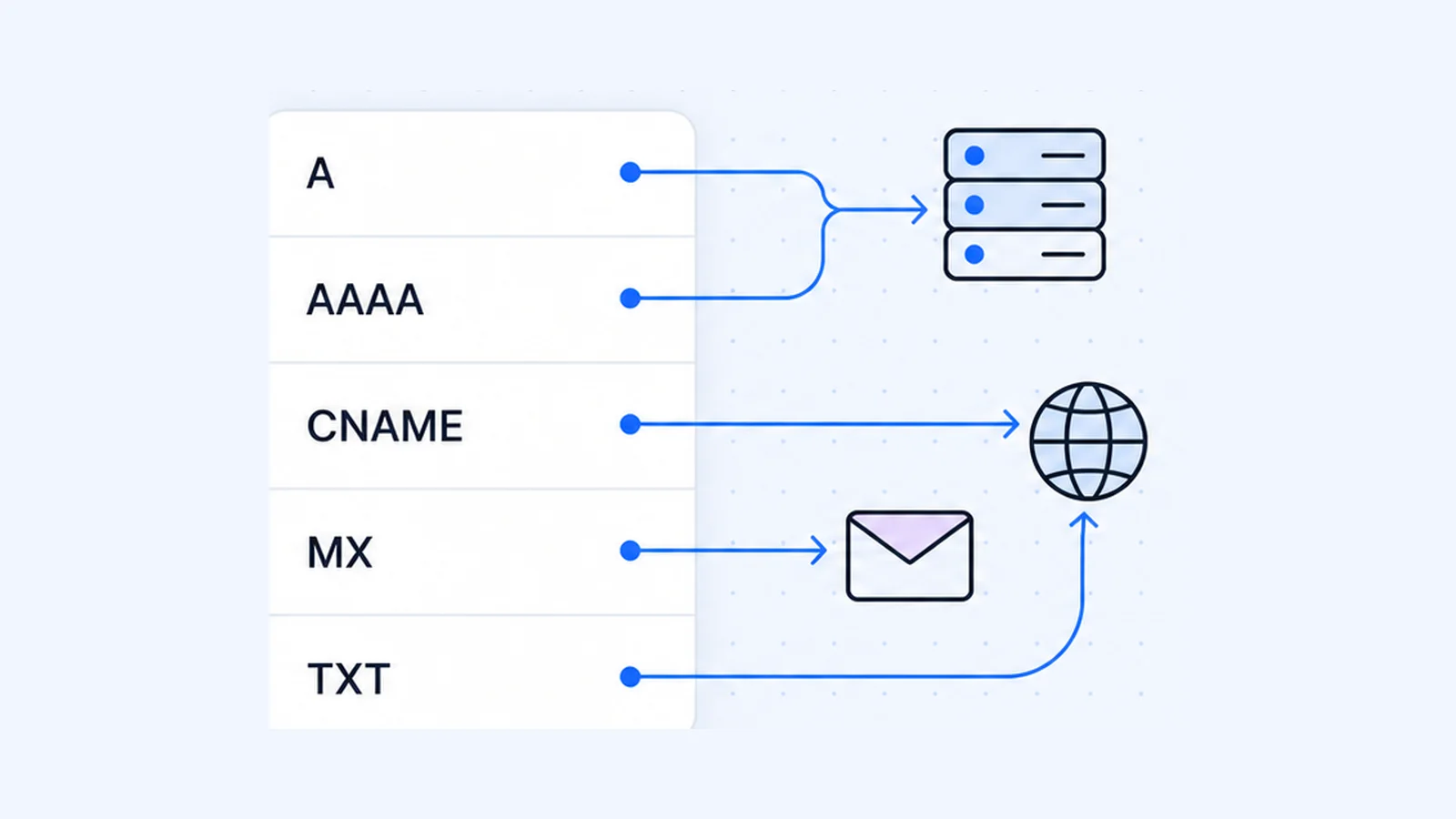
DNS records tell the internet where your site and email live. Learn what A, AAAA, CNAME, MX, TXT, NS, SOA, PTR, CAA and SRV records do and how to look them up.
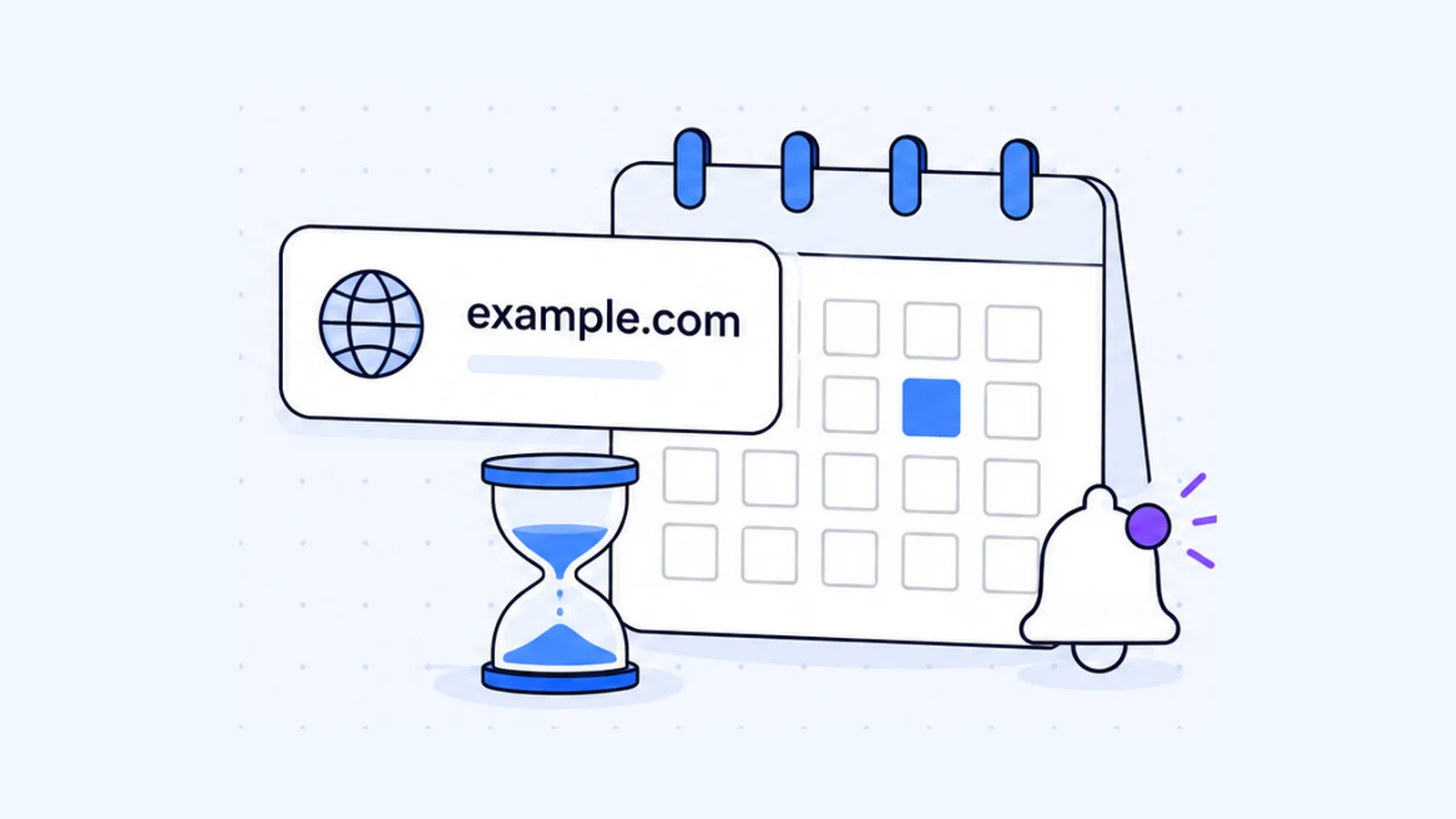
Check when a domain expires with a WHOIS/RDAP lookup, read the two expiry dates correctly, and learn what happens after expiry for .com and ccTLD domains.
Run ipconfig /flushdns on Windows, sudo killall -HUP mDNSResponder on a Mac, or resolvectl flush-caches on Linux. Exact commands, Chrome's cache and how to verify.
Fix the DNS server not responding error: test whether DNS is the cause, then restart, flush, switch to 1.1.1.1 or 8.8.8.8, and reset Windows networking.
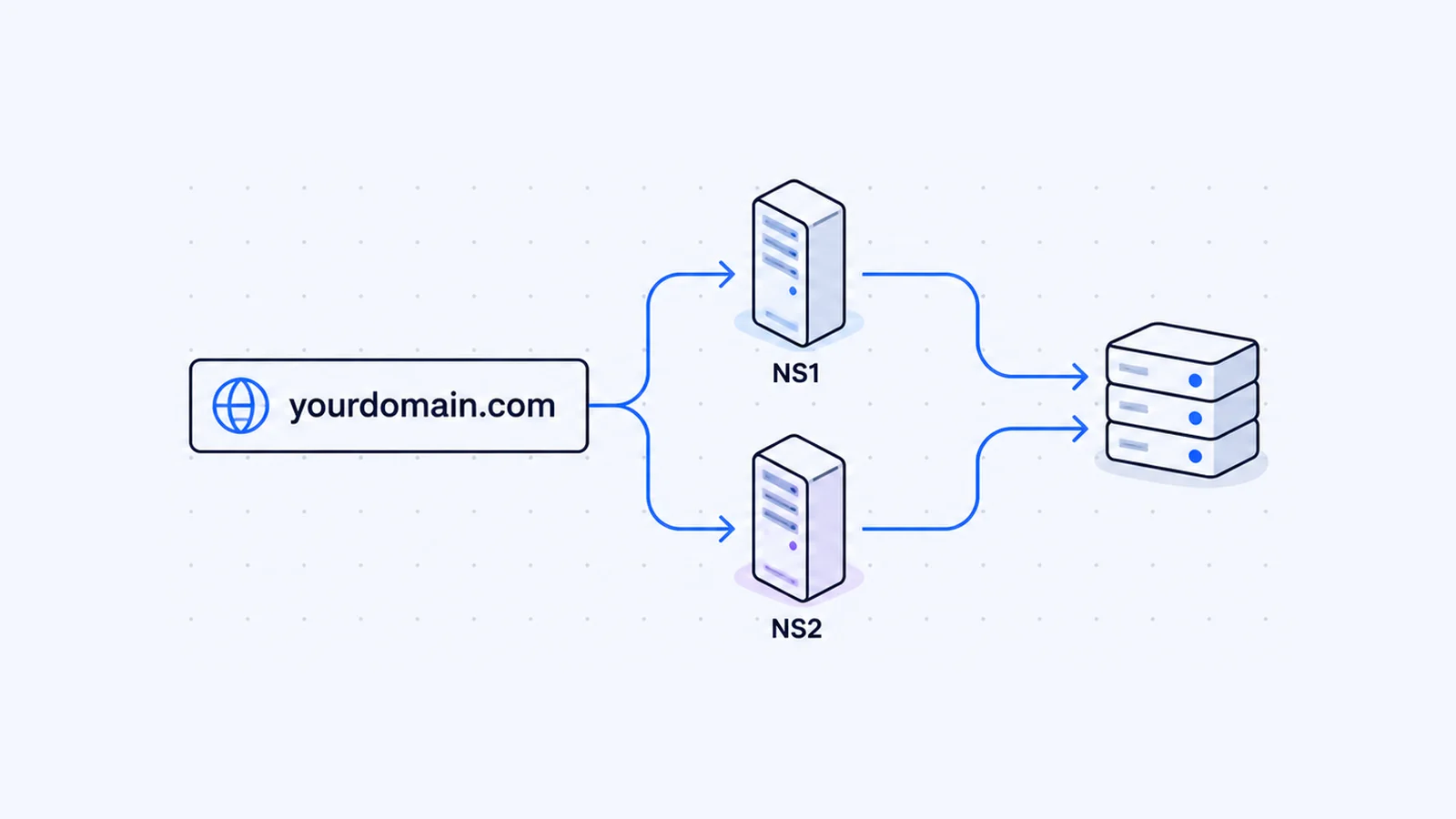
Nameservers hold your domain's DNS records. Learn how they differ from DNS records, how to check them with dig or nslookup, and how to change them safely.
One short email when we publish something useful. No spam; unsubscribe at any time.