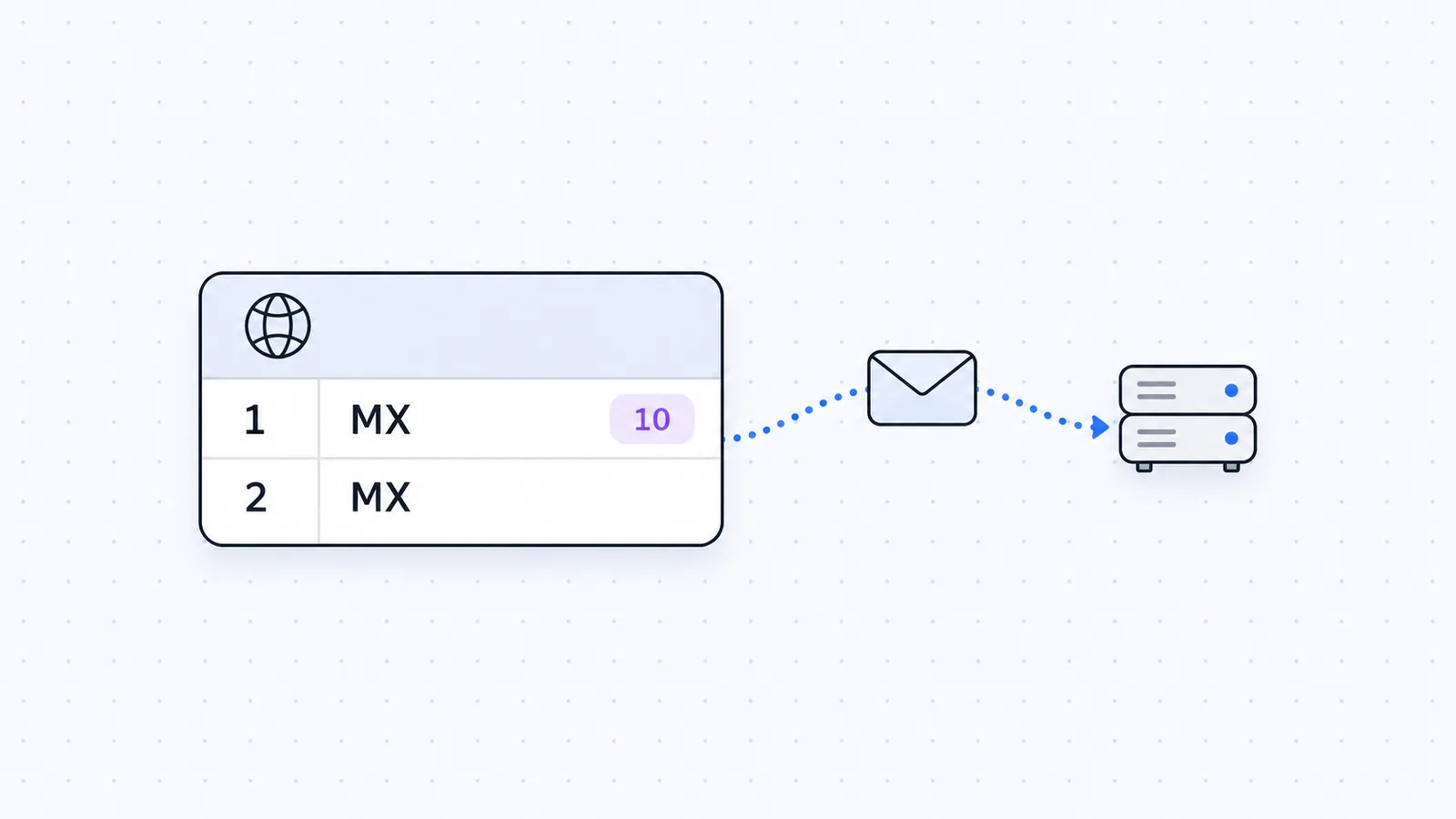


To find who owns a domain, run a WHOIS or RDAP lookup on the name. The record always names the registrar, and it names the owner only when the owner's details are public. If the details are hidden, you can still send the owner a message through the registrar, and this guide shows how.
Key takeaways
- A lookup in the WaseerHost WHOIS tool or ICANN Lookup shows a domain's registrar, dates, status codes and name servers. The owner's name appears only if it is public.
- A redacted record means the registrar withheld personal data. A privacy or proxy record shows the details of a service that stands in for the owner.
- For generic domains such as .com, a registrar that redacts the owner's email must publish an email address or a web form that passes your message on.
- An expiry date in the past does not make a domain free. The owner can usually still renew it, and a deleted generic domain spends 30 days in a redemption period first.
- Country-code domains such as .uk, .au, .in and .pk follow the rules of their own registry.
What a lookup shows about who owns a domain
Registration records call the owner the registrant, or the registered name holder. A lookup returns the record that the registry and the registrar hold for the name.
| Part of the record | What it tells you |
|---|---|
| Registrar | The company that manages the registration. This part is always public. |
| Registrant | The owner on record. You see a name or an organization, a privacy service, or a redacted value. |
| Dates | When someone first registered the name, when the record last changed and when the registration expires. |
| Status codes | Whether the name is active, locked against transfer, on hold or waiting for deletion. |
| Name servers | Which DNS provider answers for the domain. |
WHOIS and RDAP
WHOIS is the older protocol. A WHOIS server listens on TCP port 43 and answers in plain text (RFC 3912). RDAP, the Registration Data Access Protocol, answers over HTTPS in a structured format that software can read.
Since 28 January 2025, RDAP has been the definitive source for generic top-level domain registration data, and ICANN no longer requires most registries and registrars to run WHOIS services (ICANN). People still say "WHOIS lookup" for both.
How to look up a domain owner
Use a web lookup
- Open the WaseerHost WHOIS lookup or ICANN Lookup.
- Type the domain without
https://or a path, for exampleexample.com. - Read the registrant section. A person's name or an organization there is the owner on record.
- Note the registrar and the status codes. You need both later if the owner's details are hidden.
Query RDAP from the command line
RDAP.org is a public service that redirects a query to the RDAP server responsible for the domain. Its documentation gives this command for macOS and Linux, which uses curl and jq (RDAP.org).
curl -Ls https://rdap.org/domain/example.com | jq .On Windows, the same documentation gives a PowerShell version.
Invoke-WebRequest -Uri "https://rdap.org/domain/example.com" | ConvertFrom-Json | ConvertTo-JsonIn the JSON, look at the entities list. Each entity has a roles value such as registrar or registrant. The events list holds the registration and expiration dates, and status holds the status codes.
RDAP.org allows 10 requests in 10 seconds. It returns a 404 error when it knows no RDAP server for the name, which happens with top-level domains whose registry has not registered one with IANA.
Use the whois command
macOS includes a whois client, and Linux distributions offer one as a package.
whois example.comThe command uses the old port 43 service. Registries for generic domains no longer have to offer it, with a few exceptions such as .com, so use RDAP if whois returns nothing useful (ICANN RDAP FAQs).
What a redacted or private result means
A hidden owner is normal. It does not mean the site is suspicious, and it does not mean the domain has no owner. You will meet two kinds of hidden record.
Redacted data
ICANN's Registration Data Policy took effect on 21 August 2025 and applies to generic domains. When a registrar redacts a record under that policy, it leaves out values such as the registrant's name, street, postal code and phone number, and it marks each one as redacted. In older plain-text output, the word REDACTED replaces the value.
An organization name can still appear. The registrar publishes it when the owner agrees to that.
Privacy and proxy services
A privacy service lists the real owner as registrant but swaps in other contact details, such as a mail-forwarding address. A proxy service goes further. ICANN describes it this way: the proxy service "becomes the registered name holder of record", and the record shows the service's identity and contact details (ICANN).
If the registrant looks like a company with "privacy" or "proxy" in its name, you are looking at one of these services and not at the owner.
How to contact a domain owner
Work through these steps in order.
- Look for a contact route in the record. When a registrar redacts the registrant email of a generic domain, the Registration Data Policy requires it to publish an email address or a link to a web form that carries your message to the owner. The address does not reveal who the owner is.
- Check the website on the domain. A contact page, a footer or a legal notice often names the business behind the site.
- Write to the privacy or proxy service. ICANN's 2013 registrar agreement requires these providers to publish a point of contact for abuse and infringement reports.
- Ask the registrar named in the record how it handles disclosure requests if you have a legal reason to know the owner.
For that last case, ICANN runs the Registration Data Request Service. It gives people with a legitimate interest, such as intellectual property professionals and law enforcement, a standard way to request nonpublic data for generic domains. You need an ICANN account, and the service sends your request to registrars that take part in it. ICANN asks you to confirm first that the data is missing from ICANN Lookup.
If the dispute is about a trademark, ICANN's Uniform Domain Name Dispute Resolution Policy lets a trademark holder file a complaint with an approved dispute-resolution provider. If the record holds inaccurate data, you can report it through ICANN's complaint form.
How to make an offer on a domain
A domain that is registered but unused can often be bought. The owner has no duty to sell or to reply, so keep the first message short and specific.
- Open the domain in a browser. A page that says the name is for sale usually has an offer form, and that form is the fastest route to the seller.
- If there is no sale page, send a short message through the contact route in the record. Name the domain, say you want to buy it and ask whether the owner would consider an offer.
- Decide your upper limit before you reply to a counter-offer.
- Pay through an escrow service that holds the money until the domain reaches your account. Do not pay a stranger directly.
- Agree on how and when the seller transfers the name to your registrar account.
Once you hold the name, you can manage it alongside your other domains and point it at your site.
What to do if the domain is expired or for sale
An expiry date in the past does not release a domain. For generic domains, ICANN's Expired Registration Recovery Policy sets the minimum steps, and the status codes in the record tell you which step the name has reached.
| What you see | What it means |
|---|---|
| Expiry date has passed and the site is offline | The registrar may delete an expired name at any time, but until it does, the owner can renew. The registrar must interrupt DNS for a period before deletion, which takes the site offline. |
redemptionPeriod | The registrar has asked the registry to delete the name. For 30 days the owner can still restore it. |
pendingDelete | The 30 days passed without a restore. Five calendar days after the redemption period ends, the registry removes the name and anyone can register it. |
Before expiry, the registrar must remind the owner at least twice, about one month and about one week ahead. A lapsed date on its own does not show that the owner has given up the name. ICANN explains each code on its EPP status codes page.
If the name does drop, register it like any new name through a domain search. If you cannot wait, contact the owner and make an offer while the name is still theirs.
To see whether a domain is in use at all, check its DNS records with the DNS lookup tool. A name with no address or mail records is more likely to be unused.
Country-code domains work differently
The ICANN policies above cover generic domains such as .com, .net and .org. Country-code domains belong to national registries that write their own rules on what a lookup shows and on what happens after expiry.
IANA's RDAP list includes servers for .uk, .au and .in, so the RDAP.org command above works for those names (IANA). It has no entry for .pk or .de. For a name under one of those, open the top-level domain in IANA's Root Zone Database. The page names the organization that manages the domain and, where one exists, its WHOIS server. The .pk page lists whois.pknic.net.pk.
Frequently asked questions
Enter the domain in a WHOIS or RDAP lookup such as ICANN Lookup. The result names the registrar and, when the data is public, the registrant. If the registrant is redacted, use the email address or web form in the record to send the owner a message.

Written by
Founder & CEO
Founder and CEO of Wasevo LLC, the company that runs WaseerHost. He works on cPanel/WHM servers, WHMCS billing and the Next.js storefront.