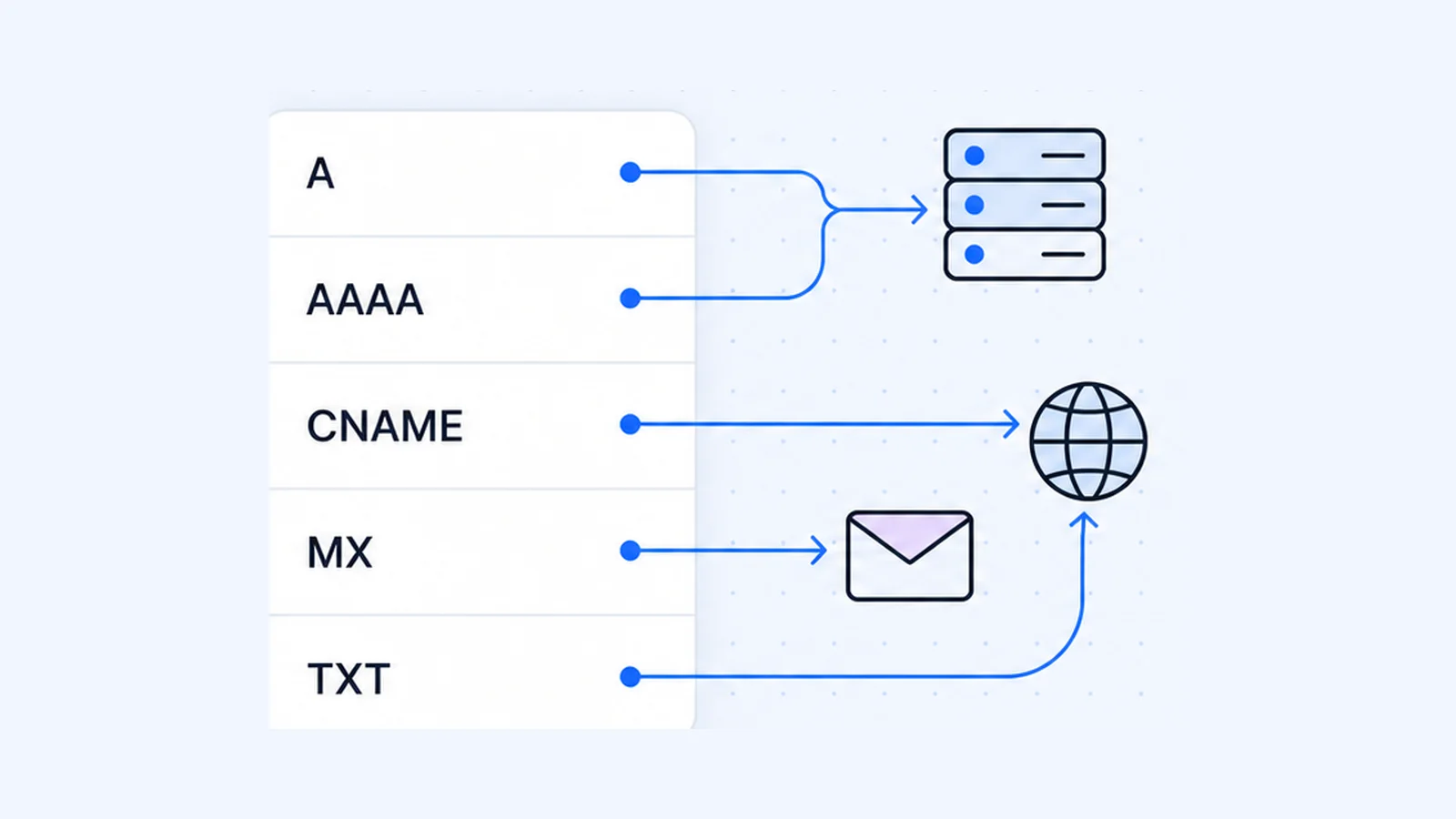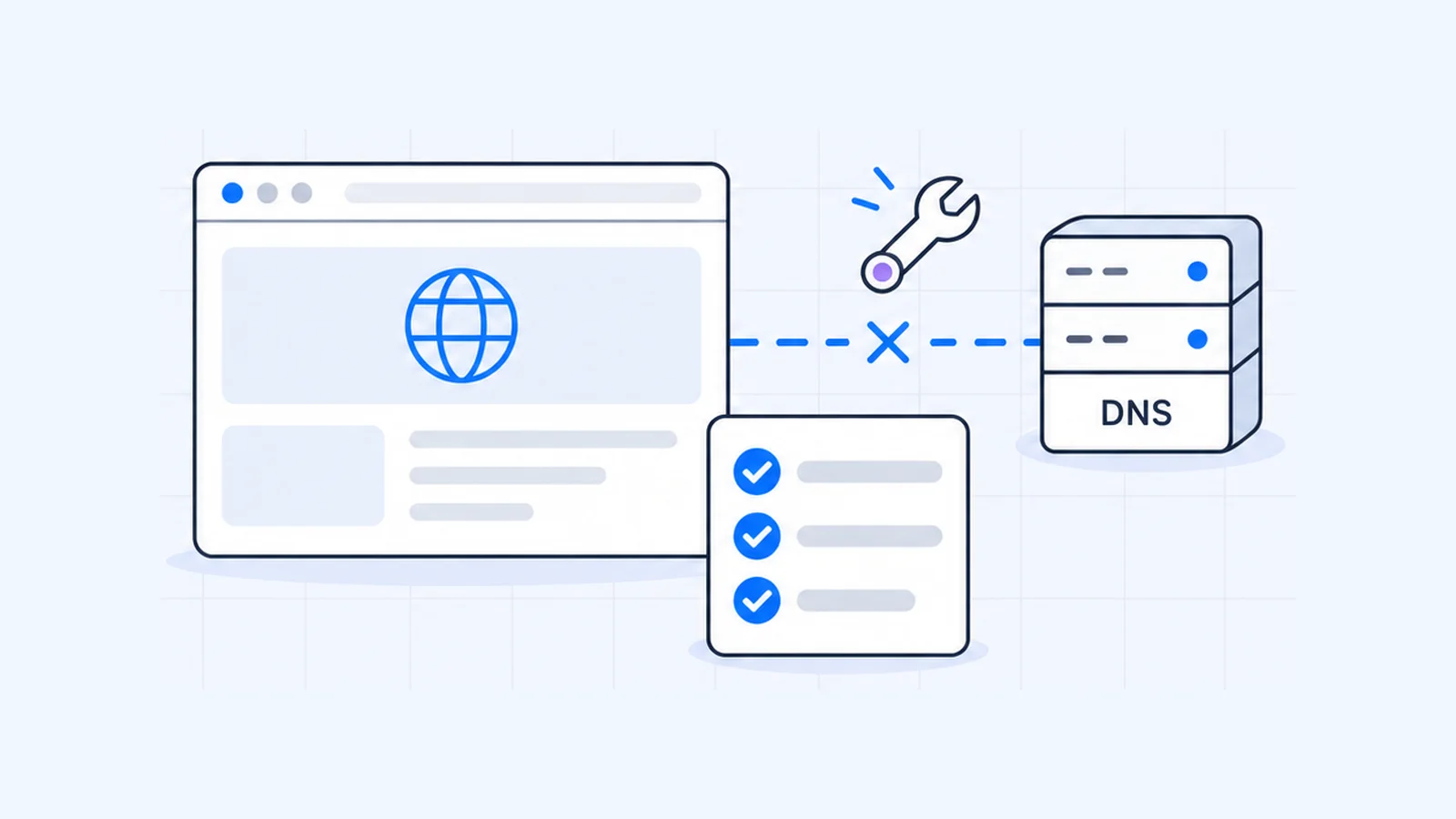


DNS_PROBE_FINISHED_NXDOMAIN is Chrome telling you that the DNS lookup for a website's name came back with "this domain does not exist." Your internet connection and DNS server work. The name itself didn't resolve. On your side, the cause can be a typo or a stale cache. On the website's side, it can be an expired domain, a missing record or a recent nameserver change. This guide shows how to tell which, then lists the fixes in order.
Key takeaways
- NXDOMAIN is DNS response code 3, "Name Error". The server is saying the name doesn't exist.
- Chrome shows this error only after it has checked that your DNS works, so the cause is usually the name or a cached answer, not your connection.
- Ask a public resolver (
nslookup example.com 8.8.8.8). If it also says the domain doesn't exist, the fault is on the website's side. - Visitors should check the spelling, flush the DNS cache, then try a public DNS server.
- Site owners should confirm the domain hasn't expired with a WHOIS lookup, then check the nameservers and A record with a DNS lookup.
What does DNS_PROBE_FINISHED_NXDOMAIN mean?
The error name has two halves.
NXDOMAIN is a DNS answer. The DNS protocol "defines response code 3 as 'Name Error', or 'NXDOMAIN'", which "means that the queried domain name does not exist in the DNS" (RFC 8020). The original standard adds that the code is "meaningful only for responses from an authoritative name server" (RFC 1035, section 4.1.1). In other words, the answer comes from the domain's own DNS servers, and your resolver passes it on.
DNS_PROBE_FINISHED describes a test that Chrome runs. When a lookup fails, Chrome resolves a known-good name, google.com, to see whether your DNS setup works. Chromium's source code spells out the logic. If your current DNS config works, Chrome concludes the domain doesn't exist, and the source documents this status as "The DNS servers are working fine, so the domain must not exist" (Chromium source). The error page, headed "This site can't be reached", then suggests you "Check if there is a typo" in the address.
Cloudflare's docs name the same two causes in plain terms. Either the visitor's network or local DNS is at fault, or the domain lacks the DNS records it needs (Cloudflare Docs).
Is the problem on your device or the website?
Spend two minutes on this before you try any fix. The answer tells you who has to act.
Test 1: try another device on another network
Turn off Wi-Fi on your phone so it uses mobile data, then open the site. If it loads, the domain works and the problem sits on your computer or network.
Test 2: ask a public DNS server directly
On Windows, Microsoft gives the syntax as nslookup name server (Microsoft Learn):
nslookup example.com 8.8.8.8
nslookup example.com 1.1.1.1
On macOS or Linux, use dig @server name (BIND 9 manual):
dig @8.8.8.8 example.com
dig @1.1.1.1 example.com
In the dig output, read the status: value in the header line. Here is the result for a made-up .com name, checked on 1 October 2026:
;; ->>HEADER<<- opcode: QUERY, status: NXDOMAIN, id: 40592
;; flags: qr rd ra; QUERY: 1, ANSWER: 0, AUTHORITY: 1, ADDITIONAL: 1
What the results mean
| What you see | What it means | Who fixes it |
|---|---|---|
| Public resolvers return an IP address, your browser still errors | Your cache, DNS server, router or a filter on your network | You (fixes for visitors below) |
Public resolvers also say NXDOMAIN or Non-existent domain | The domain isn't resolving anywhere: expired, wrong nameservers, or the name has no zone | The site owner |
status: NOERROR but ANSWER: 0, or nslookup says No records | The domain exists but has no A or AAAA record for that exact name | The site owner |
status: SERVFAIL or Server failure | A different fault, often broken nameservers or DNSSEC | The site owner |
RFC 2308 calls the NOERROR result with no answer NODATA, defined as "an answer with the RCODE set to NOERROR and no relevant answers" (RFC 2308, section 2.2). The site still won't load, and Cloudflare lists missing records as a cause of this exact error.
If you'd rather skip the terminal, run the domain through the DNS lookup tool. It shows the NS, A and other records.
How to fix DNS_PROBE_FINISHED_NXDOMAIN (visitors)
Work down the list and reload the page after each step.
1. Check the address
Chrome suggests this first, and with good reason. One wrong letter, a missing hyphen or the wrong ending (.co instead of .com) produces exactly this error, because the mistyped name doesn't exist. To rule it out, search for the site's name instead of typing the address.
2. Sign in to the Wi-Fi network, or switch networks
Hotel, airport and office Wi-Fi often asks you to sign in or accept terms before normal browsing works. For that case, Chromium adds a captive-portal sign-in suggestion to this error page. Open the network's sign-in page, or switch to mobile data and try again.
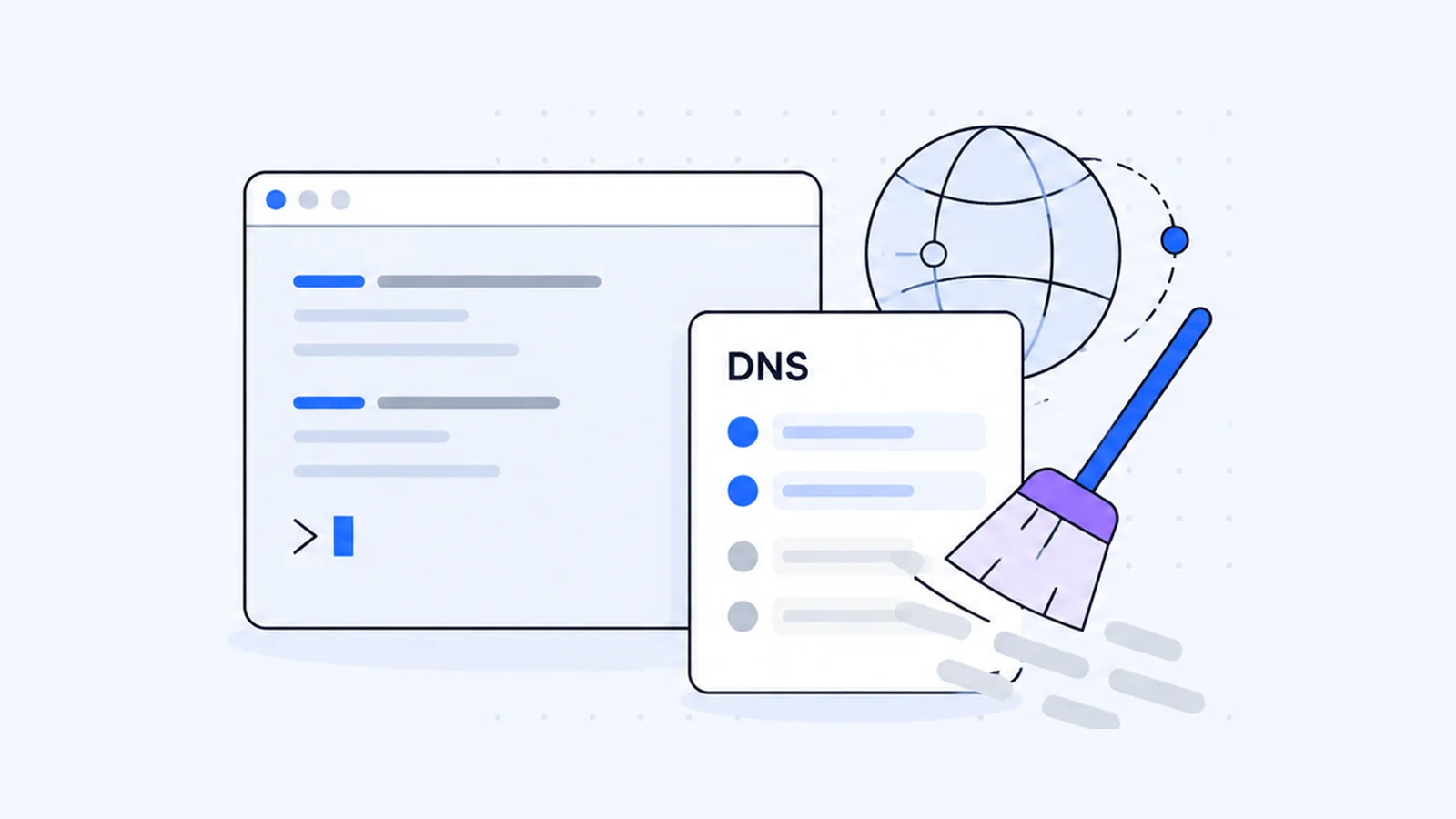
3. Flush your DNS cache
Your computer may still hold an old "doesn't exist" answer, for example from a moment when the site was down. Microsoft says ipconfig /flushdns lets you "discard negative cache entries from the cache" (Microsoft Learn).
Windows (Command Prompt):
ipconfig /flushdnsmacOS (Terminal), per Apple's archived note for OS X 10.10.4 and later:
sudo killall -HUP mDNSResponderChrome keeps a separate cache. Go to chrome://net-internals/#dns and click Clear host cache, a button defined in Chromium's net-internals page. For every system, Linux included, see how to flush DNS.
4. Restart your router
Microsoft tells you to unplug the router and modem, "wait at least 30 seconds or so", plug the modem back in, wait until its lights stop blinking, and then plug the router back in (Microsoft Support).
5. Switch to a public DNS server
If test 2 showed that public resolvers find the site and your normal one doesn't, change your DNS server. Google advises you to "write down the current server addresses or settings" first so you can switch back (Google Public DNS).
| Provider | IPv4 | IPv6 |
|---|---|---|
| Google Public DNS | 8.8.8.8, 8.8.4.4 | 2001:4860:4860::8888, 2001:4860:4860::8844 |
| Cloudflare 1.1.1.1 | 1.1.1.1, 1.0.0.1 | 2606:4700:4700::1111, 2606:4700:4700::1001 |
Cloudflare says its standard resolver has "no content filtering". Its 1.1.1.2 and 1.1.1.3 "for Families" addresses block malware and adult sites (Cloudflare Docs).
- On Windows 11, open Network & internet settings and select your Wi-Fi or Ethernet connection. Switch its DNS settings from automatic to Manual, turn on IPv4, enter the addresses in Preferred DNS and Alternate DNS, and click Save (Microsoft Support). The DNS server not responding guide walks through each click.
- On a Mac, choose Apple menu > System Settings > Network, click your network service, then Details, then DNS. Click the Add button to enter an address (Apple Support).
A VPN, a DNS-based ad blocker or a parental-control filter can each change which DNS server answers you. That is what test 2 checks. Turn the tool off for a minute and try again.
6. Reset the Windows network stack
If nothing else has worked on Windows, run Command Prompt as administrator and use Microsoft's sequence:
netsh winsock reset
netsh int ip reset
ipconfig /release
ipconfig /renew
ipconfig /flushdns
If DNS fails for every site, you have a different problem with its own fixes.
How to fix DNS_PROBE_FINISHED_NXDOMAIN on your own website
If public resolvers also say your domain doesn't exist, check these in order.
1. Make sure the domain hasn't expired
Run a WHOIS lookup and read the expiry date and the domain status codes. ICANN explains that clientHold "tells your domain's registry to not activate your domain in the DNS and as a consequence, it will not resolve," and that with serverHold "your domain is not activated in the DNS" (ICANN EPP status codes).
Expiry can trigger the error. After a gTLD domain expires, ICANN's Expired Registration Recovery Policy requires the registrar to interrupt "the existing DNS resolution path" for at least part of the period, and to restore it after renewal "immediately or as soon as is commercially reasonable" (ICANN ERRP). Some registrars show a renewal page during that time instead of an error. Renew the domain. If a hold status is set, ask your registrar why and how to clear it.
2. Check the nameservers
dig NS example.com +short
dig +trace example.com
+trace follows the delegation down from the root servers, so you can see where the chain breaks. Two faults come up often: a typo in a nameserver name, or nameservers that no longer host your zone because you cancelled an old DNS service.
If you just changed nameservers, remember that the new provider knows only the records you've added there. Cloudflare warns that activating a domain "without setting up the correct DNS records" can cause DNS_PROBE_FINISHED_NXDOMAIN, and says to allow up to 24 hours for the registrar to update the nameservers (Cloudflare Docs). Copy every record across before you switch. The nameservers guide covers the whole process, DNSSEC included.
3. Check the A record for the exact name
dig A example.com +short
dig A www.example.com +short
Both commands should return your server's IP address. Cloudflare's checklist says the same thing. The apex domain and each active subdomain need a record, and each record must point to the right origin IP. People often set up example.com and forget www, or the other way round. If www is a CNAME, check that its target name resolves too. A move to new hosting usually means updating these records, and WaseerHost offers free website migration if you're moving the site itself.
4. Wait out the cached "doesn't exist" answer
You fixed it, and visitors still see the error? Resolvers cache negative answers too. Under RFC 2308, an authoritative server includes its SOA record with an NXDOMAIN answer. Resolvers may cache the "doesn't exist" result for the lower of the SOA's TTL and its MINIMUM field (RFC 2308, section 3).
For a brand-new .com domain, the .com servers give that negative answer. On 1 October 2026 they returned an SOA with both values at 900 seconds, so a resolver could keep saying "doesn't exist" for up to 15 minutes after the domain went live:
dig +norecurse @a.gtld-servers.net no-such-name-example-20261001.comFor a new subdomain under your own domain, your zone's SOA sets the wait (dig SOA example.com +short). To clear the answer for people on public resolvers, use Google's Flush Cache tool and Cloudflare's Purge Cache for 1.1.1.1. If the registrar or DNS hosting changed recently, Google says to "flush the main domain name first".
If your domain or hosting is with WaseerHost, our 24/7 support can help you check the records. You can also search for a domain or see the shared hosting plans.
Frequently asked questions
Check the address for typos first. Then flush your DNS cache (ipconfig /flushdns on Windows, sudo killall -HUP mDNSResponder on Mac), clear Chrome's host cache at chrome://net-internals/#dns, and try a public DNS server such as 8.8.8.8 or 1.1.1.1. If public resolvers also say the domain doesn't exist, only the site owner can fix it.

Written by
Founder & CEO
Founder and CEO of Wasevo LLC, the company that runs WaseerHost. He works on cPanel/WHM servers, WHMCS billing and the Next.js storefront.