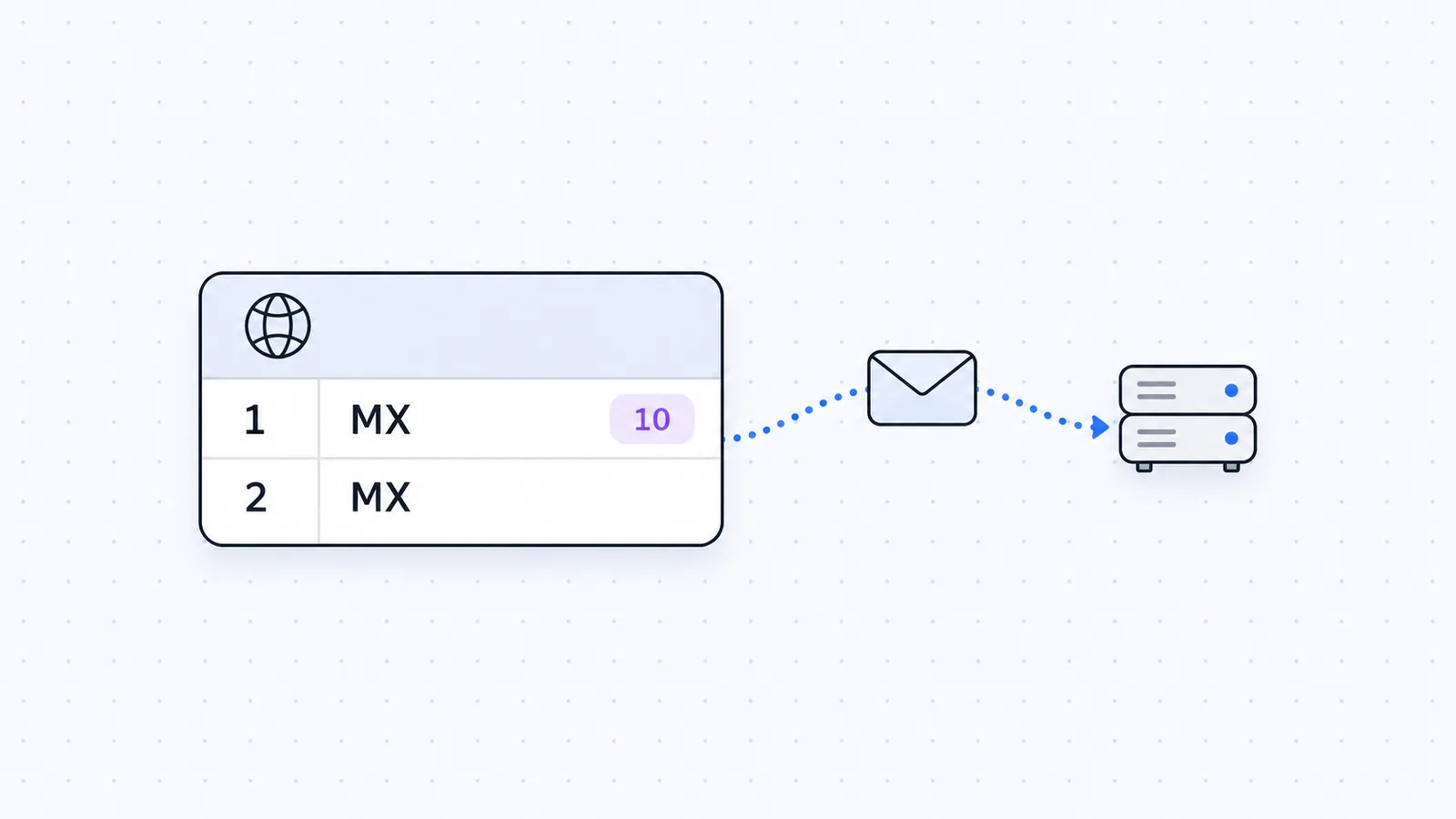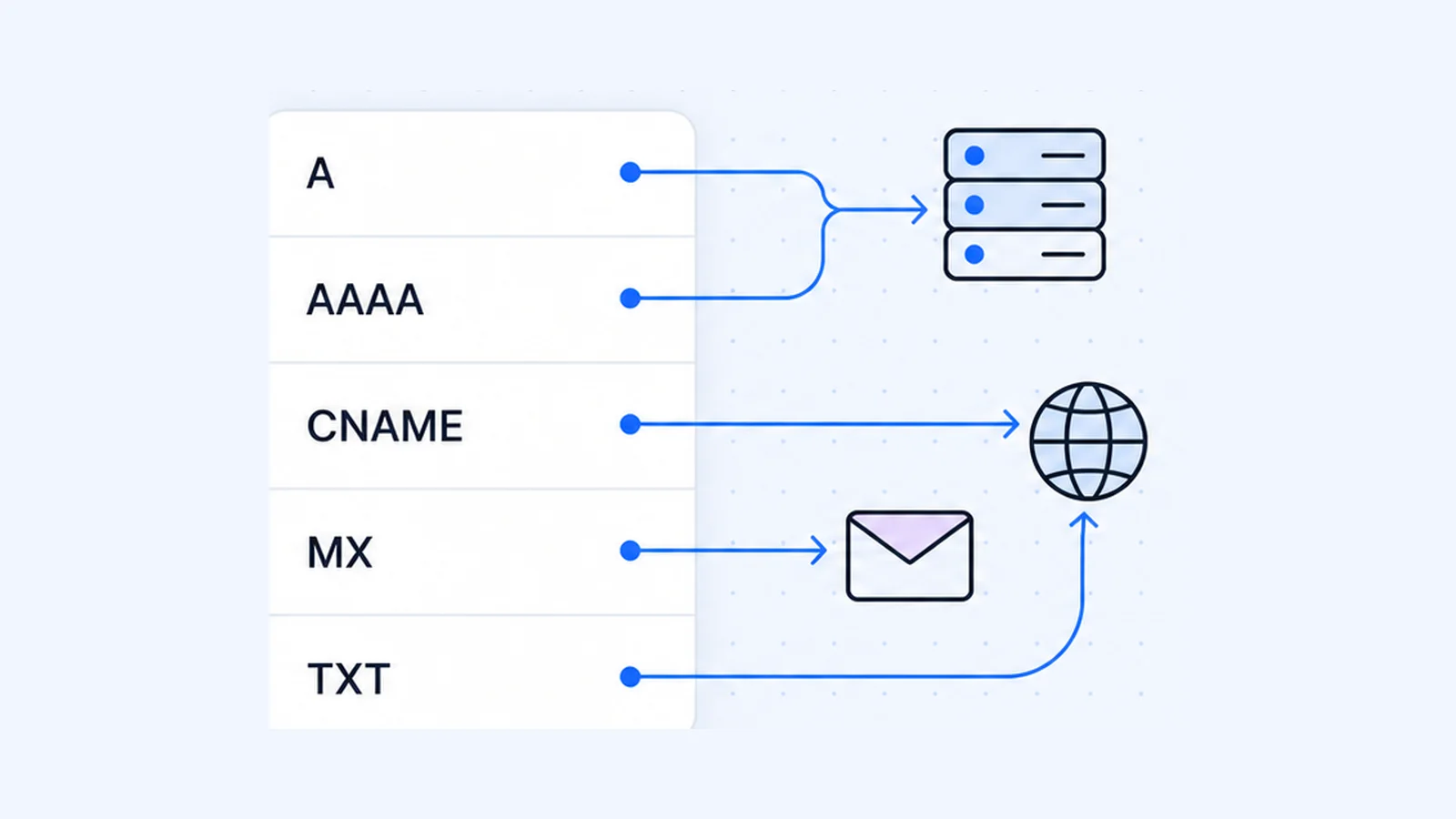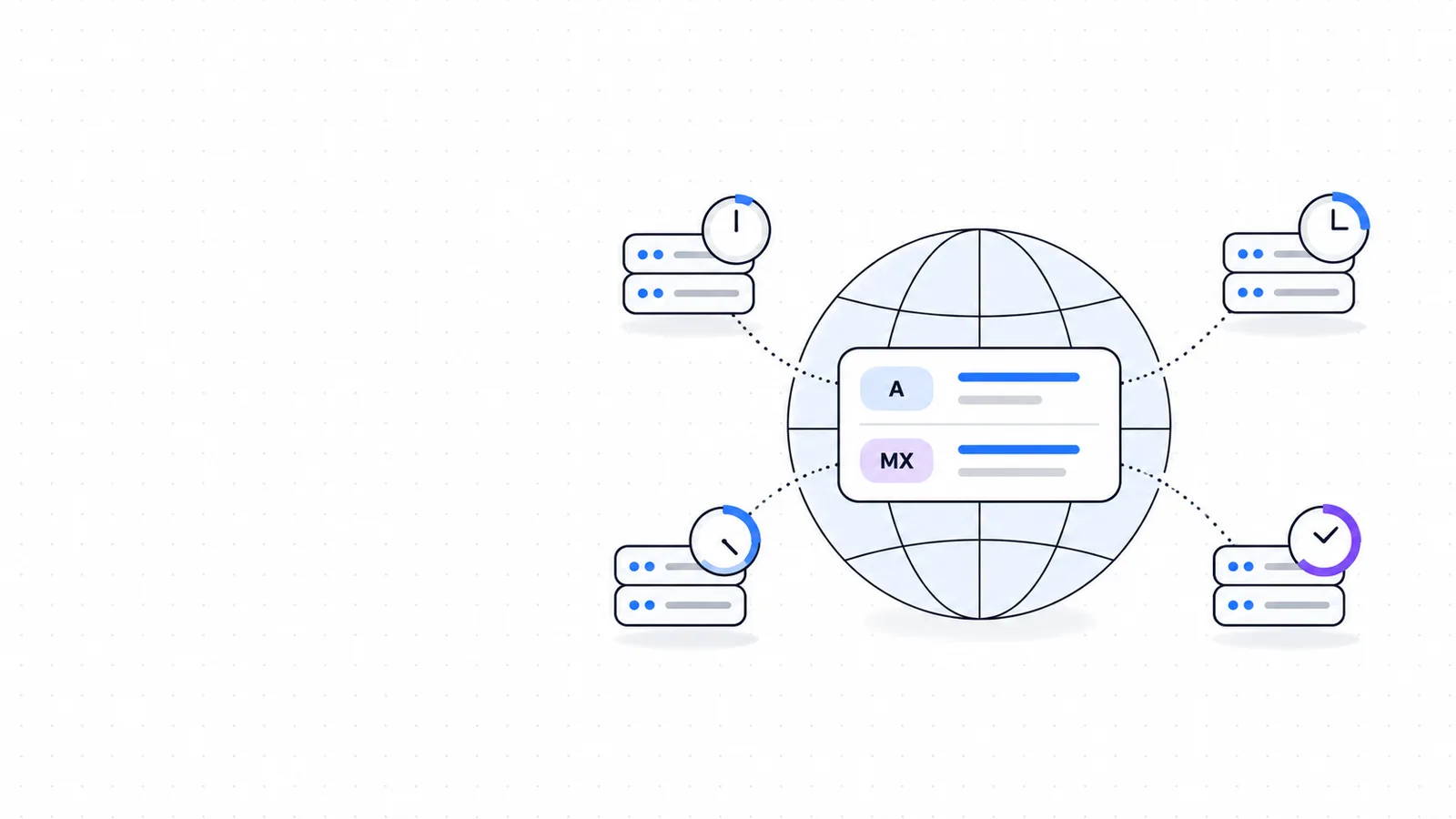


DNS propagation time is the wait between saving a DNS change and every resolver on the internet returning the new answer. A change to an existing record takes as long as that record's old TTL, which is often five minutes to a few hours. A nameserver change takes longer, up to 24 to 48 hours for many domains, because the registrar has to update the registry and the registry's own TTL is long.
Key takeaways
- Nobody pushes your change out. Each resolver keeps its cached copy until the TTL runs out, then asks your nameservers again.
- The TTL that controls the wait is the one the record had before you edited it.
- Nameserver changes are slower than record changes. The registry sets the TTL on the delegation, and for .com it is 172,800 seconds (48 hours).
- You can check progress by asking your authoritative nameservers and a few public resolvers for the same record and comparing the answers.
- To shorten a planned move, lower the TTL to 300 seconds at least one full old TTL before you change the record.
What DNS propagation means
The word suggests that your DNS provider sends the new record to every server in the world. That is not how DNS works. Your authoritative nameservers hold the record, and resolvers run by internet providers, companies and public services such as 1.1.1.1 and 8.8.8.8 fetch it when a user asks for it. Each resolver then keeps the answer in its cache.
The record's TTL (time to live) sets how long the resolver keeps the answer. RFC 1034 says the TTL "describes how long a RR can be cached before it should be discarded" (RFC 1034, section 3.6). RFC 1035 defines it as the interval a record "may be cached before the source of the information should again be consulted" (RFC 1035, section 3.2.1).
Propagation is cache expiry. If you want a refresher on record types and the TTL field, read what DNS records are.
How long does DNS propagation take?
It depends on what you changed.
| What you changed | What sets the wait | Typical upper limit |
|---|---|---|
| An existing A, AAAA, CNAME, MX or TXT record | The TTL the record had before the edit | That TTL, for example 300 seconds or 4 hours |
| A proxied record on Cloudflare | Cloudflare fixes the TTL at 300 seconds | About 5 minutes, plus your local cache |
| A new name that nobody has looked up yet | Nothing is cached | As soon as your nameservers serve it |
| A new name that people looked up before it existed | The negative caching TTL from your SOA record | The lower of the SOA MINIMUM value and the SOA record's TTL |
| The domain's nameservers | Registrar processing plus the registry's delegation TTL | Up to 48 hours for .com and .co.uk |
Cloudflare's documentation confirms the proxied figure. Proxied records "have a TTL of Auto, which is set to 300 seconds", and for DNS-only records you can pick a TTL between 60 seconds (30 seconds on Enterprise) and 1 day (Cloudflare Docs, Time to Live).
The same page explains the trade-off. Longer TTLs put more answers in cache, "but a longer TTL also means that updates to your records take longer to go into effect."
Why the TTL sets your DNS propagation time
Take an A record with a TTL of 14,400 seconds (4 hours).
- At 10:00 a resolver looks up the record and caches it for 4 hours.
- At 10:05 you change the IP address at your DNS provider.
- Until 14:00 that resolver keeps answering with the old IP address.
- After 14:00 the next lookup goes to your nameservers and gets the new address.
A second resolver that cached the record at 07:00 switches at 11:00. A resolver that had nothing cached gets the new address straight away. This is why a propagation checker shows a mix of old and new answers for a while, and why the worst case equals the old TTL.
Resolvers can shorten a long TTL
Some resolvers cap very long TTLs. Google says record TTLs on Google Public DNS "are generally limited to six hours even if the actual TTL is longer" (Google Public DNS FAQ). RFC 8767 recommends that resolvers cap TTLs at 604,800 seconds (7 days) (RFC 8767, section 4). Treat the TTL you published as the upper limit.
Your own device caches too
Your browser, operating system and router keep their own copies. Cloudflare notes that your local DNS cache can make a record change take longer than five minutes to reach you. If the rest of the world sees the new record and you do not, flush your DNS cache.
Lookups for names that did not exist yet
Resolvers also cache "no such name" answers. RFC 2308 sets the TTL of that negative answer to "the minimum of the MINIMUM field of the SOA record and the TTL of the SOA itself" (RFC 2308, section 3). The same RFC says resolvers should limit how long they cache a negative answer, and that limits of "one to three hours have been found to work well". If you test a new subdomain before you create the record, your resolver may remember the failure for that long. Create the record first, then test.
Why nameserver changes take longer
A nameserver change has two waits that a record edit does not have.
First, your registrar passes the new nameservers to the registry for your domain ending. Cloudflare tells customers to "wait up to 24 hours while your registrar updates your nameservers" (Cloudflare Docs, full setup).
Second, the registry publishes the delegation (the NS records that point to your DNS provider) with a TTL that you cannot edit. Resolvers that cached the old delegation keep using the old nameservers until that TTL expires. You can read the value for any domain by asking the registry's nameserver directly. For a .com domain:
dig +noall +authority NS example.com @a.gtld-servers.netexample.com. 172800 IN NS hera.ns.cloudflare.com.
example.com. 172800 IN NS elliott.ns.cloudflare.com.The second column is the TTL in seconds. The registries below returned these delegation TTLs on 12 November 2026. Registries can change them, so run the command against your own registry's nameserver for the current number.
| Domain ending | Delegation TTL | In hours |
|---|---|---|
| .com | 172,800 seconds | 48 hours |
| .co.uk | 172,800 seconds | 48 hours |
| .pk and .com.pk | 86,400 seconds | 24 hours |
| .org | 3,600 seconds | 1 hour |
| .com.au | 3,600 seconds | 1 hour |
| .in and .co.in | 900 seconds | 15 minutes |
The "up to 48 hours" advice fits .com and .co.uk nameserver changes. It overstates the wait for a .in domain and for most record edits.
Your DNS provider can add a short delay of its own. Secondary nameservers copy the zone from the primary on a schedule, and RFC 1996 added NOTIFY so that the primary can tell them when the zone has changed (RFC 1996). If two of your nameservers give different answers, they have not synced yet.
For the full procedure, see what nameservers are and how to change them.
How to check DNS propagation
A propagation check compares what your authoritative nameservers say now with what resolvers still have cached.
-
Find your authoritative nameservers.
bashdig NS example.com +short -
Ask one of them for the record. Replace
ns1.example-dns.comwith a name from step 1. This answer is the current record, with no cache involved.bashdig @ns1.example-dns.com example.com A +noall +answer -
Ask public resolvers for the same record.
bashdig @1.1.1.1 example.com A +noall +answer dig @8.8.8.8 example.com A +noall +answer -
Read the TTL column in each answer. On a resolver it counts down. If the resolver still shows the old value, that number is how many seconds remain before it asks again.
-
For a nameserver change, trace the delegation from the root. The BIND manual says
+tracemakes dig follow "referrals from the root servers, showing the answer from each server that was used to resolve the lookup" (BIND 9 manual, dig).bashdig +trace example.com
On Windows, use nslookup with the record type, the name and then the resolver to ask (Microsoft Learn, nslookup):
nslookup -type=A example.com 1.1.1.1
nslookup -type=NS example.com
If you prefer a browser, the free DNS lookup tool shows the records a domain currently returns.
Propagation is complete when the authoritative answer and the resolver answers match, and the old TTL has passed since your change.
How to speed up DNS propagation before a migration
You cannot clear other people's caches after the change. You can make those caches short-lived before the change.
- Check the current TTL of each record you plan to change. Use the command from step 2 above and note the TTL column.
- Lower the TTL to 300 seconds. In cPanel you do this in Zone Editor, which lists a TTL for every record (cPanel Docs, Zone Editor). Cloudflare accepts values down to 60 seconds on non-Enterprise plans.
- Wait at least one full old TTL. If the old TTL was 86,400 seconds, lower it a day or more before the move. Resolvers that cached the record with the old TTL need that long to pick up the short one.
- Copy the site, databases and mailboxes to the new server and test them there.
- Change the record. Resolvers now pick up the new value within about five minutes.
- Check the result with the commands in the previous section.
- Keep the old server running until the old TTL has passed, so that visitors on a stale cache still reach a working site.
- Raise the TTL again once the move is stable.
If you are changing nameservers and not single records, the registry's delegation TTL is outside your control. Reduce the risk this way:
- Copy every record to the new DNS provider before you switch, so both sets of nameservers give the same answers during the overlap.
- Turn off DNSSEC at the registrar first. Cloudflare warns that "changing nameservers while DNSSEC is active can cause your domain to become unreachable."
- Leave the old DNS zone in place for at least the delegation TTL.
Two public resolvers let you clear their cache for your domain after the change. Google offers Flush Cache, and its FAQ says to flush the domain itself before subdomains such as www when you have changed nameservers. Cloudflare offers Purge Cache for 1.1.1.1. These tools only affect those two resolvers.
For the rest of a host move, follow the website migration checklist. WaseerHost includes free website migration with its hosting, and every plan uses cPanel, so you can edit record TTLs in Zone Editor.
If DNS still shows the old record
Work through these checks in order.
- Query your authoritative nameserver. If it returns the old value, the change was not saved, or you edited the zone at a provider that is no longer authoritative for the domain. Run
dig NS example.com +shortand edit the zone at the provider it lists. - Query each authoritative nameserver. If they disagree, your provider's secondary servers have not synced. Wait, or contact the provider.
- Query 1.1.1.1 and 8.8.8.8. If they show the new value and your computer does not, the stale copy is local. Flush the cache on your device and restart the browser.
- After a nameserver change, confirm that the registrar shows the new nameservers and that you removed the old DS record. Cloudflare's setup guide requires you to remove DS records from the previous provider before the new nameservers can answer for the domain.
- Count the time since the change. If it is still less than the old TTL, or less than the delegation TTL for a nameserver change, resolvers are still inside their cache window and the fix is to wait.
Frequently asked questions
A resolver may keep a record for the number of seconds in its TTL, counted from the moment the resolver fetched it. Some resolvers keep it for less. Google Public DNS generally limits cached records to six hours even when the TTL is longer.

Written by
Web & AI Systems Lead
Web and AI Systems Lead at Wasevo, the company behind WaseerHost. He builds web applications and AI systems.