WordPress White Screen of Death: How to Fix It
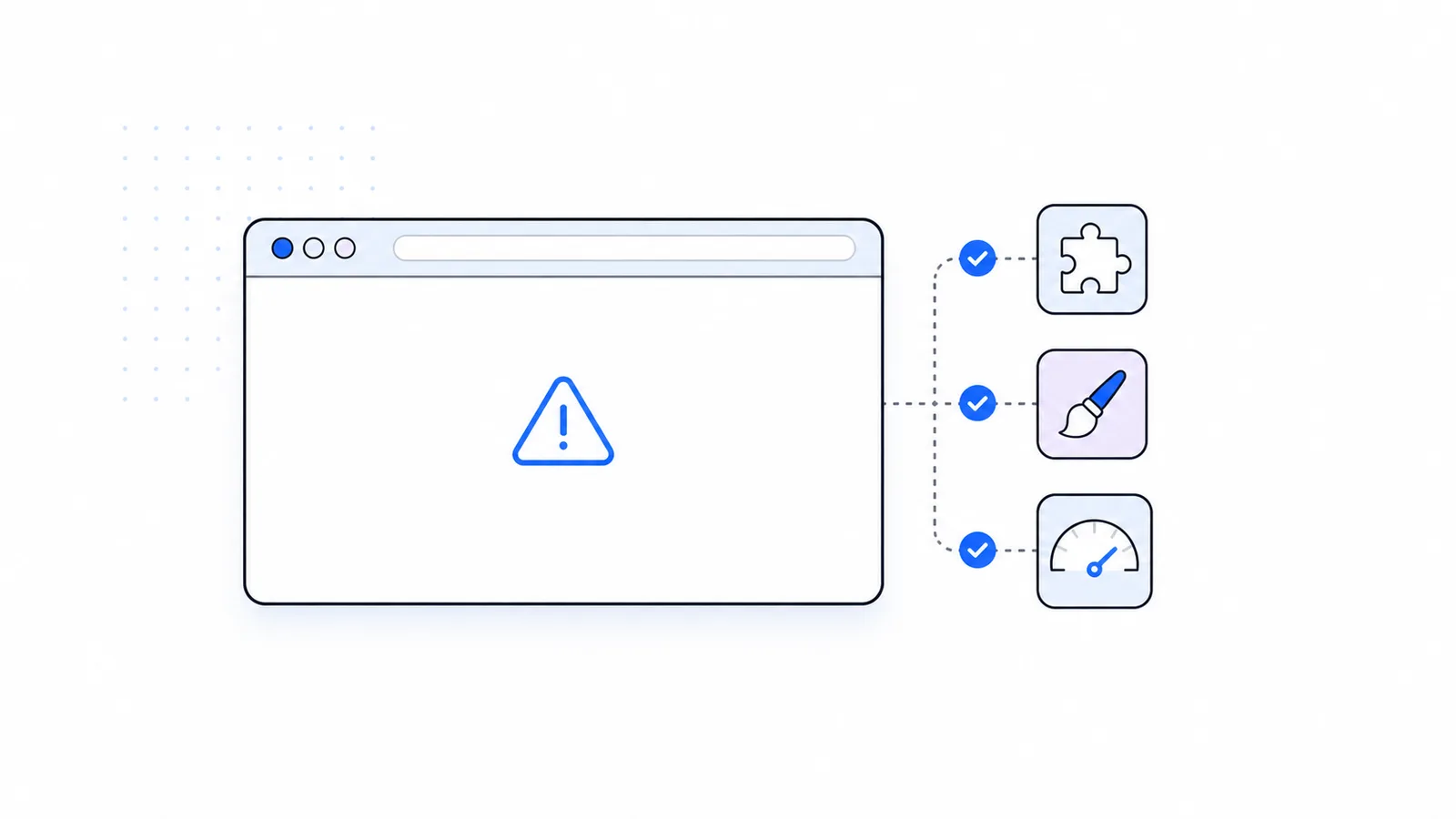
Fix the WordPress white screen of death and the critical error message with the recovery email, the debug log, plugin and theme tests, memory and PHP checks.

11 min read
Installing, speeding up, securing and maintaining WordPress sites.
Fix the WordPress white screen of death and the critical error message with the recovery email, the debug log, plugin and theme tests, memory and PHP checks.
How to speed up WordPress step by step: measure with PageSpeed Insights, fix images, turn on caching, trim plugins, update PHP, clean the database and add a CDN.
Back up WordPress files and the database from cPanel, by hand or with a plugin, then store the copies safely and prove you can restore one.
Install WordPress on cPanel hosting with a one-click installer or by hand with a database and File Manager, then fix the common setup errors.
A practical WordPress security checklist: updates, strong logins with two-step verification, user roles, file editing, permissions, salts, HTTPS, tested backups and what to do if hacked.
One short email when we publish something useful. No spam; unsubscribe at any time.