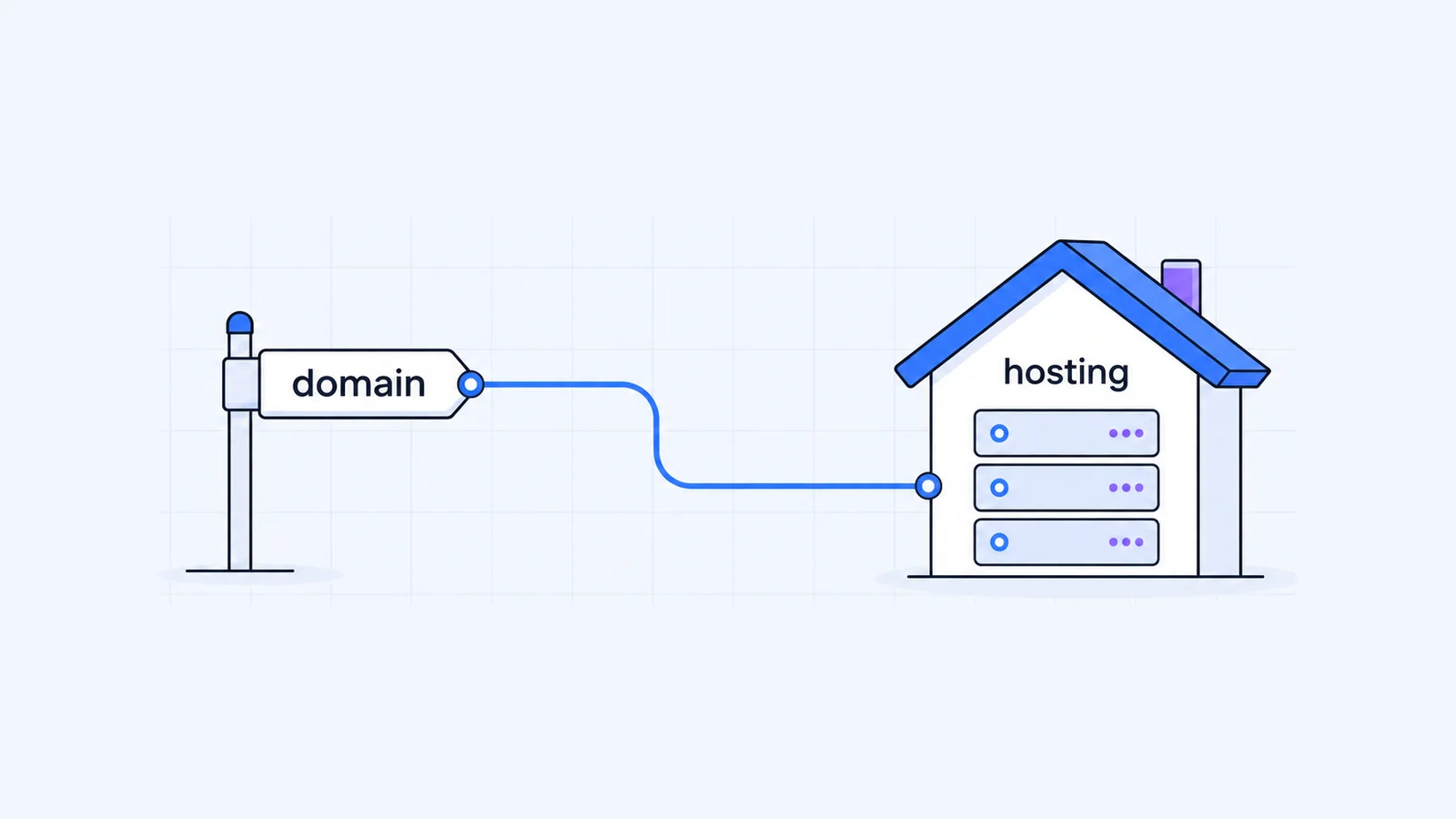


A domain name is the address people type to reach your website. Web hosting is the server space that stores the website's files and sends them to visitors. A working site needs both. When you compare web hosting vs domain name, remember that they are separate services, and you can buy, renew and move each one on its own.
Key takeaways
- A domain name is a registration you renew with a registrar. Web hosting is a server service you rent from a host.
- DNS connects them. Either your domain uses your host's nameservers, or an A record at your current DNS provider points the domain to the host's IP address.
- You can buy them from different companies, and you can change hosts without transferring your domain.
- When a .com or other generic domain expires, ICANN rules give you time to renew, but your website and email stop working while the registrar interrupts DNS.
- If hosting lapses, the domain stays registered but has nothing to show. Keep backups either way.
Web hosting vs domain name: the short answer
Think of a shop. The domain name is the street address on the sign and in the directory. The web hosting is the building that holds the stock, the till and the staff. DNS is the directory entry that tells visitors which building sits at that address.
You can move the shop to a new building and keep the same address. You only update the directory. You can also keep the building and change the company that manages your address. The two are linked, but they are different things, and you pay for each one even when one company sells both.
What a domain name is
You register a domain name such as yourbusiness.com through a registrar for a set period, then renew it. You are the registrant, meaning the person or company that owns the registration. For generic top-level domains (.com, .net, .org and the like), registrars follow ICANN policies on renewals, expiry and transfers.
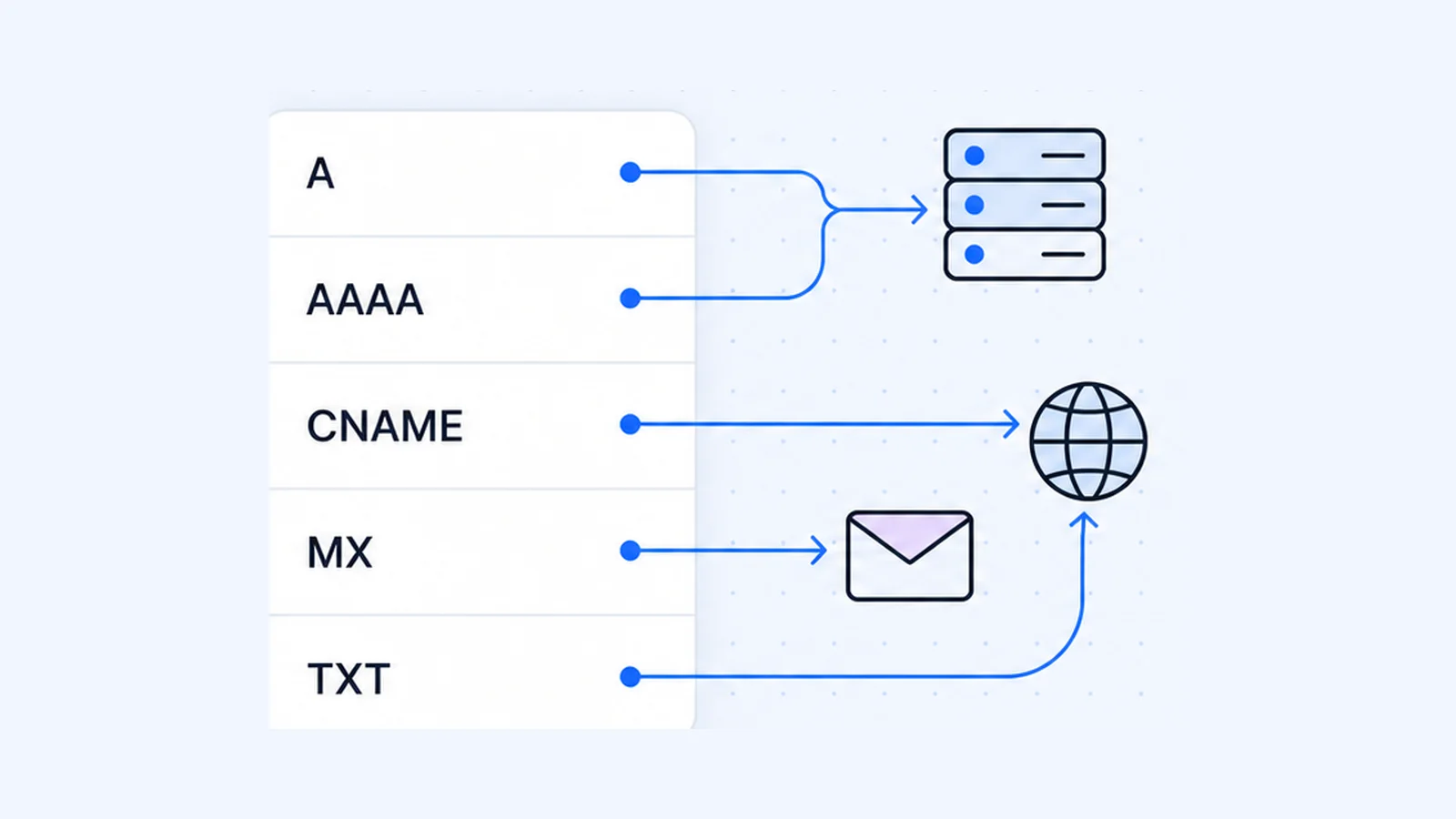
The domain itself stores no website files. It carries a pointer, which is the list of nameservers that answer questions about the domain. Those nameservers hold the DNS records that say where the website lives (A and AAAA records) and where mail for the domain goes (MX records). If you don't know which registrar holds your domain or which nameservers it uses, a WHOIS lookup shows both.
You can search for and register a new name on the WaseerHost domains page.
What web hosting is
Web hosting is a server, or a share of one, that stores your site's files and databases and runs the software that turns them into web pages. The server has an IP address, and your domain has to point to that address.
Hosting plans usually include tools to manage the site as well. Every WaseerHost hosting plan uses cPanel, runs on the LiteSpeed web server with NVMe storage, and includes free SSL certificates. You can see current shared hosting plans for what each plan includes.
Domain vs hosting compared
| Domain name | Web hosting | |
|---|---|---|
| What it is | A registered name in the DNS | Server space and software that run your site |
| What it does | Tells visitors' browsers where to go | Stores files and databases and serves the pages |
| Who provides it | A domain registrar | A hosting company |
| How you pay | Registration term, then renewal | Plan term, then renewal |
| What you manage | Contact details, nameservers, DNS records, renewal | Website files, databases, email accounts, SSL |
| If it lapses | Website and email at that name stop resolving | Site goes offline; the domain stays registered |
| Can you move it | Yes, by transferring to another registrar | Yes, by copying the site to a new host and updating DNS |
How a domain connects to hosting
You can point a domain at a hosting server in two common ways.
- Change the nameservers. At your registrar, replace the domain's nameservers with the ones your host gives you. The host's DNS servers then answer for the whole domain, and you manage records in the host's control panel (in cPanel, that is the Zone Editor). This option takes the least work when one host runs both your website and email.
- Keep your DNS where it is and add records. Leave the nameservers alone and create an A record (plus an AAAA record if the host gives you an IPv6 address) that points the domain at the hosting server's IP address. Pick this if another provider already manages your DNS, for example because email runs on a separate service.
Underneath, an NS record names a host that "should be authoritative" for the domain, and an A record holds a 32-bit internet address (RFC 1035). MX records matter too. Mail servers look them up to decide where to deliver messages for your domain (RFC 5321), so if you move DNS without copying the MX records, email breaks.
To see how a domain is set up right now, run these commands on macOS or Linux, or use the WaseerHost DNS lookup tool:
dig NS yourbusiness.com +short
dig A yourbusiness.com +short
dig MX yourbusiness.com +short
For more on how nameservers work and how to change them safely, read what nameservers are and how to change them.
Can you buy a domain and hosting separately?
Yes. Nothing requires the registrar and the host to be the same company, and plenty of site owners use each setup.
With one company, you get one account and one bill, and the host can often set up the DNS for you. The downside is that both services sit behind one login.
With two companies, changing hosts never touches the domain registration, and a problem with one account doesn't lock you out of the other. The downside is that you connect them yourself, with nameservers or an A record as described above.
Either way, register the domain in your own name (or your company's) with an email address you control. Your registrar sends renewal reminders and transfer approvals to that address.
Moving one without the other
Changing hosts and keeping your domain
ICANN's registrant FAQ notes that you may be able to change web-hosting providers instead of registrars, and that you can update your domain's nameservers or the hosting IP address it points to (ICANN). The steps:
- Set up the new hosting account.
- Copy the website files, databases and email accounts to it.
- Test the site on the new server before you change DNS.
- Update the nameservers, or the A record, to point at the new host.
- Keep the old hosting active until the DNS change has spread and email arrives at the new server.
WaseerHost offers free website migration if you would rather have someone else do the copy.
Transferring your domain and keeping your hosting
A registrar transfer moves the registration to a new registrar, and your website can stay where it is. You usually need an authorization code (also called an Auth-Code, EPP or transfer code) from your current registrar, and the domain must be unlocked. ICANN says a registrar may deny a transfer within 60 days of the initial registration or of a previous transfer (ICANN).
Before you start, write down the current nameservers and DNS records. After the transfer, check that nothing changed, so the site and email keep working.
What happens when either one expires
When a domain expires
For generic TLDs, ICANN's Expired Registration Recovery Policy (ERRP) sets these minimum rules (ICANN ERRP):
- Reminders. Your registrar must send at least two renewal reminders, about one month and about one week before expiry, and one more within five days after expiry if nobody has renewed or deleted the domain.
- DNS interruption. After expiry, the registrar must interrupt the domain's DNS resolution. If the registrar deletes the domain eight or more days after expiry, the interruption covers at least the last eight consecutive days during which you can still renew. ICANN warns that this stops services such as your website and email (ICANN).
- Renewal window. The registrar must let you renew from the moment of expiry through that interruption period. If it redirects web traffic during this time, the page has to say that the domain has expired and explain how to renew.
- Auto-Renew Grace Period (optional). Some registrars give you 1 to 45 days to renew an expired domain, possibly for a fee. ICANN notes that, depending on the registrar's terms, someone else may be able to register the domain during this period.
- Redemption Grace Period. Once the registrar deletes the domain, gTLD registries (except sponsored gTLDs) must offer a 30-day Redemption Grace Period in which your registrar can restore it for you. Registrars may charge a redemption or restore fee, and they must publish their renewal and restore fees.
The ERRP covers gTLD registrations. If your domain ends in a country code such as .uk or .de, read your registrar's terms for the rules that apply. The easiest protection is auto-renew, with a payment method and email address that are up to date.
ICANN's short video explains what to do if you forget to renew:
When hosting expires
Your host's terms decide what happens when hosting expires, not ICANN. Usually the host suspends the account and the site goes offline. If you don't renew, the host may later delete the files, databases and mailboxes on it. The domain stays registered and keeps pointing at that server, but the server has nothing to serve.
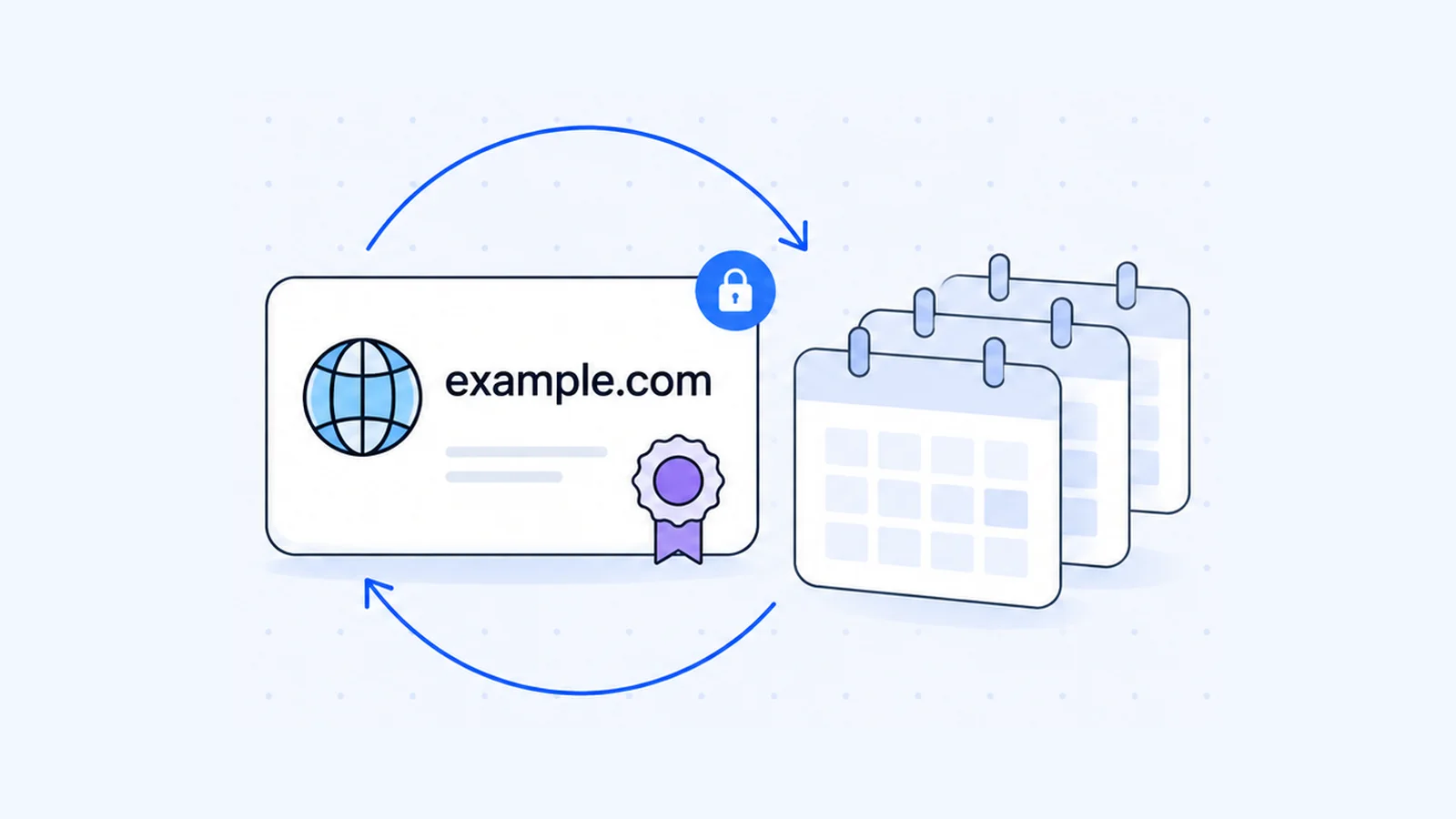
Two habits protect you from both kinds of expiry. Keep your own backups of the site and email, and put both renewal dates in your calendar.
Which do you need first?
To launch a website you need both, and the order rarely matters if you set them up the same day. If the name matters to your business, register it first so nobody else takes it, then add hosting and connect the two.
- Need a name? Start at domains.
- Need somewhere to run the site? See current shared hosting plans.
- Already have a site with another host? Ask about free website migration.
Frequently asked questions
Only if you want something to load at that domain. A registered domain with no hosting behind it shows no website of yours. If you only want to reserve the name for now, register it and add hosting later.

Written by
Founder & CEO
Founder and CEO of Wasevo LLC, the company that runs WaseerHost. He works on cPanel/WHM servers, WHMCS billing and the Next.js storefront.