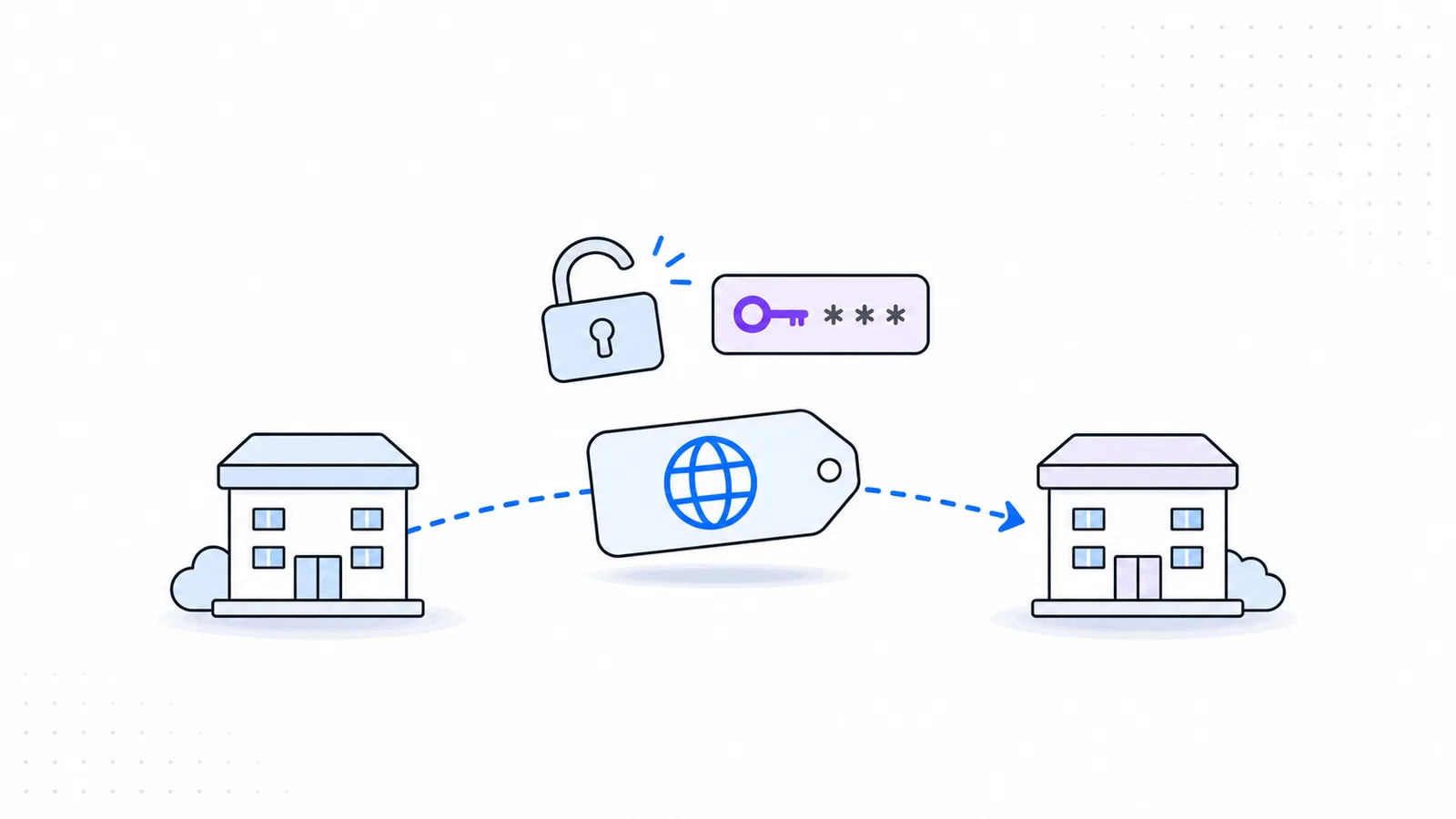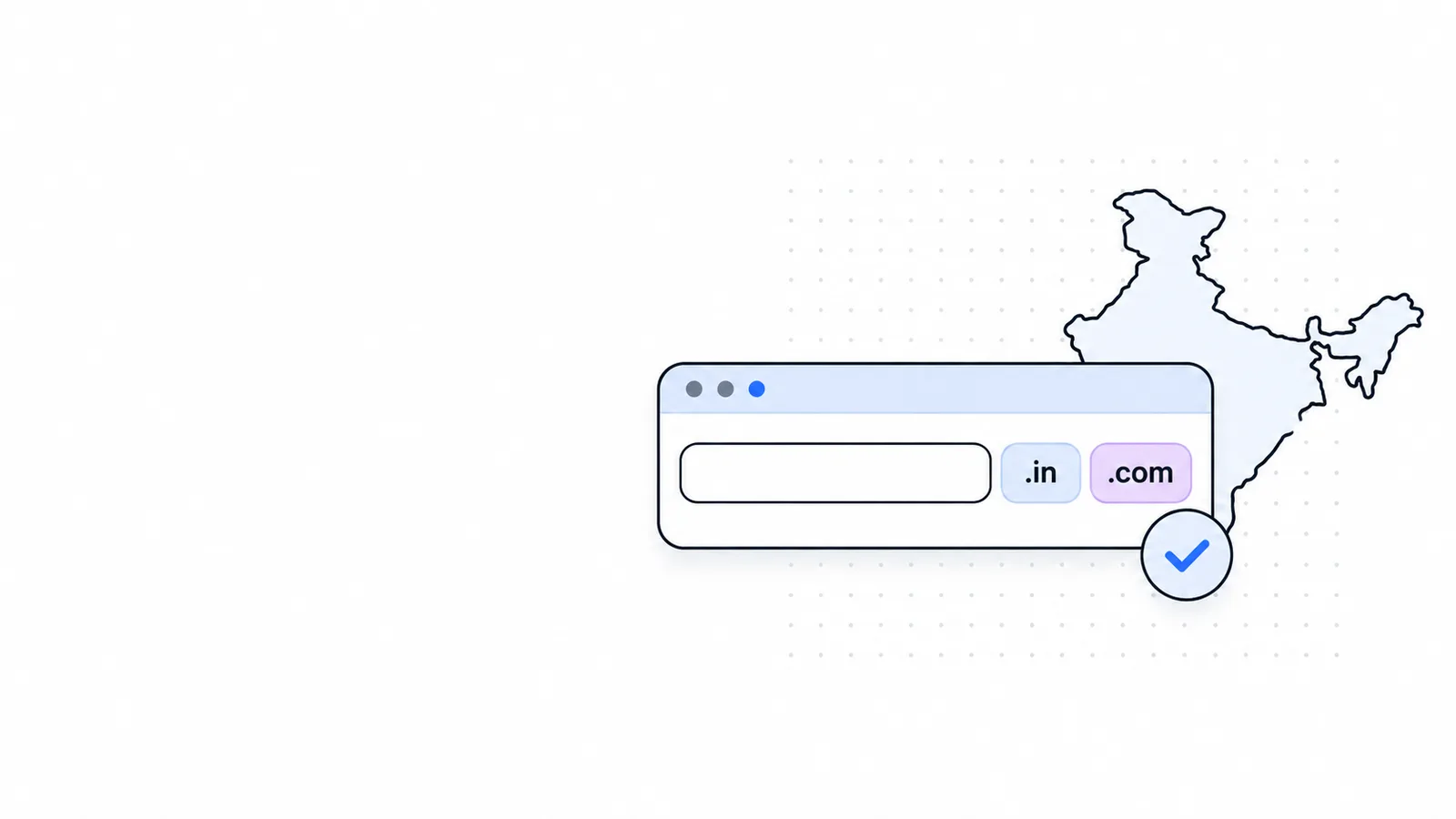


To buy a domain name in India, choose a name and an ending such as .com or .in, check that it is free, then register it through a registrar or a reseller for one to ten years. A .in name adds two India-specific points. You complete an identity check (KYC) after you pay, and some registrars do not offer WHOIS privacy for .in names. This guide covers each step, what to compare before you pay, and what to set up afterwards.
Key takeaways
- You register a domain for a fixed term, usually one to ten years, and renew it to keep it. You do not buy it outright.
- The .IN Registry says .in, .co.in, .net.in, .org.in and its other open zones are available to anyone worldwide, with no residency requirement.
- A .in registration must pass KYC, and some registrars do not offer WHOIS privacy for .in names, so check before you pay.
- Compare the renewal price, transfer terms and DNS features before you pay. The first-year price tells you little about the long-term cost.
- A new .in name cannot change registrar for 60 days, and a .com registrar may refuse a transfer for the same period, so check the seller's transfer terms first.
What you get when you buy a domain name
Buying a domain name means registering it. The .IN Registry describes the registrant as the person who holds the rights to a domain for the duration of the registration period. ICANN, the body that coordinates generic endings such as .com, says a registration lasts for the period you paid for, typically between one and ten years, and you renew it before it expires to keep using it.
Three parties take part in the purchase. The registry keeps the master list for one ending, and NIXI, the National Internet Exchange of India, runs the one for .in. A registrar sells registrations and passes your order to the registry. A reseller sells through a registrar. The .IN Registry does not carry out registrations itself, so every .in name goes through one of its accredited registrars or their resellers.
If these terms are new to you, read what a domain name is first.
Step 1: choose a name that passes the rules
A good name is short and easy to spell after hearing it once. Say it aloud to someone. If they ask whether it has a hyphen or a digit, pick a simpler name.
The technical rules for .in are short. The registry's general policies say a .in name must be 3 to 63 characters long, may use only letters, digits and hyphens, and cannot begin or end with a hyphen. One-character and two-character names are reserved and not sold to the public.
Check for trademark conflicts before you pay, because the brand owner can claim a name that copies their brand. For .in names, complaints go through the registry's own .IN Domain Name Dispute Resolution Policy (INDRP), which NIXI administers through arbitrators.
Step 2: choose the ending
India-based buyers usually weigh a generic ending such as .com against the country ending .in. The table shows the main choices.
| Ending | Who can register | Good fit for |
|---|---|---|
| .com | Anyone | Businesses that sell beyond India or want the most familiar ending |
| .in | Anyone, worldwide | Businesses, professionals and projects that serve India |
| .co.in | Anyone, worldwide | Companies, or anyone whose .in name is taken |
| .net.in, .org.in | Anyone, worldwide | Network services and non-profit groups |
| .firm.in, .gen.in, .ind.in | Anyone, worldwide | Firms, general use and individuals |
| .gov.in, .mil.in, .ac.in, .edu.in, .res.in | Qualified Indian organizations only | Government, defence, academic and research bodies |
The middle rows come from the registry's policy page, which lists the open zones and states that registration is "available freely to all parties worldwide, and there are no nexus or other qualifications". The registry labels gen.in as general and ind.in as individuals. The uses shown for the other zones are conventions, not rules. The same page lists more open zones such as ai.in, biz.in, io.in and me.in. The restricted zones have their own registrars. The accredited registrars page names NIC for gov.in and mil.in, and ERNET for ac.in, edu.in and res.in.
The registry also offers names in Indian scripts under .भारत and its equivalents. Its internationalized domain names page lists Devanagari, Bengali, Telugu, Gujarati, Tamil and other scripts as generally available.
Is .in or .com better?
Neither ending wins for every site. Google's documentation says a country-code ending is tied to one country and gives "a strong signal to both users and search engines" that the site is intended for that country. The same page notes that a country ending can only target a single country. So .in suits a business whose customers are in India, and .com suits one that also sells abroad.
You can also register both and redirect one to the other, at the cost of a second renewal every year.
Step 3: check that the name is available
Type the name into the search box of the registrar or reseller you plan to use. The result shows whether the name is free and which endings you can register.
If the name is taken, try another ending, adjust the name, or look up the current registration. A WHOIS lookup shows the registrar and the expiry date. A name that someone else holds may be for sale at a much higher price than a new registration.
Step 4: decide where to buy, registrar or reseller
You can buy from an accredited registrar or from a reseller, which is often a hosting company. ICANN describes resellers as organizations under contract with registrars to sell domain names and related services such as web hosting or mailboxes. It adds that registrars remain responsible and accountable for all domain names sold by their resellers.
Both routes give you the same registration at the registry. The difference is who handles your support and billing. A reseller that also hosts your site gives you one account for the domain and the hosting. A registrar puts you in direct contact with the company that sends orders to the registry.
Before you pay a seller, confirm two things:
- For .in, the seller is on the registry's list of accredited registrars or names the accredited registrar it works through.
- For .com and other generic endings, the registrar appears on ICANN's list of accredited registrars. If you used a reseller and lose contact with it, ICANN says the sponsoring registrar shown in WHOIS should be able to help you.
Step 5: compare these points before you pay
Registrars set their own retail prices. The .IN Registry publishes its wholesale fee and says registrars are free to set whatever retail prices they wish. Compare sellers on the points below, not on the first-year offer.
| What to compare | Why it matters | What to look for |
|---|---|---|
| Renewal price | ICANN notes that the initial fee may be less than the cost to renew because of new-customer promotions | The renewal price for your ending, in writing |
| WHOIS privacy | It hides your contact details on .com and similar endings | Whether it is included or charged yearly. Some registrars do not offer it for .in |
| Transfer rules | You may want to move the name later | No fee to release the authorization code, and a clear transfer page |
| DNS management | You need DNS records to connect a website and email | Free DNS hosting and the ability to edit A, CNAME, MX and TXT records |
| Restore fee | An expired name costs more to recover | The fee and deadline for restoring a name after expiry |
| Support and billing | You will need help at renewal or transfer time | Support hours, invoice details and payment methods that suit you |
On privacy, the rules differ by ending. For .com, a privacy service publishes alternate contact information in place of yours, and our guide to WHOIS privacy explains what stays visible. For .in, the registry's policy says contact data is displayed in the .IN WHOIS, and one registrar's .in policy page states that proxy and privacy registrations are not permitted, whether added as a product or typed in as masked details. Use a business address and a dedicated email address if you do not want personal details on record.
Step 6: register the name and pay
The checkout steps are similar at every seller.
- Add the name to the cart and choose the term. Both .in and .com allow one to ten years.
- Remove add-ons you did not ask for. Some checkouts preselect extras such as email plans or site builders.
- Create an account with an email address you will keep for years. Renewal notices and transfer codes go to it.
- Enter the registrant details. Use your legal name for a personal domain, or the business name for a company domain, so the right party holds the registration.
- Pay and save the invoice.
Payment options differ by seller, so check the checkout page before you create an account. Sellers that serve India may offer UPI, net banking, cards or wallets. A seller that bills in a foreign currency needs a card enabled for international payments, and your bank may add a conversion charge. If you need an invoice in your business name, confirm that the seller issues one.
Auto-renew only works when the seller can charge your saved payment method again. If you pay with a one-off method, set a reminder a month before the expiry date and renew by hand.
Step 7: complete the verification
Two checks follow the payment. Skip either one and the name can stop working.
For .com and other generic endings, ICANN's registrar agreement requires the registrar to verify your email address or phone number within 15 days of registration. If you do not respond, the registrar must verify the details manually or suspend the registration. Open the verification email and click the link.
For .in, the registry states that KYC is mandatory. The process depends on the registrar. One registrar's .in help page says NIXI requires KYC within 7 days of registration. The check uses Aadhaar through DigiLocker, and the registrant contact details must match the identity record exactly. It also says a domain that fails KYC goes inactive, so the website and email stop working. Ask your seller which documents it accepts before you buy, especially if you live outside India or are registering for a company.
What to do after buying
- Turn on auto-renew, or note the expiry date in two calendars. ICANN requires registrars to send renewal reminders about one month and one week before expiry, and those reminders go to the email address on the account.
- Turn on the registrar lock so nobody can start a transfer without your action.
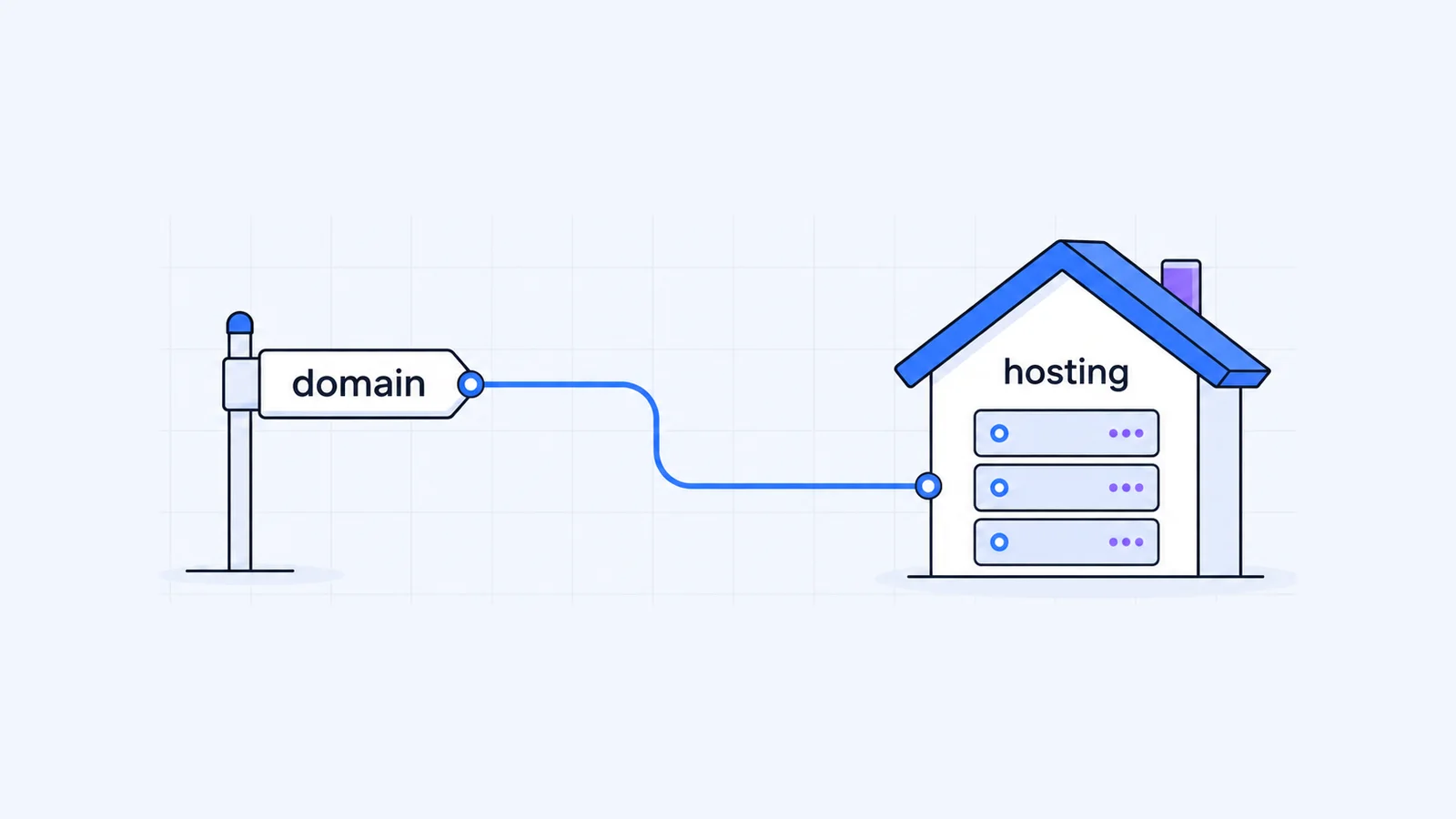
- Point the domain at your hosting. Set the nameservers your host gives you, or add its A record in the DNS zone. The .IN Registry says a .in name needs at least one valid nameserver to resolve and recommends two.
- Wait for DNS to update, then check the records with a DNS lookup. Our guide on how long DNS propagation takes explains the delay.
- Set up email on the domain by adding MX records.
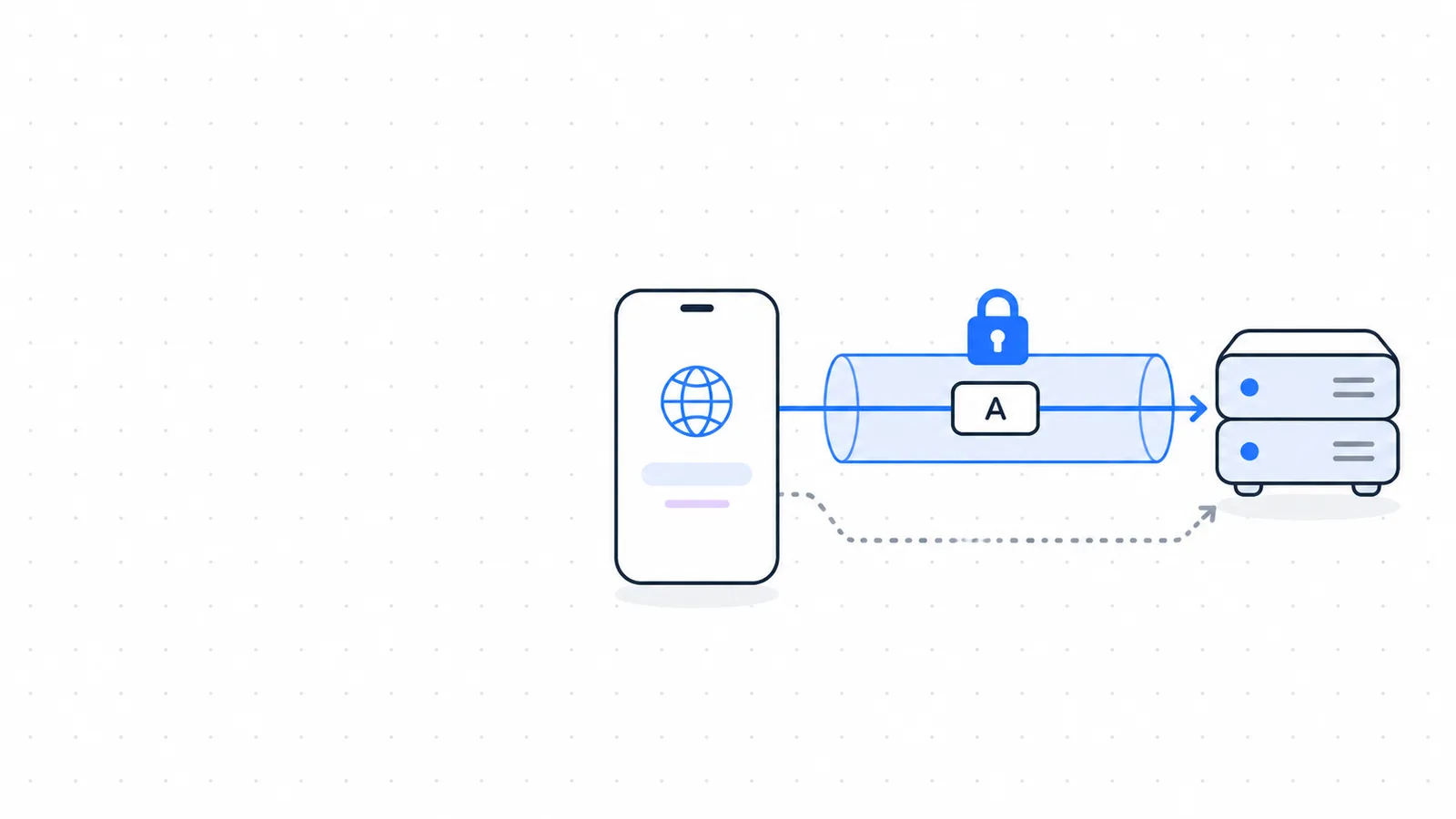
- Add an SSL certificate so the site loads over HTTPS. WaseerHost shared hosting includes free SSL certificates.
If you do not have hosting yet, how to host a website covers the next stage. You can also search the ending you want on our domains page.
Common problems after buying
The domain shows as inactive
For a .in name, check two things. The registry's FAQ says a domain with no nameservers gets an inactive status and stays out of the zone file until you add them through your registrar. A pending KYC check has the same effect at some registrars, so finish it in your account.
You want to move the name later
You can change registrars without changing the name. For .in, the registry does not allow registrar-to-registrar transfers in the 60 days after a name is created, and a transfer adds one year to the term. For .com, ICANN says a registrar may deny a transfer within 60 days of the initial registration. The steps are in our guide on how to transfer a domain name.
Frequently asked questions
A .in name is the natural choice for a site that serves customers in India, and Google treats a country-code ending as a strong signal of the target country. A .com name fits better when you also sell outside India. You can hold both and redirect one to the other.

Written by
Founder & CEO
Founder and CEO of Wasevo LLC, the company that runs WaseerHost. He works on cPanel/WHM servers, WHMCS billing and the Next.js storefront.