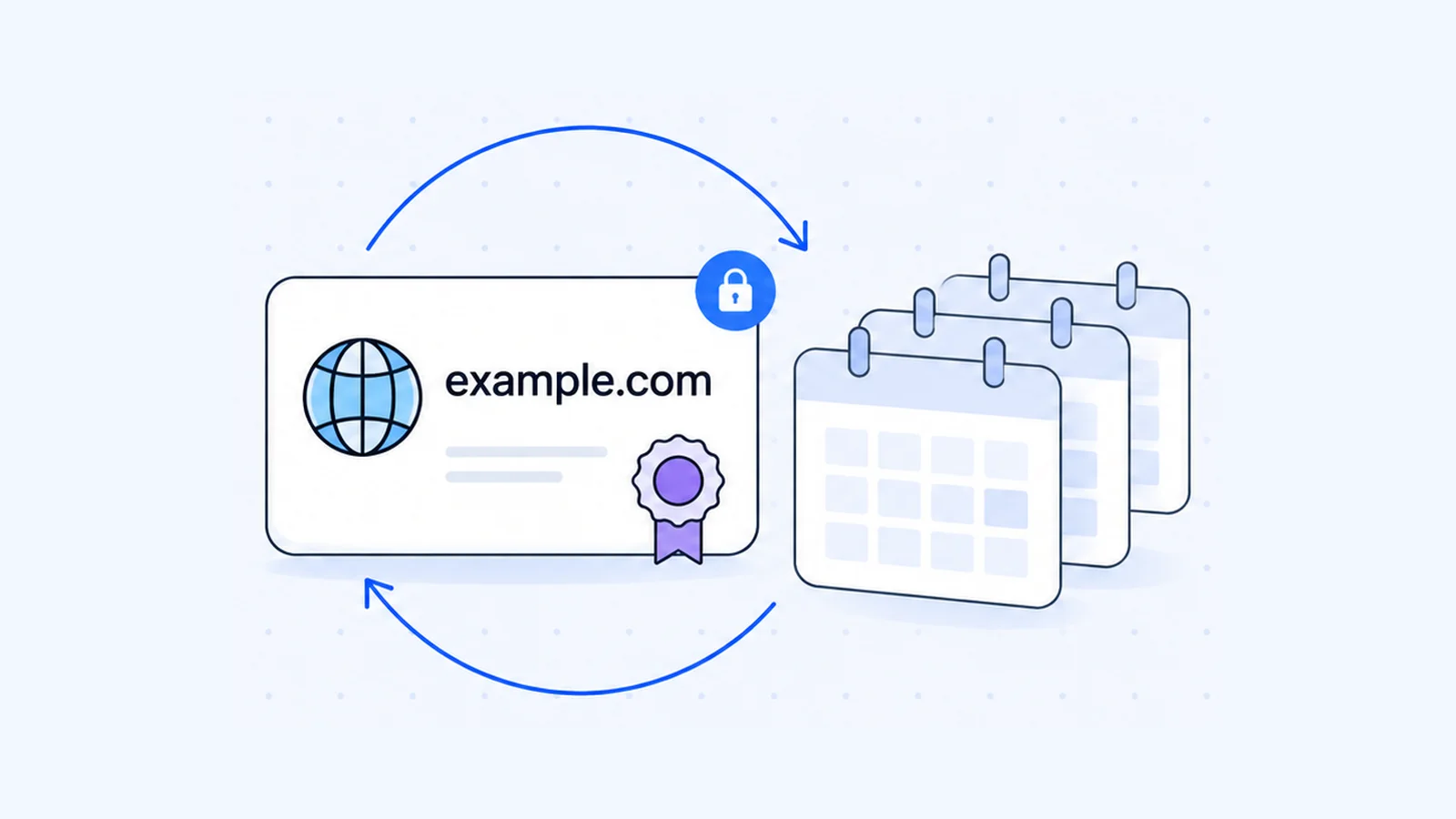


What is a domain name? It is the readable address, such as example.com, that people type to reach a website or send an email, in place of the numeric IP address that computers use to find each other. This article explains how a domain name maps to a server, what each part of the name means and which organizations manage it.
Key takeaways
- A domain name is a readable label for an IP address. The Domain Name System (DNS) translates the name into the address each time someone visits your site.
- You read a domain name from right to left. In
shop.example.com,comis the top-level domain,exampleis the second-level domain andshopis a subdomain. - You register a name through a registrar. The registrar records it with the registry for that ending, and ICANN sets the rules for generic endings such as .com.
- Registration gives you the right to use a name for a fixed term, 1 to 10 years on generic endings. You renew it to keep it.
- A domain name is one part of a URL and one part of an email address. It is not the website itself.
What is a domain name?
Every device on the internet has an IP address, a number that other devices use to reach it. People remember words better than numbers, so the DNS links a name to that number. ICANN describes the DNS as a system that "uses letters rather than numbers, and then links a precise series of letters with a precise series of numbers".
Domain name:   example.com
IP address:    192.0.2.1
The address above comes from a block reserved for documentation, so it is safe to use as an example. A real site has its own address, and visitors never need to see it.
The name also lets you change hosts. ICANN points out that a domain name "does not have to be tied to one particular computer", because you can change the link between the name and the IP address. That is why you can switch hosting companies and keep the same address. The article on web hosting vs domain name covers how the two fit together.
Each domain name is unique. Two people cannot hold the same name under the same ending at the same time, which is why the name you want may already be taken.
How a domain name maps to a server
When you type example.com, your browser asks a recursive resolver for the IP address. If the resolver has no saved answer, it asks a root server, and the root server points it to the servers for the .com top-level domain. Those servers point it to the authoritative nameservers for example.com, and the authoritative nameservers return the A record that holds the IP address. The resolver passes the address to your browser and keeps a copy for a while, so the next lookup is faster.
You control the last step. The nameservers you set at your registrar decide which DNS host answers for your domain, and the records on that host decide where the website and email go. Read what nameservers are and what DNS records are for the detail, or run any name through the DNS lookup tool to see the records it publishes.
The parts of a domain name
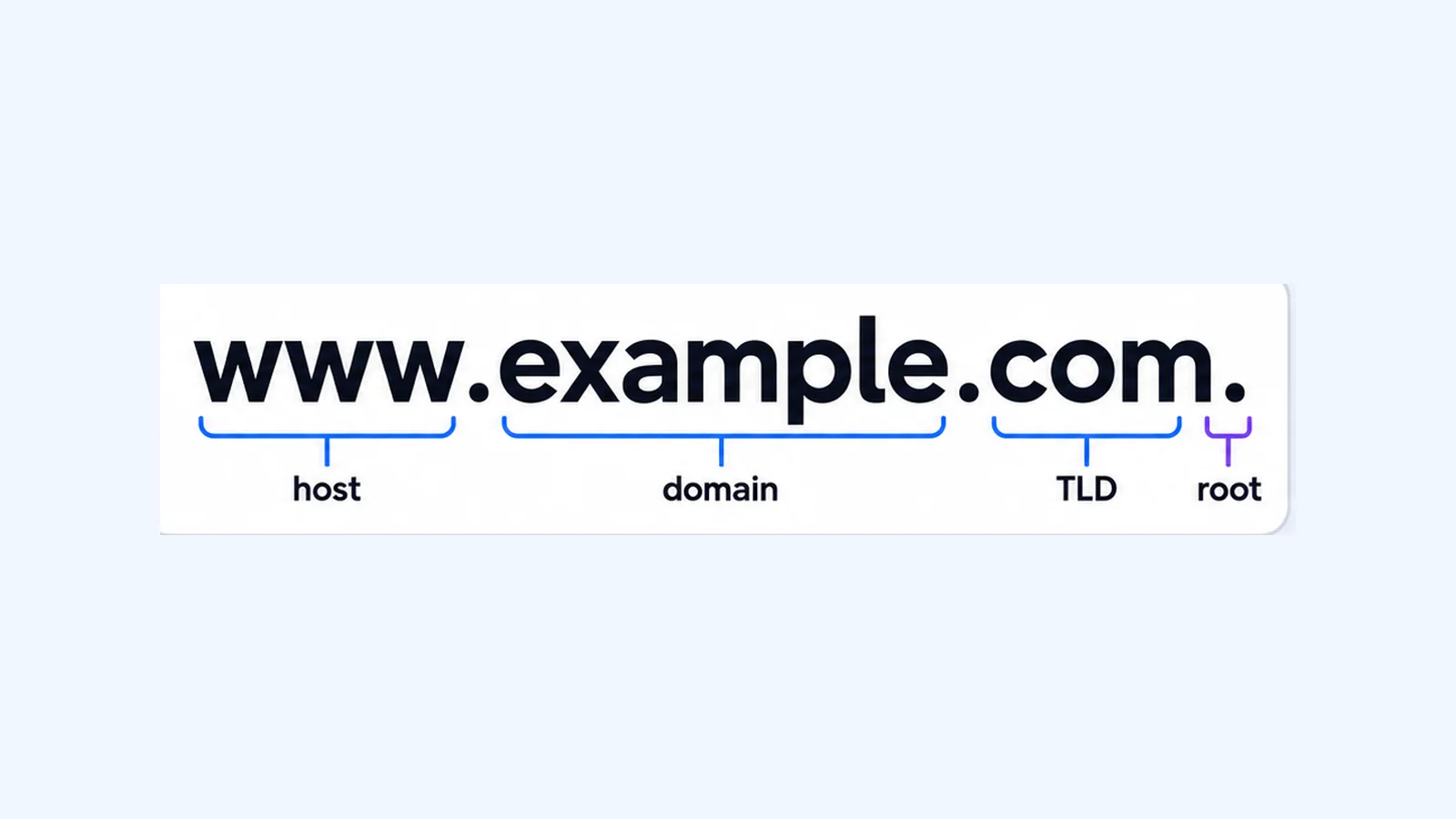
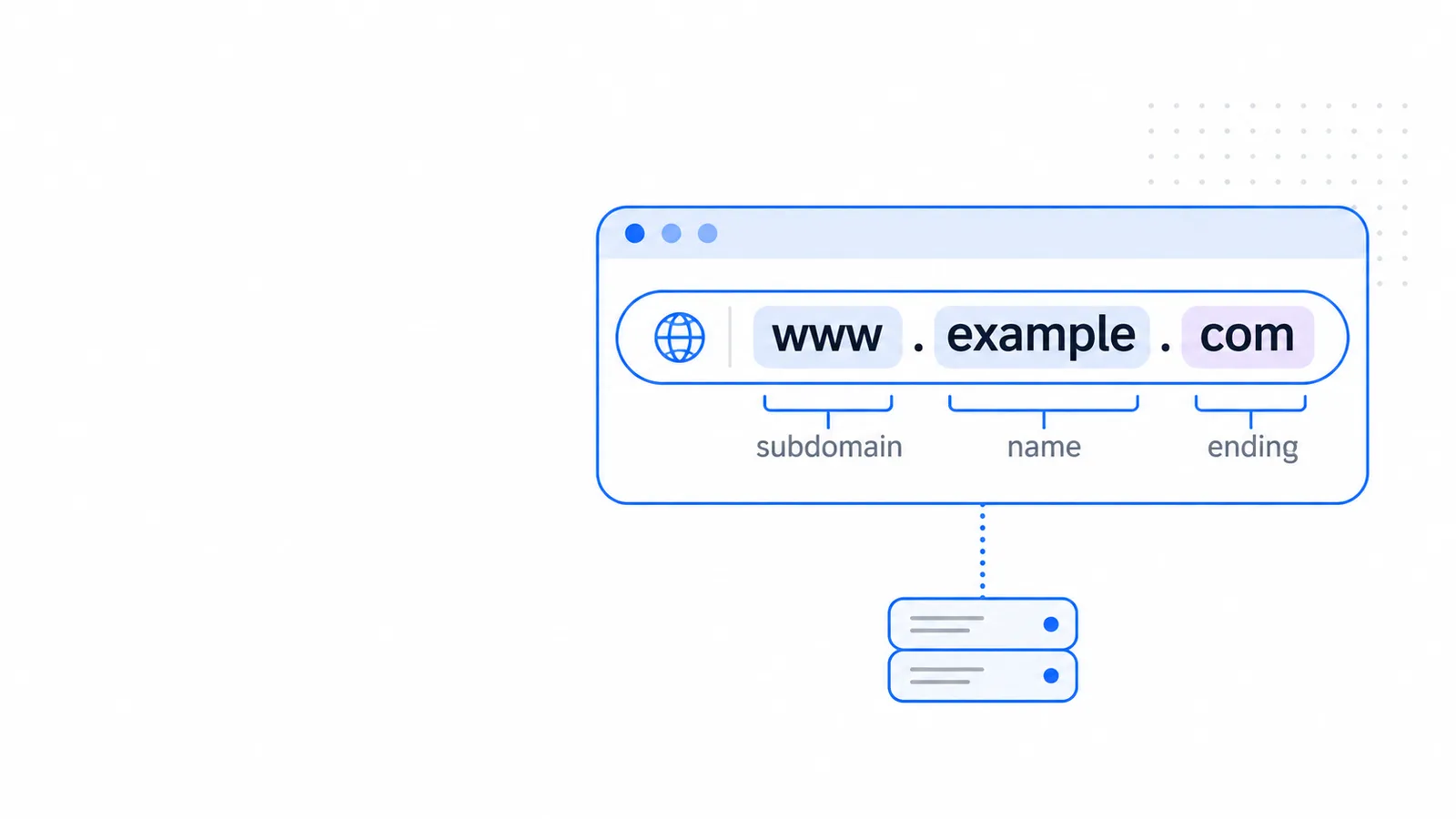
Dots split a domain name into labels. The label on the right is the most general, and each label to its left is more specific.
Label in shop.example.com | Name | Who controls it |
|---|---|---|
com | Top-level domain (TLD) | The registry for that ending |
example | Second-level domain | You, for as long as the registration lasts |
shop | Subdomain | You, through your DNS records |
A full name in DNS also ends with a dot that stands for the root, as in shop.example.com., although browsers hide it. The article on the fully qualified domain name explains that trailing dot and when it matters.
Top-level domain (TLD)
The TLD is the ending. The IANA Root Zone Database is the official list, and it showed more than 1,400 active TLDs as of November 2026. Most fall into two groups.
- Generic TLDs, such as
.com,.org,.netand.shop. Anyone can register under the open ones. - Country-code TLDs, which are two letters taken from the ISO 3166 country list, such as
.au,.in,.uk,.pkand.us.
A country code does not always signal a local site. .ai is the country code of Anguilla, and the letters also read as an abbreviation of artificial intelligence. You can compare endings on the .com and .ai pages.
Second-level domain
The second-level domain is the name you pick, the example in example.com. It must be unique under its TLD, so example.com and example.org are separate registrations that can belong to different people. When people say "my domain", they mean this label plus the TLD.
Subdomain
A subdomain is any name that sits inside your domain. RFC 1034 puts it this way: "A domain is a subdomain of another domain if it is contained within that domain." So shop.example.com and mail.example.com are subdomains of example.com, and so is www.example.com.
You do not register a subdomain or pay a registry for it. You create it by adding a DNS record on the host that answers for your domain, and you can add as many as you need.
When your name sits at the third level
Some country registries take registrations under fixed second-level labels. In example.co.uk, the registry controls co.uk and the name you register is example, one level further left. The same pattern applies to com.au, co.in and com.pk.
Some of these registries accept names directly under the country code as well. auDA, which administers Australian names, lists com.au, org.au and direct .au names as separate namespaces, and each namespace has its own rules about who can register.
Rules for a valid domain name
The DNS standards set a few limits on what you can register.
- Each label can be 1 to 63 characters long.
- A label can contain the letters a to z, the digits 0 to 9 and the hyphen. It cannot start or end with a hyphen.
- Upper and lower case are the same.
Example.comandexample.comreach the same place. - The full name, with every label and dot, cannot be longer than 255 octets (bytes).
- Names in other scripts work through internationalized domain names. The DNS stores them in an ASCII form that starts with
xn--, sobücher.examplebecomesxn--bcher-kva.example.
Spaces, underscores and punctuation other than the hyphen are not allowed in a name you register.
Who manages domain names?
No single company runs every domain. Several organizations share the work, and each has a defined job.
| Who | What they do |
|---|---|
| ICANN | A not-for-profit body formed in 1998. It coordinates the internet's unique identifiers, signs contracts with the registries for generic TLDs and accredits registrars. It does not control what websites publish. |
| IANA | Manages the DNS root zone, including the record of which organization manages each TLD. Public Technical Identifiers, an affiliate of ICANN, provides the IANA functions. |
| Registry | The one organization in charge of all names under a TLD. Verisign runs .com, for example. It holds the full list of names registered under its ending. |
| Registrar | A company that registers names for the public. ICANN lists more than two thousand accredited registrars for generic TLDs. A registrar pays the registry a set fee for each domain. |
| Reseller | A company that sells names under contract with a registrar. ICANN does not accredit resellers, and the registrar stays responsible for the names they sell. |
| Registrant | You. When you register a name, you enter a contract with the registrar and manage the domain through it. |
Who runs the ending you are likely to use
The IANA database names the manager of every TLD. These are the entries for endings that are common in Australia, India, the UK, Pakistan and the US.
| Ending | Type | Manager listed by IANA |
|---|---|---|
.com | Generic | VeriSign Global Registry Services |
.org | Generic | Public Interest Registry (PIR) |
.au | Country code | .au Domain Administration (auDA) |
.in | Country code | National Internet Exchange of India |
.uk | Country code | Nominet UK |
.pk | Country code | PKNIC |
.us | Country code | Registry Services, LLC |
The type matters when you register. ICANN's contracts apply to generic TLDs, while each country-code TLD has an independent operator that sets its own policies. Rules about who can register differ from one country code to another, so check the registry's rules before you plan a brand around one.
Do you own a domain name?
You hold the right to use it, for a set time. As MDN explains, "you pay for the right to use a domain name for one or more years" and you can renew that right ahead of anyone else. On generic TLDs, ICANN lets registrars sell terms in one-year steps, up to ten years at a time.
If you stop renewing, the name eventually returns to the pool and someone else can register it. For long registrations, read how to buy a domain permanently. For yearly prices, read how much a domain name costs. To see the registrar and expiry date of any name, use the WHOIS lookup.
Domain name vs URL vs email address
People often use these three terms for the same thing, but each one means something different.
URL:             https://www.example.com/pricing
Domain name:     example.com
Email address:   [email protected]
A URL is the full address of one page or file. It starts with the scheme (https), then the domain, then the path to the page (/pricing). The domain name is only the middle part.
An email address has a mailbox name before the @ sign and a domain after it. If you hold example.com, you can create addresses such as [email protected] with an email service for that domain.
How to get a domain name
- Pick a name and an ending that fits your audience. A short name that is easy to spell is easier for customers to type.
- Search for it at a registrar. You can check availability on the WaseerHost domains page. If the name is taken, try another ending or a small change to the name.
- Register it for a term of one year or more, and give accurate contact details. The registrar uses them to reach you about renewals.
- Connect the domain to your hosting by setting its nameservers or DNS records. A domain shows nothing until it points to a server. Every WaseerHost hosting plan uses cPanel and includes free SSL certificates.
- Note the expiry date and renew before it arrives.
Frequently asked questions
A domain name is the name of a site, such as example.com. A URL is the complete address of one page, such as https://www.example.com/pricing, and it includes the scheme, the domain and the path. Every web URL contains a domain name, but a domain name alone is not a URL.

Written by
Web & AI Systems Lead
Web and AI Systems Lead at Wasevo, the company behind WaseerHost. He builds web applications and AI systems.