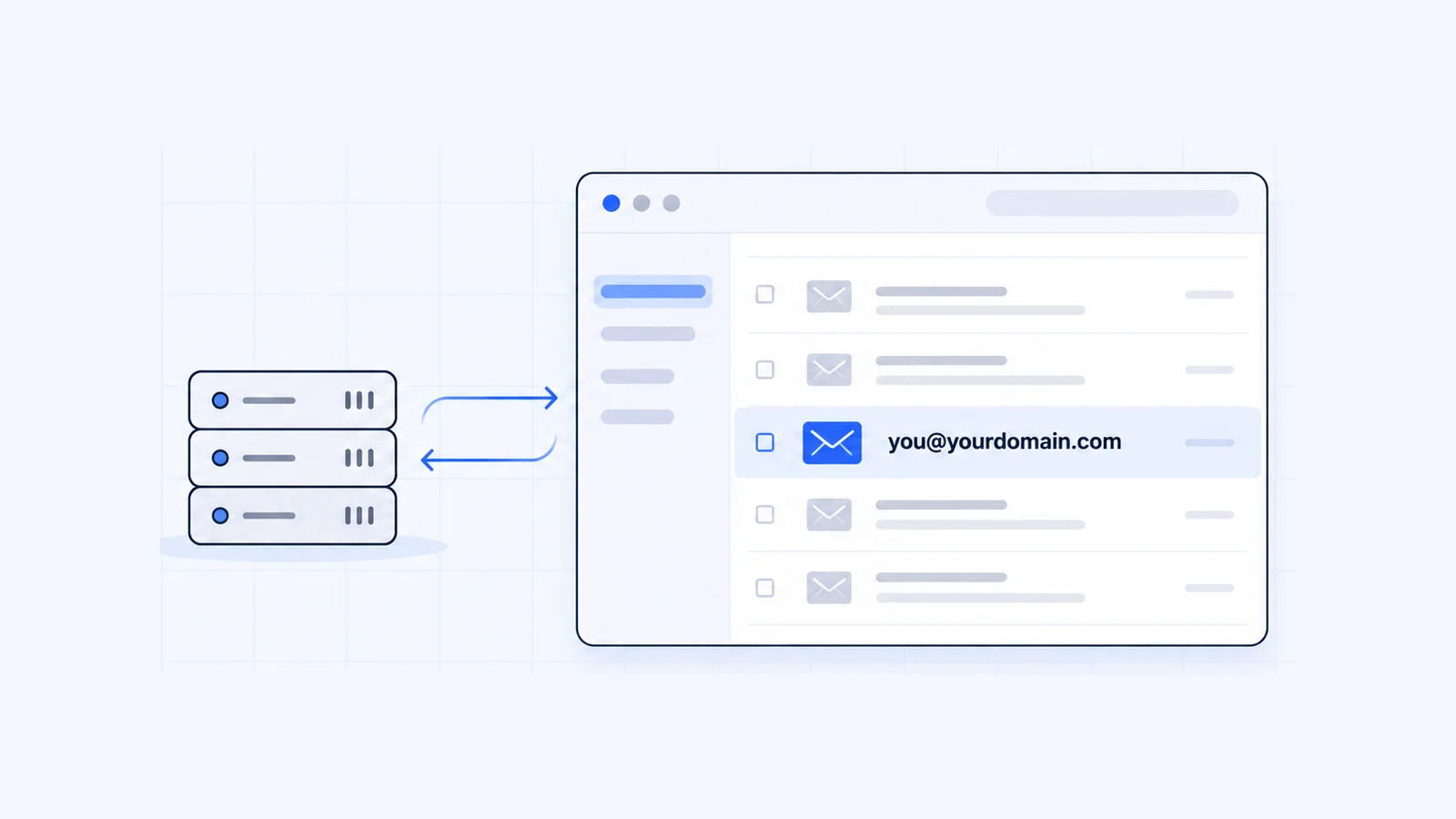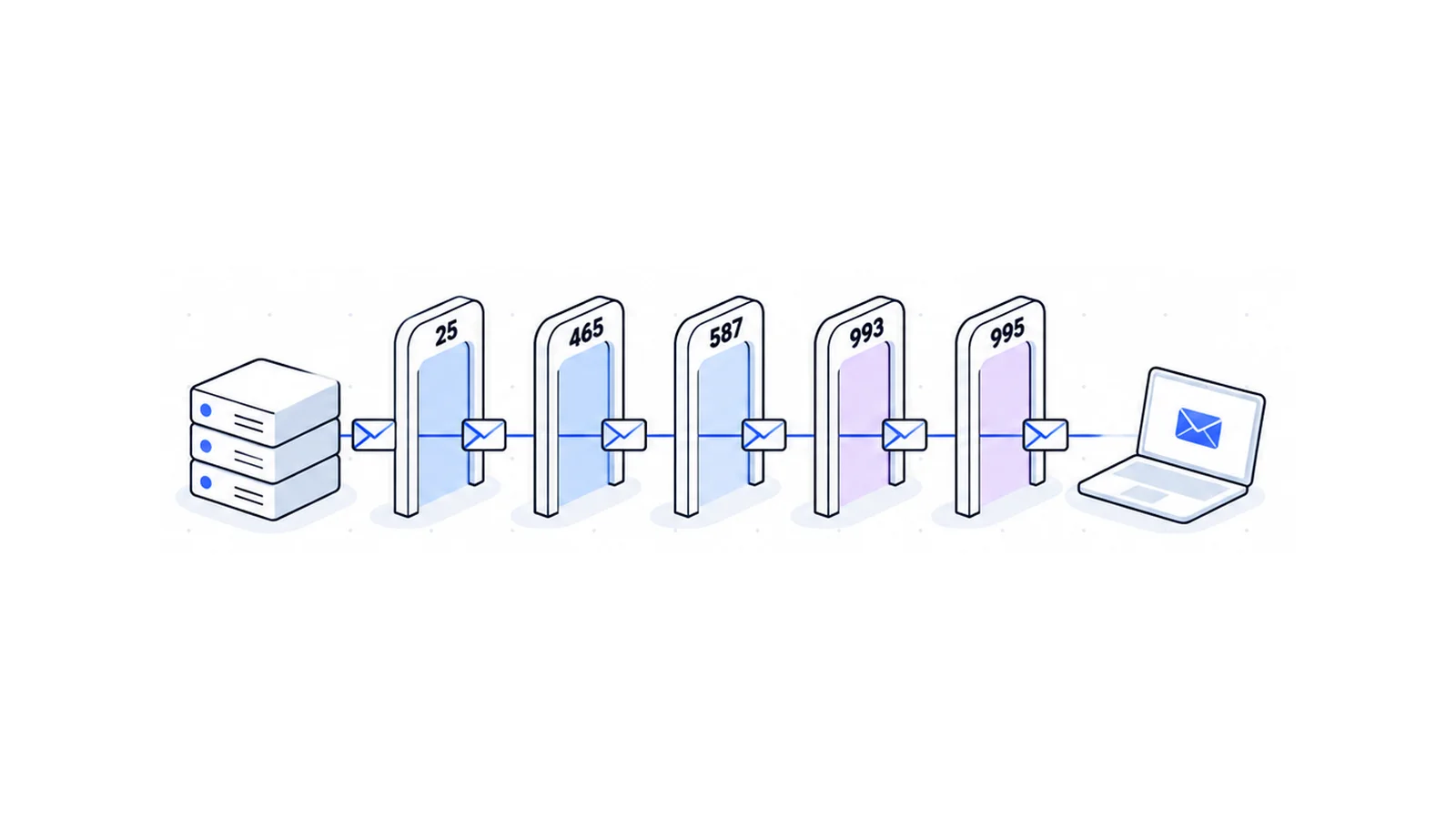


To send email from an app, website or mail client, use SMTP port 465 (TLS from the first byte) or 587 (STARTTLS). Port 25 carries server-to-server delivery, and many networks block it. To read mail, use 993 for IMAP and 995 for POP3. This guide explains where each port number comes from, which one to pick, and how to test a port from your own computer.
Key takeaways
- Use port 465 or 587 to send mail from an app or mail client. Both require a login. Mail servers use port 25 to deliver to each other.
- Use port 993 for IMAP and 995 for POP3. Both encrypt the whole connection. Ports 143 and 110 start in plain text.
- RFC 8314 (2018) says email clients should prefer implicit TLS (465, 993, 995) over STARTTLS. Guides that call 465 "legacy" are out of date.
- Google Cloud and AWS block outbound port 25 to the internet by default. Google Cloud leaves ports 465 and 587 open.
- You can test any mail port with
openssl s_client(macOS, Linux) orTest-NetConnection(Windows PowerShell).
Email ports at a glance
Every number below comes from the IANA service name and port number registry, checked 1 October 2026.
| Port | IANA service name | Protocol | Encryption | Used for |
|---|---|---|---|---|
| 25 | smtp | SMTP | Optional STARTTLS | Server-to-server mail relay (RFC 5321) |
| 587 | submission | SMTP submission | STARTTLS | Sending from a mail client or app, login required (RFC 6409) |
| 465 | submissions | SMTP submission | Implicit TLS | Sending from a mail client or app, login required (RFC 8314) |
| 143 | imap | IMAP | STARTTLS | Reading mail, synced across devices (RFC 9051) |
| 993 | imaps | IMAP | Implicit TLS | Reading mail, synced across devices |
| 110 | pop3 | POP3 | STLS | Downloading mail to one device (RFC 1939) |
| 995 | pop3s | POP3 | Implicit TLS | Downloading mail to one device |
With implicit TLS, the connection is encrypted from the moment you connect. With STARTTLS, the connection starts in plain text and the client asks the server to switch to TLS. All of these ports use TCP.
Which SMTP port should you use?
A mail client (Outlook, Apple Mail, Thunderbird), a WordPress SMTP plugin, a contact form or an app should use one of the two submission ports:
- Port 465 with SSL/TLS. Try this first. RFC 8314 asks clients to connect with implicit TLS "in preference to" connecting to a cleartext port and upgrading with STARTTLS.
- Port 587 with STARTTLS. Use it if your network blocks 465 or your provider only offers 587. RFC 8314 says servers and clients should support both during the transition.
On both ports you log in with the mailbox's full email address and password. RFC 6409 says a submission server must, by default, reject a message if the session has not been authenticated.
Don't send from an app or a home connection on port 25. RFC 6409 states that "message relay is unaffected, and continues to use SMTP over port 25", while submission happens "normally over port 587". Mail servers use port 25 to hand mail to the next server. Your laptop should not send on it.
What about port 2525?
Some email delivery services offer port 2525 as a fallback when other ports are blocked. The IANA registry doesn't list it as an email port. IANA registers port 2525 to "MS V-Worlds". It works only if your provider says its server listens there.
Why port 465 is not "legacy"
Many guides call port 465 deprecated. That was true for a while, and it stopped being true in 2018.
- IANA briefly registered port 465 as "smtps" and then revoked it. Mail software kept using the port for encrypted submission anyway, as RFC 8314, Section 7.3 explains.
- RFC 8314 (January 2018) registered port 465 again as "submissions", "Message Submission over TLS protocol", to match how software used it.
- The same RFC tells mail apps to prefer implicit TLS for both sending and reading mail.
Reading mail went through the same reversal. RFC 2595 (1999) said the separate "imaps" and "pop3s" ports were "discouraged in favor of the STARTTLS or STLS commands". RFC 8314 now recommends ports 993 and 995 over the plain-text ports.
IMAP and POP3 ports: 993, 995, 143 and 110
IMAP keeps your mail on the server. It syncs folders, read status and sent items across your phone, laptop and webmail. RFC 9051 (IMAP4rev2, which obsoletes RFC 3501) says a server listens on port 143 for cleartext or 993 for implicit TLS. STARTTLS works only on the cleartext port.
POP3 downloads mail to one device. RFC 1939 puts it on TCP port 110 and notes that "normally, mail is downloaded and then deleted" from the server. Port 995 is the TLS version.
Pick IMAP on 993 unless you want your mail on one computer only. POP3 on 995 suits a single desktop that archives everything locally.
Port settings in cPanel
If a cPanel server hosts your email, the cPanel documentation for Set Up Mail Client lists these settings:
| Setting | Secure SSL/TLS (recommended) | Non-SSL (not recommended) |
|---|---|---|
| Username | Full email address | Full email address |
| Incoming server | mail.example.com | mail.example.com |
| IMAP port | 993 | 143 |
| POP3 port | 995 | 110 |
| Outgoing (SMTP) server | mail.example.com | mail.example.com |
| SMTP port | 465 | 587 |
Use the password for the email account, not your cPanel or computer password. Every WaseerHost hosting plan uses cPanel, so you'll find the exact server name for your account under Email Accounts > Connect Devices. For mailboxes on your own domain, see WaseerHost business email or cPanel shared hosting.
Why cloud providers and home connections can't use port 25
Mail servers accept mail from other servers on port 25 without a login, and spammers abuse that. Google Cloud gives the reason in one line: "Due to the risk of abuse". So networks block or distrust outgoing port 25 traffic from machines that aren't meant to run mail servers.
- Google Cloud says "connections to destination TCP Port 25 are blocked when the destination is external to your VPC network", and Google "does not place any restrictions" on ports 587 or 465 (Compute Engine docs, updated 28 September 2026).
- AWS says "By default, Amazon EC2 allows outbound traffic over port 25 only to private IPv4 addresses." You can ask AWS to remove the restriction (EC2 service quotas).
- On home connections, Gmail refuses mail from IP ranges that ISPs mark as not authorized to send, which covers many consumer broadband ranges. Google suggests you send through your ISP's relay or your own domain's mail server instead (Gmail Help).
If your website or app sends mail, point it at your mail provider's server on port 465 or 587 with a username and password.
How to test an SMTP, IMAP or POP3 port
Windows (PowerShell)
Test-NetConnection checks whether a TCP port is reachable (Microsoft Learn):
Test-NetConnection -ComputerName mail.example.com -Port 465
Test-NetConnection -ComputerName mail.example.com -Port 587
Test-NetConnection -ComputerName mail.example.com -Port 993
Look for TcpTestSucceeded : True. If it says False, a firewall, your ISP or the server is blocking that port.
macOS and Linux (OpenSSL)
openssl s_client opens a TLS connection and shows the server's greeting (OpenSSL docs). Add -starttls for ports that begin in plain text:
# SMTP, implicit TLS (465)
openssl s_client -connect mail.example.com:465 -crlf -quiet

# SMTP, STARTTLS (587)
openssl s_client -connect mail.example.com:587 -starttls smtp -crlf -quiet

# IMAP, implicit TLS (993)
openssl s_client -connect mail.example.com:993 -crlf -quiet

# POP3, implicit TLS (995)
openssl s_client -connect mail.example.com:995 -crlf -quiet
A working server answers with its greeting. On port 587, OpenSSL reads the greeting itself before it switches to TLS, so type EHLO example.com and expect lines starting with 250. The greetings look like this:
- SMTP sends a line starting with
220, for example220 mail.example.com ... Service ready(RFC 5321) - IMAP sends a line starting with
* OK - POP3 sends a line starting with
+OK
Type QUIT (SMTP), a LOGOUT (IMAP) or QUIT (POP3) and press Enter to close the session. Run the commands without -quiet to see the certificate chain as well.
If the test fails
- A timeout means your network blocks the port or the server isn't listening. Try the other submission port (465 or 587), or test from another network such as a phone hotspot.
- "Connection refused" means you reached the server but nothing listens on that port. Check the port number your provider documents.
- A certificate name mismatch means you used the wrong hostname. Use the server hostname your provider gives you, not your own domain, unless the certificate covers it.
- If you connect but the login fails, use the full email address as the username and the mailbox password.
Frequently asked questions
Use 587 (or 465) to send from a mail client, website or app. Mail servers relay to each other on port 25, and RFC 6409 keeps relay there while submission normally uses 587. Google Cloud and AWS also block port 25 by default for internet destinations.

Written by
Founder & CEO
Founder and CEO of Wasevo LLC, the company that runs WaseerHost. He works on cPanel/WHM servers, WHMCS billing and the Next.js storefront.