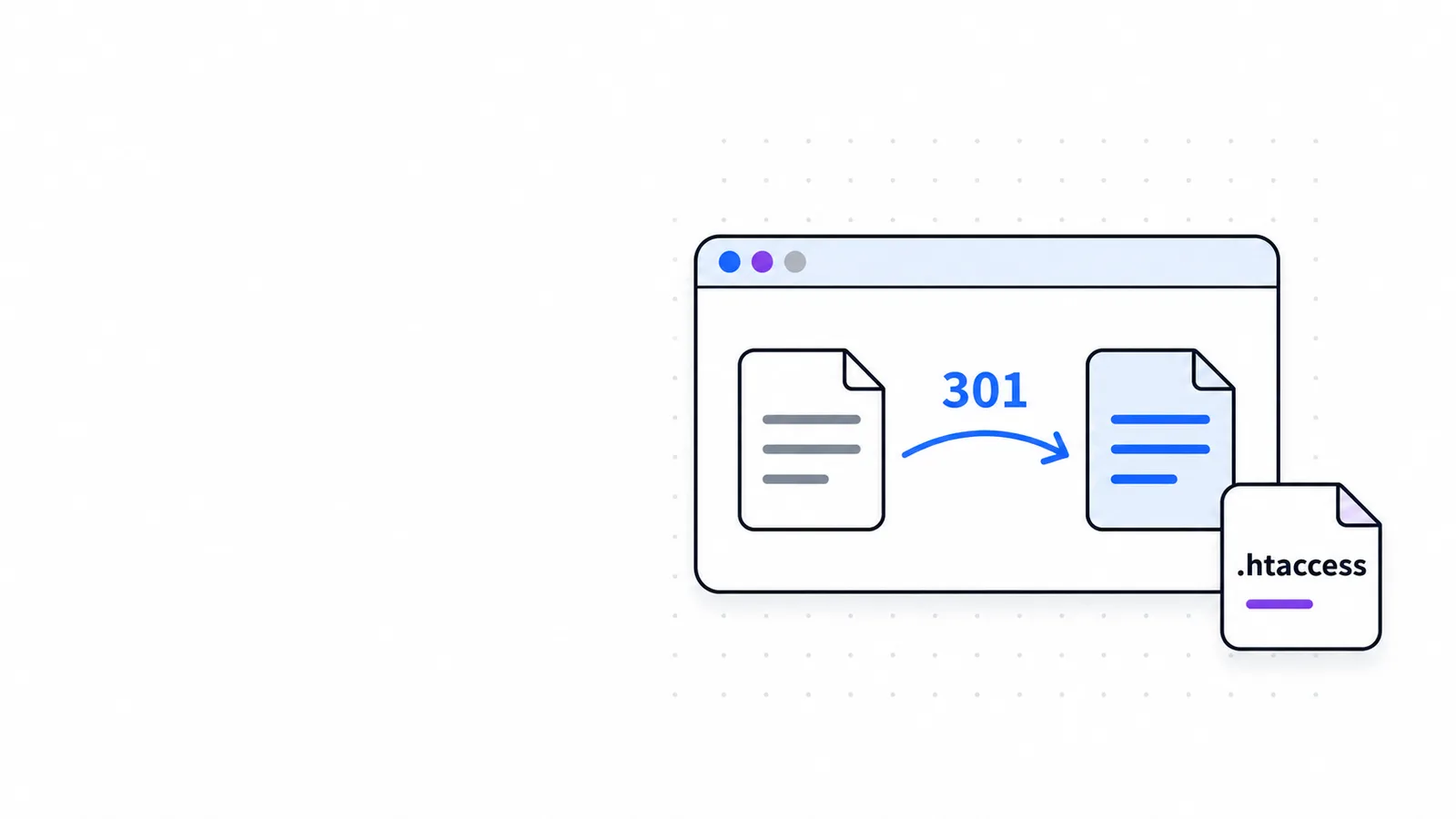


A 301 redirect in .htaccess takes one line. Add Redirect 301 "/old-page" "https://example.com/new-page" to the .htaccess file in your site's root folder, and the server sends every visitor and search engine from the old address to the new one. This guide covers that line, the rules for a whole domain, HTTP to HTTPS and www to non-www, the same job in cPanel's Redirects screen, and how to test the result without creating a loop.
Key takeaways
- Use 301 for a move you will not undo and 302 for a short-term one. Google shows the new URL in results after a permanent redirect and keeps the old one after a temporary redirect.
Redirectmatches by prefix. A rule for/oldalso redirects/old/anything, so useRedirectMatchwhen you mean one exact URL.- On a WordPress site, put
RewriteRuleredirects above the# BEGIN WordPressblock. Below it, they never run for WordPress URLs. - Test with
curl -Ibefore you trust a browser, because browsers cache 301 responses. - Most loops come from two rules that disagree. Check for a second redirect in cPanel, WordPress or Cloudflare before you add your own.
301 or 302: which redirect to use
Both codes send the browser to a new address through a Location header. They differ in what they promise about the future. RFC 9110 says a 301 means the resource "has been assigned a new permanent URI", and a 302 means it "resides temporarily under a different URI".
| 301 (permanent) | 302 (temporary) | |
|---|---|---|
| Use it when | A page, folder or domain has moved for good | A page is away for maintenance, a sale or a test |
| Google Search | Treats the target as the canonical URL and shows it in results | Keeps showing the old URL in results |
| Browser cache | Cacheable by default, so browsers may remember it | Not cached unless the response says so |
| Apache keyword | permanent or 301 | temp or 302 |
The Google rows come from Google's redirect documentation. One Apache default causes mistakes. If you leave the status out, Apache sends a 302, so write 301 or permanent every time you mean a permanent move.
Before you edit .htaccess
.htaccess is a plain text file in your website's folder, usually public_html on cPanel hosting. Its rules apply to that folder and everything below it.
- Log in to cPanel and open File Manager.
- Click Settings, select Show Hidden Files (dotfiles) and click Save. Files that start with a dot stay hidden until you do this.
- Open
public_html, or the document root of the domain you want to change. - Download a copy of
.htaccessto your computer. If the file does not exist, click + File and create one with that exact name. - Right-click the file and choose Edit.
Keep the backup. A misspelled directive such as Redirct makes the server answer every request with a 500 error until you fix the line or restore the copy. The 500 Internal Server Error guide shows how to find the bad line in the error log.
The same rules work beyond Apache. LiteSpeed Web Server was "designed to read and run off Apache's httpd.conf and .htaccess files", so the same lines work on LiteSpeed hosting, including WaseerHost shared hosting, where every plan has cPanel.
How to create a 301 redirect in .htaccess
Apache offers two tools. Redirect and RedirectMatch come from the mod_alias module and handle a move from one path to another. RewriteRule comes from mod_rewrite and can also check the hostname or the protocol. Apache's own advice is to use Redirect for simple cases and keep mod_rewrite for the jobs that need it.
Replace example.com with your domain in every example.
Redirect a single page
Redirect 301 "/old-page.html" "https://example.com/new-page.html"The first path is the old URL without the domain. It must start with a slash and it is case-sensitive. The target can be a full URL or a path that starts with a slash. Apache keeps the query string, so /old-page.html?ref=mail lands on /new-page.html?ref=mail.
Redirect a folder, or only one exact URL
Redirect matches whole path segments from the left and appends whatever follows to the target.
Redirect 301 "/old-blog" "https://example.com/blog"With this rule, /old-blog/post-1/ goes to /blog/post-1/. That is what you want when a whole section moves. It does not match /old-blogger, because the match stops at a slash.
The same behavior causes a common loop. If the new path sits inside the old one, as in Redirect 301 "/blog" "/blog/news", the target matches the rule again and the URL grows to /blog/news/news until the browser gives up.
To redirect one exact URL and nothing under it, use RedirectMatch with a regular expression anchored at both ends.
RedirectMatch 301 "^/old-blog/?$" "https://example.com/blog/"The ^ and $ mark the start and end of the path, and /? accepts the URL with or without a trailing slash.
Redirect a whole domain to a new domain
If the old domain has its own folder, put one line in that folder's .htaccess.
Redirect 301 "/" "https://new-example.com/"Because of prefix matching, /about/team.html on the old domain goes to /about/team.html on the new one.
If both domains point at the same folder, that line would also catch the new domain and loop. Check the hostname first.
RewriteEngine On
RewriteCond %{HTTP_HOST} ^(www\.)?old-example\.com$ [NC]
RewriteRule ^ https://new-example.com%{REQUEST_URI} [R=301,L]
RewriteCond limits the rule to requests for the old hostname. R=301 sets the status and L stops processing so no later rule changes the result. Without a number, the R flag sends a 302.
If you are moving the site itself as well as the address, the website migration checklist covers the order of work. WaseerHost also offers free website migration if you would like the files and databases moved for you.
Redirect HTTP to HTTPS
Install the SSL certificate first and confirm that https:// loads. Then add the rule.
RewriteEngine On
RewriteCond %{HTTPS} !=on
RewriteRule ^ https://%{HTTP_HOST}%{REQUEST_URI} [R=301,L]
Apache's Forcing HTTPS recipe uses the same condition. %{HTTPS} holds on when the connection uses SSL/TLS. %{HTTP_HOST} and %{REQUEST_URI} rebuild the address the visitor asked for, with https:// in front.
One warning from the same page matters if your site sits behind Cloudflare or another proxy. When the proxy handles SSL and talks to your server over plain HTTP, %{HTTPS} always reports off, the rule fires on every request and the site loops. The guide to too many redirects after SSL explains how to fix that setup.
Redirect www to non-www
Pick one hostname as the main one and send the other to it.
RewriteEngine On
RewriteCond %{HTTP_HOST} ^www\.(.+)$ [NC]
RewriteRule ^ https://%1%{REQUEST_URI} [R=301,L]
%1 is the part of the hostname that the condition captured after www.. For the opposite direction, non-www to www, use this instead.
RewriteEngine On
RewriteCond %{HTTP_HOST} !^www\. [NC]
RewriteRule ^ https://www.%{HTTP_HOST}%{REQUEST_URI} [R=301,L]
The second version adds www. to any hostname without it, so skip it if the same folder also serves subdomains.
If you force HTTPS and remove www with two separate rules, a visitor to http://www.example.com gets two redirects in a row. One rule can do both in a single hop.
RewriteEngine On
RewriteCond %{HTTPS} !=on [OR]
RewriteCond %{HTTP_HOST} ^www\. [NC]
RewriteRule ^ https://example.com%{REQUEST_URI} [R=301,L]
Where the rules go on a WordPress site
WordPress keeps its own block in .htaccess, between # BEGIN WordPress and # END WordPress. That block, shown in the WordPress .htaccess reference, sends every request that is not a real file or folder to index.php and ends with the L flag. A RewriteRule placed after the block never runs for those URLs, so an HTTPS or www rule at the bottom of the file appears to do nothing.
Two rules of placement cover most sites:
- Put your own
RewriteRuleredirects at the top of the file, above# BEGIN WordPress. - Never write inside the WordPress block. WordPress generates those lines and overwrites any changes between the markers.
Redirect and RedirectMatch lines belong to a different module and work wherever they sit in the file. Avoid writing a Redirect and a RewriteRule for the same URL, because only one of them will answer and it may not be the one you expect.
How to create a redirect in cPanel
cPanel writes the rules for you. Open Redirects under Domains, then follow the steps in cPanel's Redirects documentation:
- In the Type menu, choose Permanent (301) or Temporary (302).
- Select the domain from the menu, or select All Public Domains to cover every domain on the account.
- In the text box after the slash, type the rest of the old URL, such as
old-page.html. - In the Redirects to box, type the full new URL. cPanel requires the protocol, so start with
https://. - Choose how to treat www. "Redirect with or without www." covers both hostnames and suits most cases.
- Select Wild Card Redirect if every file should go to the same filename at the new location. With it on,
example1.com/pic.jpggoes toexample.com/pic.jpg. - Click Add.
To check the result, click the link under Directory in the Current Redirects table.
Three limits are worth knowing before you rely on this screen:
- You cannot edit a redirect. Delete it and create it again.
- cPanel places its rules at the bottom of
.htaccess. Its documentation warns that a redirect "may not function properly" alongside an application such as WordPress. If yours does nothing, delete it and add a line by hand as shown above. - For HTTP to HTTPS, cPanel points you to a different switch. Open Domains and turn on the Force HTTPS Redirect toggle next to the domain. The domain needs a valid SSL certificate first.
Test the redirect
A browser is a poor test tool here because it remembers 301 responses. Ask the server directly with curl in a terminal.
curl -I http://example.com/old-page.htmlThe -I option fetches the response headers only. A working redirect looks like this:
HTTP/1.1 301 Moved Permanently
Location: https://example.com/new-page.html
Check the status code and the Location value. To follow the whole chain to the final page, add -L and a limit.
curl -IL --max-redirs 5 http://www.example.com/old-page.htmlCurl prints each response in turn. The last one should be 200. If curl stops with error 47 instead, it reached the limit and you have a loop.
Two habits save time. Write new rules with 302 first, test them, then change the number to 301, so a mistake does not stay cached in browsers. When you must test in a browser, use a private window.
Avoid redirect loops and chains
A loop means the target of a redirect gets redirected back. Check these four places before you blame the line you just wrote:
- The cPanel Redirects table and the Force HTTPS Redirect toggle may already do the same job in a different direction.
- A second HTTPS or www rule may sit lower in
.htaccess, or in the.htaccessof a parent folder. - The WordPress Address and Site Address settings may use a different hostname or protocol from your rule.
- A proxy such as Cloudflare may redirect or handle SSL before the request reaches your server.
The too many redirects guide walks through each cause with its fix.
Chains are the milder problem. A chain is several redirects in a row that do end at a page. Google's site move documentation says Googlebot follows up to 10 hops, and recommends that you redirect straight to the final destination. When you change a URL a second time, update the old rule to point at the newest address.
Keep 301 redirects in place after a move. Google's advice is "as long as possible, generally at least 1 year". If you moved to a new domain, that means renewing the old domain as well, because a redirect stops working the day the old domain expires.
Frequently asked questions
A 301 says the move is permanent and a 302 says it is temporary. Google treats a 301 target as the canonical URL and shows it in search results. After a 302 it keeps showing the old URL. Browsers may also cache a 301, so a wrong one is harder to undo.

Written by
Founder & CEO
Founder and CEO of Wasevo LLC, the company that runs WaseerHost. He works on cPanel/WHM servers, WHMCS billing and the Next.js storefront.