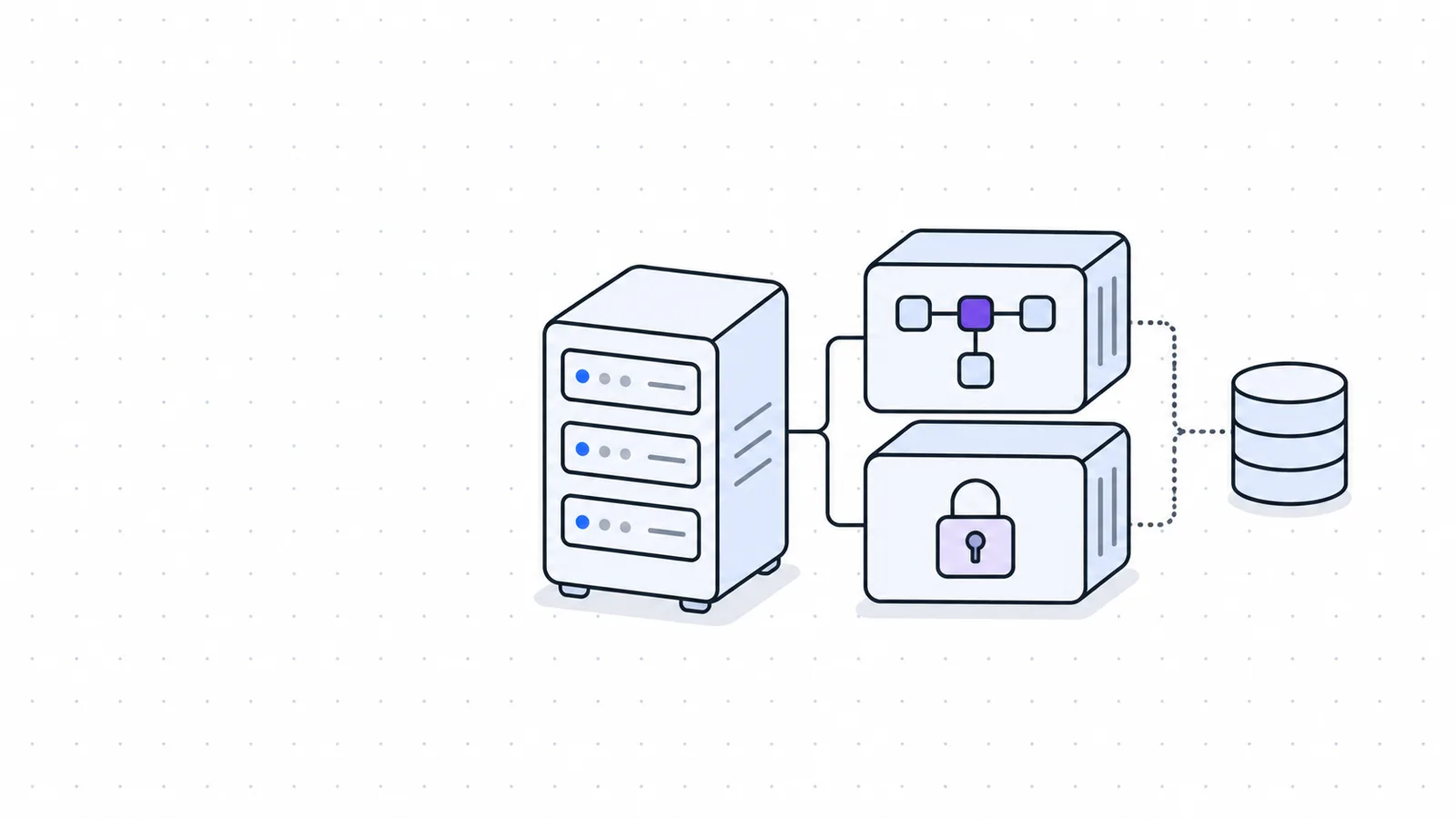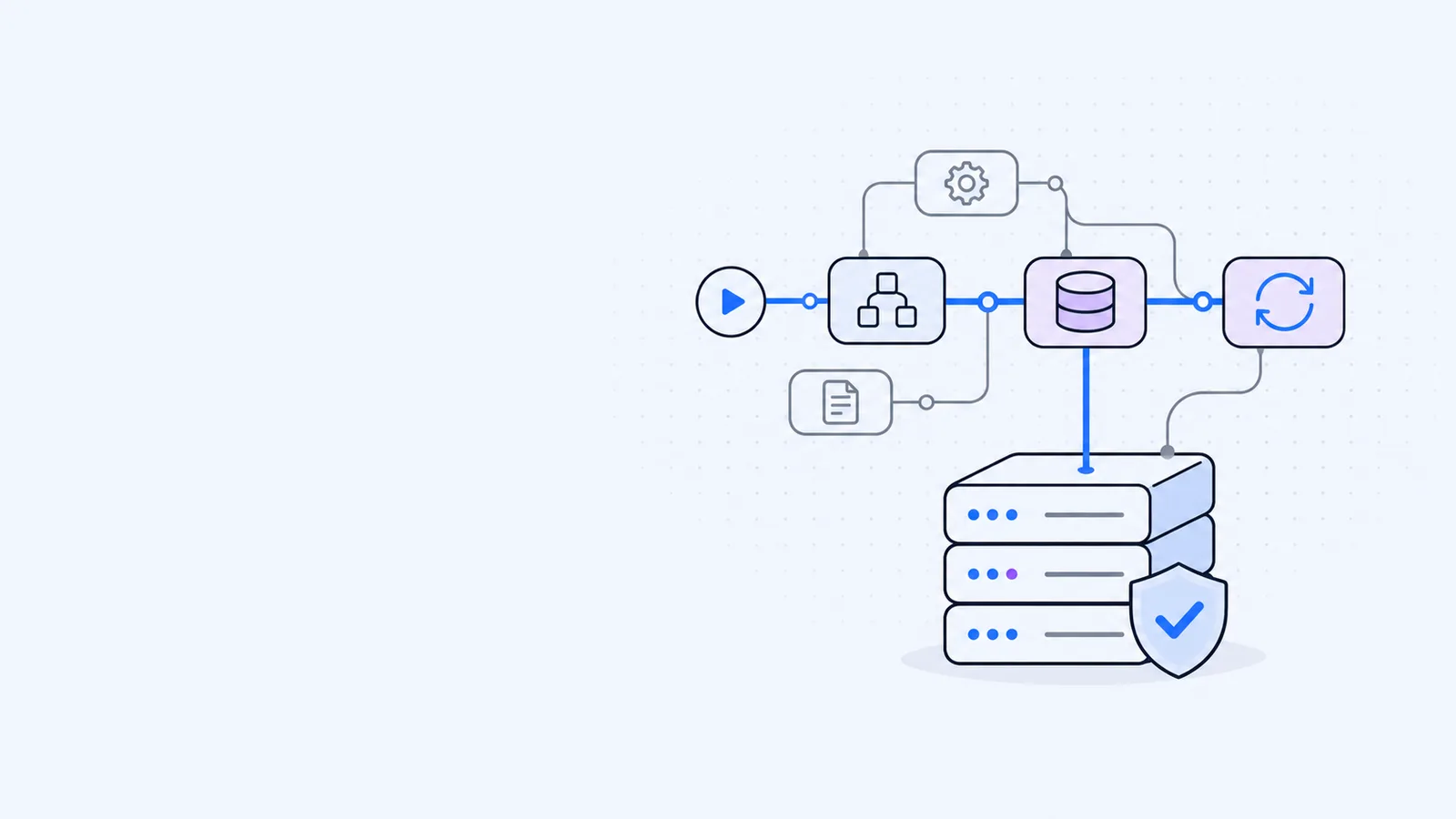


Self-hosting n8n for production means running it on a server you control with Docker Compose, PostgreSQL instead of the default SQLite database, an HTTPS reverse proxy in front, a saved encryption key, scheduled backups and a pinned image version for updates. This guide walks through that setup in order, with the config you need and the points where setups usually fail: lost encryption keys, wrong webhook URLs and unplanned upgrades.
Key takeaways
- Use PostgreSQL for anything you depend on. n8n's default
DB_TYPEissqlite, and queue mode is not supported on SQLite. - Set
N8N_ENCRYPTION_KEYyourself and store a copy outside the server. Without it, saved credentials cannot be decrypted after a rebuild. - Behind a reverse proxy, set the public webhook URL and
N8N_PROXY_HOPS, and make the proxy send theX-Forwarded-*headers. - Keep execution data under control with the
EXECUTIONS_DATA_*variables, and back up the database, the key and the.n8nvolume. - Pin the image tag, read the release notes, then pull, recreate and check. Add queue mode with Redis and workers only when one process is no longer enough.
What a production n8n setup needs
A production install needs a real database, a stable HTTPS URL, a known encryption key, restorable backups and a controlled update path.
This guide uses Docker Compose. You need a Linux server with Docker Engine and the Compose plugin, a DNS A record pointing a subdomain such as n8n.example.com at the server, and ports 80 and 443 open. A VPS fits this job because you control the firewall and the Docker daemon. If you are choosing a server, the VPS hosting page lists what WaseerHost offers.
Step 1: Prepare the server
Install Docker Engine and Docker Compose using the instructions for your distribution, then confirm both work:
docker --version
docker compose version
The n8n guide notes you can add your user to the docker group (sudo usermod -aG docker ${USER}) so you do not run every command as root.
Create a project directory and keep everything for this stack in it:
mkdir -p ~/n8n-prod && cd ~/n8n-prodSet up a basic firewall before you expose anything. With ufw, allow SSH first so you do not lock yourself out:
sudo ufw allow OpenSSH
sudo ufw allow 80/tcp
sudo ufw allow 443/tcp
sudo ufw enable
Do not publish port 5678 or the PostgreSQL port. Only the reverse proxy needs to be reachable.
Step 2: Run n8n with PostgreSQL in Docker Compose
n8n stores workflows, credentials and execution history in its database. SQLite is the default (DB_TYPE=sqlite), and the docs describe PostgreSQL as supported through DB_TYPE=postgresdb plus the DB_POSTGRESDB_* variables. For production, use PostgreSQL.
Create a .env file next to your compose file:
# .env  (never commit this file)
N8N_VERSION=put-the-exact-version-you-tested-here
N8N_HOST=n8n.example.com
GENERIC_TIMEZONE=Europe/Berlin
POSTGRES_USER=n8n
POSTGRES_PASSWORD=change-this-long-random-value
POSTGRES_DB=n8n
N8N_ENCRYPTION_KEY=paste-a-long-random-string-here
Generate the encryption key and password with a tool you trust, for example openssl rand -hex 32. Then create compose.yaml:
services:
  postgres:
    image: postgres:18
    restart: always
    environment:
      POSTGRES_USER: ${POSTGRES_USER}
      POSTGRES_PASSWORD: ${POSTGRES_PASSWORD}
      POSTGRES_DB: ${POSTGRES_DB}
      PGDATA: /var/lib/postgresql/data
    volumes:
      - db_storage:/var/lib/postgresql/data
    healthcheck:
      test: ["CMD-SHELL", "pg_isready -h localhost -U ${POSTGRES_USER} -d ${POSTGRES_DB}"]
      interval: 5s
      timeout: 5s
      retries: 10

  n8n:
    image: n8nio/n8n:${N8N_VERSION}
    restart: always
    ports:
      - "127.0.0.1:5678:5678"
    environment:
      DB_TYPE: postgresdb
      DB_POSTGRESDB_HOST: postgres
      DB_POSTGRESDB_PORT: 5432
      DB_POSTGRESDB_DATABASE: ${POSTGRES_DB}
      DB_POSTGRESDB_USER: ${POSTGRES_USER}
      DB_POSTGRESDB_PASSWORD: ${POSTGRES_PASSWORD}
      N8N_ENCRYPTION_KEY: ${N8N_ENCRYPTION_KEY}
      N8N_HOST: ${N8N_HOST}
      N8N_PORT: 5678
      N8N_PROTOCOL: https
      N8N_WEBHOOK_URL: https://${N8N_HOST}/
      N8N_PROXY_HOPS: 1
      GENERIC_TIMEZONE: ${GENERIC_TIMEZONE}
      TZ: ${GENERIC_TIMEZONE}
    volumes:
      - n8n_storage:/home/node/.n8n
    depends_on:
      postgres:
        condition: service_healthy

volumes:
  db_storage:
  n8n_storage:
A few details matter here. The 127.0.0.1:5678 binding keeps n8n off the public interface, so only the proxy on the same host can reach it. The n8n_storage volume stays even with PostgreSQL, because the n8n docs say the .n8n directory still holds other important data such as encryption keys. The PGDATA setting and image tag follow the layout in n8n's own n8n-hosting repository, which pins PGDATA so the volume mount stays stable across major versions. Check that repository when you pick your PostgreSQL version.
Start it:
docker compose up -d
docker compose logs -f n8n
Step 3: Put a reverse proxy and HTTPS in front
n8n listens on port 5678 internally, but visitors reach it on 443. The n8n docs say that behind a reverse proxy, n8n cannot build the correct webhook URL from N8N_PROTOCOL, N8N_HOST and N8N_PORT, so you set the webhook URL yourself. They give this pair:
export N8N_WEBHOOK_URL=https://n8n.example.com/
export N8N_PROXY_HOPS=1
N8N_PROXY_HOPS is the number of reverse proxies in front of n8n and defaults to 0. The docs also say the last proxy in the path must set the X-Forwarded-For, X-Forwarded-Host and X-Forwarded-Proto headers.
The current docs name the variable N8N_WEBHOOK_URL and say the older WEBHOOK_URL is deprecated as of n8n 2.35.0, while the Compose guide says N8N_WEBHOOK_URL needs 2.30.0 or later. If you pin an older release, use WEBHOOK_URL instead and read the docs for that version.
Caddy is a short way to get this right, because its reverse_proxy directive sets X-Forwarded-For, X-Forwarded-Proto and X-Forwarded-Host by default. A Caddyfile for this stack is:
n8n.example.com {
	reverse_proxy 127.0.0.1:5678
}
For certificates, read Caddy's Automatic HTTPS documentation and check its conditions against your server before you rely on it. If you use Nginx or Traefik instead, the requirement is the same. Terminate HTTPS at the proxy, forward the three headers, and match the hop count. The n8n Compose guide itself uses Traefik.
Open https://n8n.example.com, create the owner account, add a Webhook node and check that its production URL starts with your public HTTPS address.
Step 4: Control execution data
By default n8n keeps execution history, and it grows. The execution variables from the docs are:
| Variable | Default | What it does |
|---|---|---|
EXECUTIONS_DATA_PRUNE | true | Deletes old execution data on a rolling basis |
EXECUTIONS_DATA_MAX_AGE | 336 | Age in hours before data is deleted |
EXECUTIONS_DATA_PRUNE_MAX_COUNT | 10000 | Maximum executions kept; 0 means no limit |
EXECUTIONS_DATA_SAVE_ON_SUCCESS | all | Set to none to skip saving successful runs |
EXECUTIONS_DATA_SAVE_ON_ERROR | all | Set to none to skip saving failed runs |
Pruning is on by default, so decide how much history you want. A polling workflow that succeeds constantly rarely needs every success stored. Setting EXECUTIONS_DATA_SAVE_ON_SUCCESS=none keeps the database smaller, and leaving SAVE_ON_ERROR at all keeps what you need to debug failures.
Step 5: Back up the database, the key and the volume
Three things must survive a server loss: the PostgreSQL data, the encryption key and the .n8n volume. n8n encrypts credentials with the key before saving them, so a database restore without the matching key gives you workflows with unusable credentials. The docs say n8n creates a random key on first launch if you do not set one and stores it in the .n8n folder, which is why this guide sets N8N_ENCRYPTION_KEY explicitly. Keep a copy in a password manager or secrets store, not only on the server.
Dump PostgreSQL in custom format, which the PostgreSQL docs say is compressed and restored with pg_restore:
docker compose exec -T postgres pg_dump -U n8n -Fc n8n > n8n-$(date +%F).dumpRestore into an empty database like this:
docker compose exec -T postgres pg_restore -U n8n -d n8n --clean --if-exists < n8n-2026-01-15.dumpThe PostgreSQL docs say pg_dump makes consistent exports without blocking readers or writers, but add that except in simple cases it is generally not the right choice for regular production backups. For a small single-server n8n it is a reasonable start. If the database matters more, read about continuous archiving in the PostgreSQL docs.
n8n also has CLI export commands. They cover workflows and credentials only, so treat them as a convenience, not a full backup:
docker compose exec -u node n8n n8n export:workflow --backup --output=/home/node/.n8n/backups/workflows/
docker compose exec -u node n8n n8n export:credentials --backup --output=/home/node/.n8n/backups/credentials/
The docs warn that --decrypted writes credentials in plain text, so use it only to migrate to an install with a different key, then delete the file.
Copy dumps off the server on a schedule, and restore one into a scratch project to confirm it works.
Step 6: Update safely
Pinning N8N_VERSION in .env means a plain restart never changes your version. To update:
- Read the release notes for every version between yours and the target.
- Take a database dump and confirm your key copy is current.
- Change
N8N_VERSIONin.env. - Run the Compose update sequence from the docs:
docker compose pull
docker compose down
docker compose up -d- Open the editor, run a test workflow and check the logs.
The docs describe the stable tag as the production release channel and next as the unstable one. To roll back, restore the pre-update dump and set the previous version. Do not assume an older image can open a database that a newer version has already used.
Step 7: Harden the install
The n8n security overview lists measures you can apply, including enforcing SSL, SSO with SAML or OIDC, key rotation, task runners for Code node isolation, redacting execution data, disabling the public REST API, blocking specific nodes and SSRF controls. The page does not state which plans include each feature, so check the linked page for a feature before you plan around it, especially SSO and two-factor authentication.
Practical settings from the environment variable docs:
N8N_SECURE_COOKIEdefaults totrue, so cookies are only sent over HTTPS. Leave it that way and serve the editor over HTTPS.N8N_RESTRICT_FILE_ACCESS_TOlimits file access to listed directories, separated by semicolons.N8N_BLOCK_ENV_ACCESS_IN_NODEdefaults tofalse; set it totrueif users should not read environment variables from expressions and the Code node.
Beyond n8n, keep the firewall closed except for ports 22, 80 and 443, use SSH keys and patch the operating system.
When to add queue mode
By default n8n runs executions in the main process (EXECUTIONS_MODE=regular). Queue mode splits the work. The main instance handles timers and webhook calls and creates executions, Redis holds the queue, and workers pick jobs up and run them. The docs say webhook processors are optional for webhook-heavy loads.
Consider it when one process cannot keep up. Requirements from the docs:
- Set
EXECUTIONS_MODE=queueon the main instance and every worker. - Point every process at Redis with
QUEUE_BULL_REDIS_HOSTandQUEUE_BULL_REDIS_PORT(defaultslocalhostand6379). - Use PostgreSQL. The docs say running the distributed setup on SQLite is not supported.
- Give every worker the same
N8N_ENCRYPTION_KEYas the main instance. - Do not use filesystem binary data storage with queue mode; the docs point to external S3 storage.
A worker is the same image started with the worker command, and --concurrency sets how many jobs it runs in parallel (default 10; the docs recommend 5 or higher):
  n8n-worker:
    image: n8nio/n8n:${N8N_VERSION}
    command: worker --concurrency=5
    restart: always
    environment:
      EXECUTIONS_MODE: queue
      QUEUE_BULL_REDIS_HOST: redis
      DB_TYPE: postgresdb
      DB_POSTGRESDB_HOST: postgres
      DB_POSTGRESDB_USER: ${POSTGRES_USER}
      DB_POSTGRESDB_PASSWORD: ${POSTGRES_PASSWORD}
      DB_POSTGRESDB_DATABASE: ${POSTGRES_DB}
      N8N_ENCRYPTION_KEY: ${N8N_ENCRYPTION_KEY}
    depends_on:
      - postgres
      - redis

  redis:
    image: redis:7
    restart: always
The main service also needs EXECUTIONS_MODE=queue and the Redis host. The docs warn that many workers with low concurrency can exhaust the database connection pool.
Sizing guidance
The n8n server-setup pages do not publish minimum CPU or RAM figures, and no benchmark is given here. Treat sizing as something you measure. Start small, watch memory and CPU in docker stats during your busiest workflow, and size up when you see sustained pressure. PostgreSQL needs disk space for execution history, so a shorter retention setting also slows disk growth.
If you would rather not manage the server yourself, the n8n hosting page describes what WaseerHost offers for n8n. If you do run your own, a VPS gives you the control the steps above assume.
Troubleshooting
- Webhook URLs show
localhost:5678. The webhook URL variable is missing or wrong for your version. Set it to your public HTTPS address and restart. - Credentials fail after a restore. The encryption key does not match the one used when they were saved. Restore the original key.
- n8n cannot reach PostgreSQL. Check the
DB_POSTGRESDB_*values and that thepostgresservice is healthy.
Frequently asked questions
It works for a personal or test install, and it is the default. For production use PostgreSQL, because queue mode is not supported on SQLite and a separate database is easier to dump and move. You choose it with DB_TYPE=postgresdb.

Written by
Web & AI Systems Lead
Web and AI Systems Lead at Wasevo, the company behind WaseerHost. He builds web applications and AI systems.