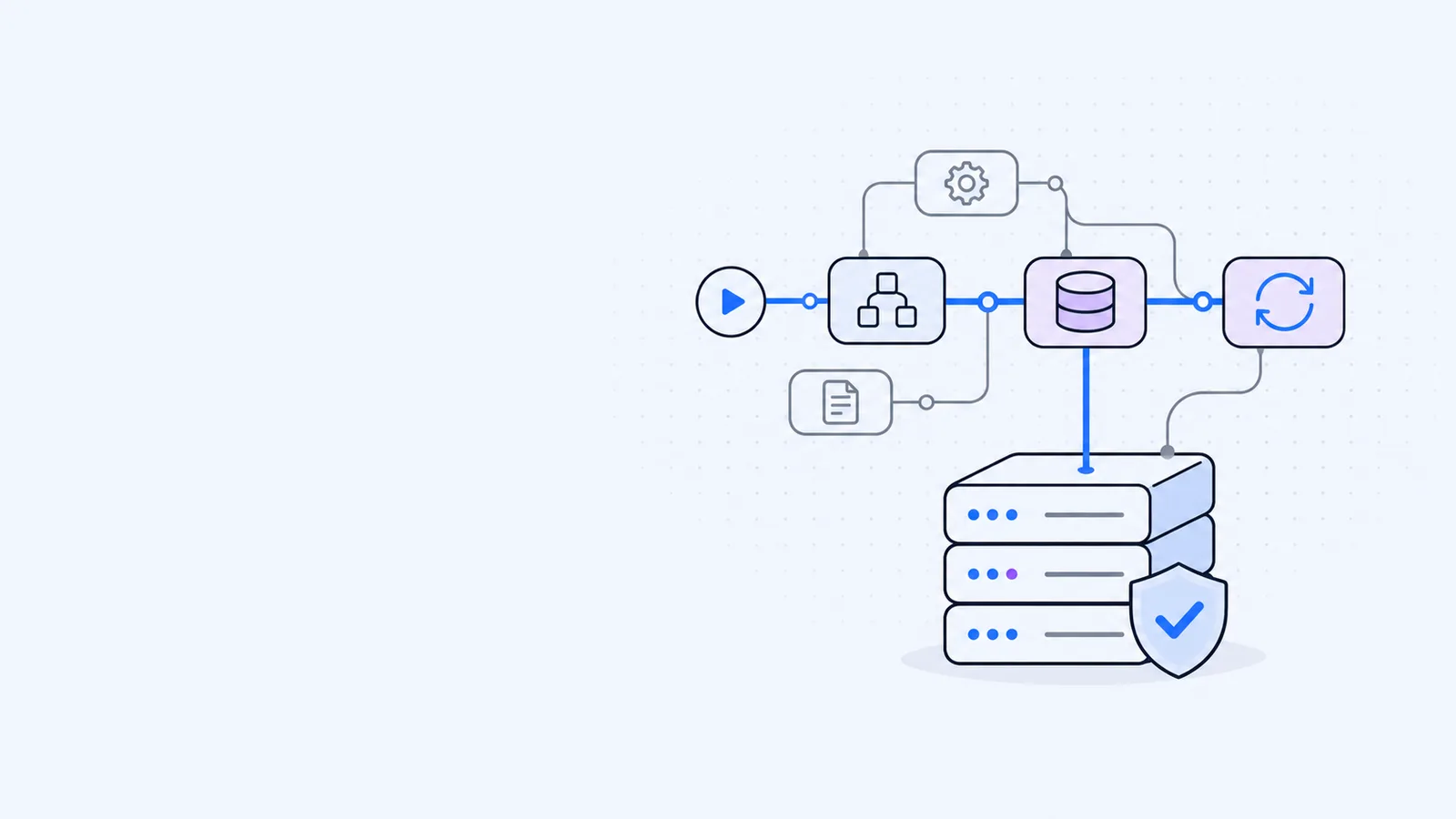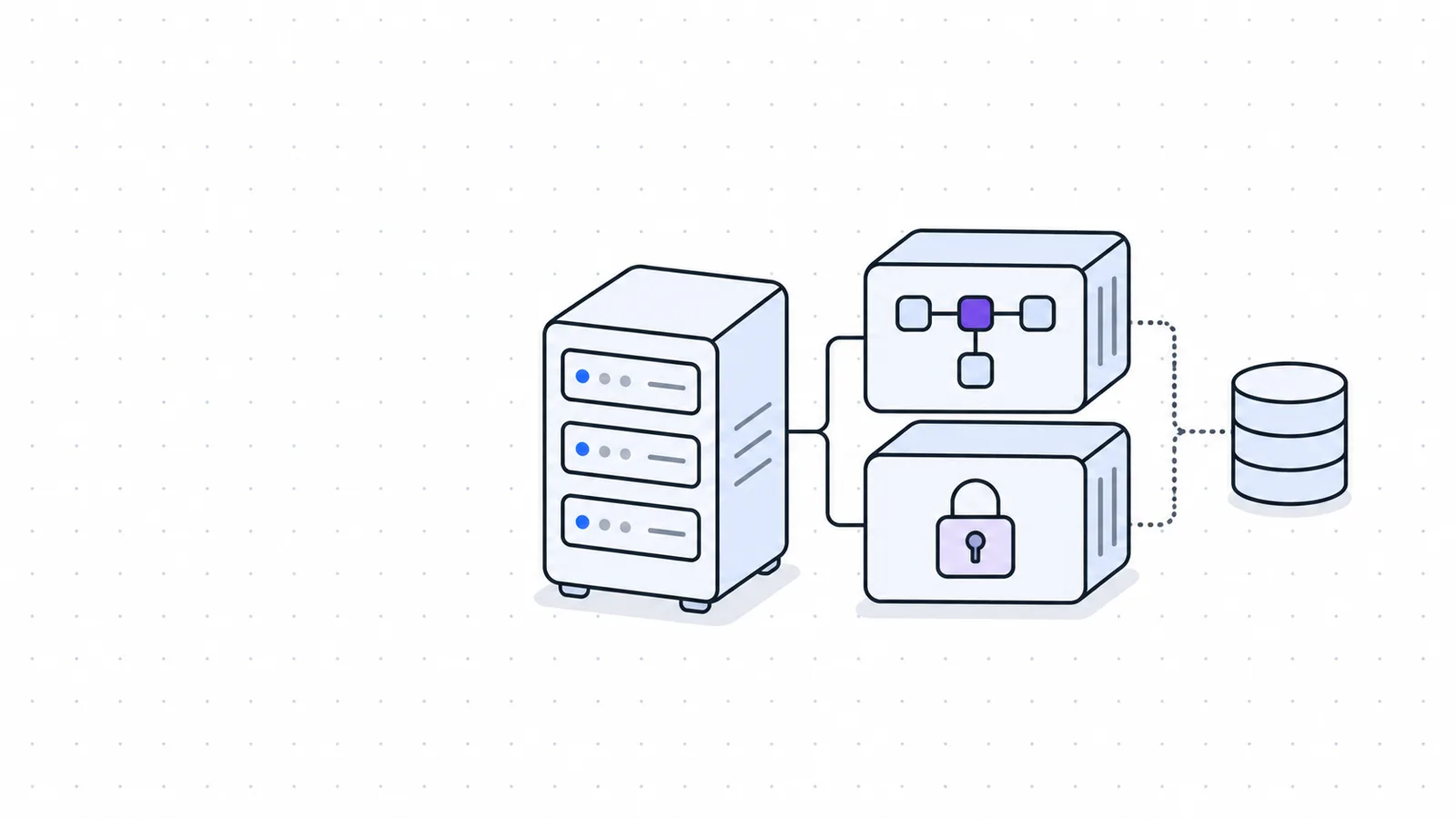


To run n8n with Docker Compose on a VPS, you install Docker, point a subdomain at the server, write an .env file and a compose.yaml file, then start two containers: n8n and a Traefik reverse proxy that issues the HTTPS certificate. This guide follows the n8n Docker Compose instructions step by step and adds what the official page leaves short, including version pinning, the volume that holds your data, and a safe update routine.
Key takeaways
- The n8n Docker Compose setup from the official docs runs two containers. One is n8n, and the other is Traefik, which handles HTTPS and routing.
- Your workflows live in the
n8n_datavolume, mounted at/home/node/.n8n. It holds the SQLite database file and the encryption key. - Behind a reverse proxy, n8n needs
N8N_WEBHOOK_URLandN8N_PROXY_HOPS=1, or webhook URLs come out wrong. - Updating takes three commands (
docker compose pull,docker compose down,docker compose up -d). The named volume survives all three. - The n8n docs recommend self-hosting for people with server experience and suggest updating at least once a month.
What you need before you start
You need three things:
- A Linux VPS with root or sudo access. This guide shows Ubuntu commands for the Docker install.
- A domain name where you can add DNS records.
- Ports 80 and 443 open to the internet.
n8n is a workflow automation tool, and self-hosting it means you run the server yourself. The n8n Docker Compose page says self-hosting needs technical knowledge of servers, containers and security, and that mistakes can lead to data loss and downtime. If that is more than you want to take on, read the last section first.
For n8n VPS hosting, pick a server location close to the services your workflows call. WaseerHost offers VPS hosting, and its data centers are in the USA, Germany and Finland.
Step 1: Install Docker and Docker Compose
The install method depends on your Linux distribution. On Ubuntu, the Docker Engine install guide first adds Docker's apt repository:
# Add Docker's official GPG key:
sudo apt update
sudo apt install ca-certificates curl
sudo install -m 0755 -d /etc/apt/keyrings
sudo curl -fsSL https://download.docker.com/linux/ubuntu/gpg -o /etc/apt/keyrings/docker.asc
sudo chmod a+r /etc/apt/keyrings/docker.asc

# Add the repository to Apt sources:
sudo tee /etc/apt/sources.list.d/docker.sources <<EOF
Types: deb
URIs: https://download.docker.com/linux/ubuntu
Suites: $(. /etc/os-release && echo "${UBUNTU_CODENAME:-$VERSION_CODENAME}")
Components: stable
Architectures: $(dpkg --print-architecture)
Signed-By: /etc/apt/keyrings/docker.asc
EOF

sudo apt update
Then install the packages. The docker-compose-plugin package gives you the docker compose command:
sudo apt install docker-ce docker-ce-cli containerd.io docker-buildx-plugin docker-compose-pluginCheck that both tools answer:
docker --version
docker compose version
For Debian, Fedora and other distributions, use the matching page in the Docker docs.
The n8n guide lists an optional step that lets your user run Docker without sudo:
sudo usermod -aG docker ${USER}Run it only if you accept that risk. The Docker post-installation page warns that the docker group grants root-level privileges to the user. This guide keeps sudo in every command instead.
Step 2: Point a subdomain at the server
Create an A record for a dedicated subdomain, as the n8n docs describe:
| Record type | Name | Destination |
|---|---|---|
| A | n8n (or the subdomain you want) | Your server's IP address |
Wait until the record resolves before you start the containers. Traefik requests the certificate with the TLS-ALPN-01 challenge, and the Traefik ACME documentation says Let's Encrypt must reach Traefik on port 443 for that challenge to pass. You can confirm the record with the WaseerHost DNS lookup tool.
Step 3: Create the project folder and .env file
Create a folder for the stack and move into it:
mkdir n8n-compose
cd n8n-compose
Inside it, create a file named .env. The first four values come from the n8n docs. N8N_VERSION is an addition that this guide uses to pin the image:
# DOMAIN_NAME and SUBDOMAIN together determine where n8n will be reachable from
# The top level domain to serve from
DOMAIN_NAME=example.com

# The subdomain to serve from
SUBDOMAIN=n8n

# The above example serve n8n at: https://n8n.example.com

# Optional timezone to set which gets used by Cron and other scheduling nodes
# New York is the default value if not set
GENERIC_TIMEZONE=Europe/Berlin

# The email address to use for the TLS/SSL certificate creation
[email protected]

# Added in this guide: the exact n8n version to run
N8N_VERSION=change-me-version-number
Replace change-me-version-number with the latest stable version number from the n8n releases page. The docs say n8n ships a new minor version most weeks and that the stable version is the one for production use.
Next, create the folder that n8n and the host share for files:
mkdir local-filesCompose can create this folder for you, but the docs point out that creating it by hand gives it the right ownership and permissions.
Step 4: Write the n8n Docker Compose file
Create compose.yaml in the same folder. This is the file from the n8n docs with two changes. The image line uses the pinned N8N_VERSION, and the environment block adds N8N_PROXY_HOPS=1, which the n8n reverse proxy page tells you to set when a proxy sits in front of n8n.
services:
  traefik:
    image: "traefik"
    restart: always
    command:
      - "--api.insecure=true"
      - "--providers.docker=true"
      - "--providers.docker.exposedbydefault=false"
      - "--entrypoints.web.address=:80"
      - "--entrypoints.web.http.redirections.entryPoint.to=websecure"
      - "--entrypoints.web.http.redirections.entrypoint.scheme=https"
      - "--entrypoints.websecure.address=:443"
      - "--certificatesresolvers.mytlschallenge.acme.tlschallenge=true"
      - "--certificatesresolvers.mytlschallenge.acme.email=${SSL_EMAIL}"
      - "--certificatesresolvers.mytlschallenge.acme.storage=/letsencrypt/acme.json"
    ports:
      - "80:80"
      - "443:443"
    volumes:
      - traefik_data:/letsencrypt
      - /var/run/docker.sock:/var/run/docker.sock:ro

  n8n:
    image: n8nio/n8n:${N8N_VERSION}
    restart: always
    ports:
      - "127.0.0.1:5678:5678"
    labels:
      - traefik.enable=true
      - traefik.http.routers.n8n.rule=Host(`${SUBDOMAIN}.${DOMAIN_NAME}`)
      - traefik.http.routers.n8n.tls=true
      - traefik.http.routers.n8n.entrypoints=web,websecure
      - traefik.http.routers.n8n.tls.certresolver=mytlschallenge
      - traefik.http.middlewares.n8n.headers.SSLRedirect=true
      - traefik.http.middlewares.n8n.headers.STSSeconds=315360000
      - traefik.http.middlewares.n8n.headers.browserXSSFilter=true
      - traefik.http.middlewares.n8n.headers.contentTypeNosniff=true
      - traefik.http.middlewares.n8n.headers.forceSTSHeader=true
      - traefik.http.middlewares.n8n.headers.SSLHost=${DOMAIN_NAME}
      - traefik.http.middlewares.n8n.headers.STSIncludeSubdomains=true
      - traefik.http.middlewares.n8n.headers.STSPreload=true
      - traefik.http.routers.n8n.middlewares=n8n@docker
    environment:
      - N8N_ENFORCE_SETTINGS_FILE_PERMISSIONS=true
      - N8N_HOST=${SUBDOMAIN}.${DOMAIN_NAME}
      - N8N_PORT=5678
      - N8N_PROTOCOL=https
      - NODE_ENV=production
      - N8N_WEBHOOK_URL=https://${SUBDOMAIN}.${DOMAIN_NAME}/
      - N8N_PROXY_HOPS=1
      - GENERIC_TIMEZONE=${GENERIC_TIMEZONE}
      - TZ=${GENERIC_TIMEZONE}
      - N8N_RESTRICT_FILE_ACCESS_TO=/files
    volumes:
      - n8n_data:/home/node/.n8n
      - ./local-files:/files

volumes:
  n8n_data:
  traefik_data:
Three parts of this file decide whether your install is safe and keeps its data.
The 127.0.0.1:5678:5678 port mapping binds n8n to the loopback address, so only Traefik on the same host can reach it. Leave it that way. The Docker docs explain that traffic to a published container port is diverted before it reaches the rules that ufw manages, so a ufw rule alone would not hide a port that Docker publishes on all interfaces.
The n8n_data volume is where n8n saves its SQLite database file and encryption key. The traefik_data volume stores the certificate data, and ./local-files is a host folder that workflows read and write through the /files path.
The line --api.insecure=true turns on the Traefik API and dashboard on an entry point named traefik, according to the Traefik API docs. The file publishes only ports 80 and 443. If you do not use the dashboard, you can delete that line.
Environment variables in this setup
| Variable | Default | What it does here |
|---|---|---|
N8N_HOST | localhost | Host name n8n runs on |
N8N_PORT | 5678 | HTTP port n8n listens on inside the container |
N8N_PROTOCOL | http | Protocol used to reach n8n, set to https here |
N8N_WEBHOOK_URL | not set | Public URL that n8n shows in the editor and registers with outside services |
N8N_PROXY_HOPS | 0 | Number of reverse proxies in front of n8n |
GENERIC_TIMEZONE | America/New_York | Timezone for schedule nodes such as the Schedule Trigger |
TZ | not set | System timezone inside the container |
The defaults come from the n8n deployment variables reference and the timezone page.
N8N_WEBHOOK_URL matters most. n8n builds webhook URLs from the protocol, host and port, and the docs say that fails behind a proxy because n8n runs on port 5678 while the proxy serves port 443. The variable is available from n8n 2.30.0. On earlier versions use WEBHOOK_URL, which the docs mark as deprecated from 2.35.0.
Step 5: Start n8n and check HTTPS
Start the stack in the background:
sudo docker compose up -dWatch the n8n container start:
sudo docker compose logs -f n8nOpen https://n8n.example.com with your own subdomain and create the owner account. The docs state that n8n is reachable only over HTTPS in this setup, and Traefik redirects plain HTTP requests.
To stop the containers without removing them:
sudo docker compose stopHow to update n8n with Docker Compose
Pinning the version means n8n changes only when you edit .env. Before each update, read the release notes for breaking changes, as the n8n update page advises, and take a backup.
- Change
N8N_VERSIONin.envto the new version number. - Run the update commands from the n8n docs:
# Pull latest version
sudo docker compose pull

# Stop and remove older version
sudo docker compose down

# Start the container
sudo docker compose up -d- Open the editor and run one workflow by hand.
The docker compose down command removes containers and networks. The Docker reference says it removes named volumes only when you add the -v flag, so never add that flag here.
The n8n docs suggest updating at least once a month, because small steps carry less risk than a jump across many versions. Setting the image tag back to an older version does not reverse database migrations. Your backup is the way back.
Back up the n8n volume
The n8n backup page says a complete backup includes the .n8n folder, which in Docker is the n8n_data volume. With SQLite, stop n8n first, because copying the database file during a write can produce an inconsistent backup.
Find the full volume name, then archive it with a temporary container. This follows the pattern in the Docker volumes documentation:
sudo docker volume ls
sudo docker compose stop n8n
sudo docker run --rm -v <volume_name>:/data -v $(pwd):/backup ubuntu tar cvf /backup/n8n_data.tar /data
sudo docker compose start n8n
Copy n8n_data.tar off the server. The archive contains the encryption key, so store it as carefully as a password.
For PostgreSQL, a custom encryption key, execution pruning and security hardening, continue with the n8n self-hosted production guide.
If it still does not work
- The browser shows a certificate warning. Check that the A record points at this server and that port 443 is open in your provider's firewall, then run
sudo docker compose logs traefik. - The page does not load at all. The n8n docs name the server firewall and the DNS configuration as the first two things to check.
- Webhook URLs show the wrong address. Confirm
N8N_WEBHOOK_URLin the compose file, and useWEBHOOK_URLif your version is older than 2.30.0. - Schedules fire at the wrong hour. Set
GENERIC_TIMEZONEin.env, then runsudo docker compose up -dagain so Compose recreates the container.
Would you prefer not to run the server yourself?
Running n8n on your own VPS gives you full control of the data and the update schedule, and it also makes you responsible for patches, backups and the firewall. The WaseerHost n8n hosting page shows the n8n option WaseerHost offers. If you want the control, see current VPS plans.
Frequently asked questions
For this setup, yes. Traefik requests the certificate for the host name you set in .env, and the challenge needs that name to resolve to your server. A bare IP address does not fit this setup.

Written by
Web & AI Systems Lead
Web and AI Systems Lead at Wasevo, the company behind WaseerHost. He builds web applications and AI systems.