

Reseller hosting plans let you rent hosting capacity from a provider and sell it on as separate hosting accounts under your own brand. Each plan sets how many accounts you can create, how much disk space and bandwidth you can hand out, and which control panel tools you get. This guide explains each of those limits so you can read a plan table and know what you are buying.
Key takeaways
- A reseller hosting plan is one account with the right to create many separate cPanel accounts. Each of those accounts has its own login, files, email and databases.
- You manage your customers in WHM. Your customers manage their own websites in cPanel.
- A provider can limit a plan by the number of accounts, by total disk space and bandwidth, or by both. Find out which limit you will reach first.
- White label means your customers see your brand in the control panel and on the nameservers.
- A reseller plan suits freelancers, agencies and small hosting brands. A single busy site that needs its own server resources belongs on a VPS.
How reseller hosting plans work
The hosting provider owns and runs the server. That covers the hardware, the network, the operating system and the web server software. You rent a share of that server on a monthly or yearly plan.
Inside your share you create hosting accounts, one for each customer. You decide what each account includes and what you charge for it. Your customers pay you, and you pay the provider for the plan. The provider's bill stays the same whatever you charge.
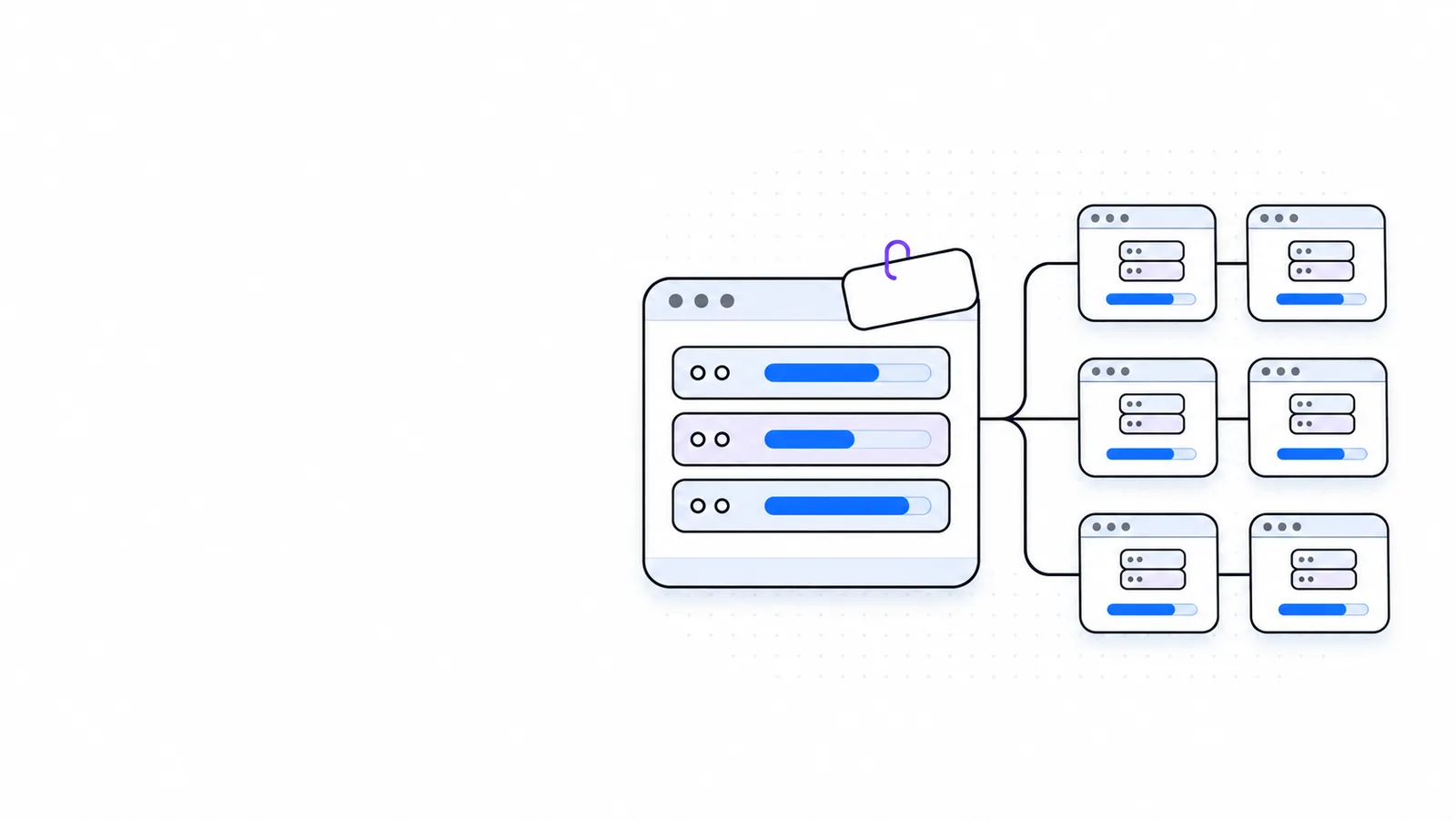
Three parties use the system, and each one logs in at a different level.
| Who | Logs in to | Controls |
|---|---|---|
| Hosting provider | WHM as the root user | The server, its software and the limits on your reseller plan |
| You, the reseller | WHM with reseller privileges | Packages, new accounts, suspensions, package changes and branding |
| Your customer | cPanel | One hosting account with its files, email, databases and domains |
cPanel accounts are the number that sizes a plan
A cPanel account is one self-contained hosting account. It has its own username and password, its own disk quota and its own email accounts and databases. The usual rule is one cPanel account for each customer.
A customer can log in without seeing anyone else's files. You can suspend one unpaid account and leave the others running. You can also move a single customer to a larger package when that site grows.
The account limit is not the same as a website limit. A package in WHM has a setting called Max Addon Domains, which sets how many extra domains one account can hold. A customer with three small sites can keep them all in one account if the package allows it.
To work out how many accounts you need, count the customers you host today, add your own sites, then add room for the customers you expect over the next year. As an example of how providers tier this, WaseerHost reseller plans allow 25 cPanel accounts on Silver, 60 on Gold, 110 on Platinum and 160 on Diamond. You can see current plans for the rest of the details.
Who uses WHM and who uses cPanel
WHM, short for WebHost Manager, is the administration side. cPanel is the side your customers use. With reseller access to WHM, the main jobs look like this.
- Create packages. A package is a template of limits. The cPanel documentation lists the resource options, which include Disk Space Quota, Monthly Bandwidth Limit, Max FTP Accounts, Max Email Accounts, Max SQL Databases, Max Sub Domains and Max Addon Domains.
- Create accounts. In WHM's Create a New Account interface you enter the customer's domain, a username, a password and a contact email address, then choose a package for the account.
- Change a package. WHM's Upgrade/Downgrade an Account interface moves an account to a different package when a customer needs more or less.
- Suspend, unsuspend or terminate accounts. Take care with termination. The cPanel documentation warns that it removes the account and all of its data.
- Check usage. WHM's View Bandwidth Usage interface lists each account's transfer for the month next to its limit.
Before you create your first package, note that you cannot change a package name later, so leave prices out of the name.
Your access to these jobs depends on the provider. In WHM, the provider grants each reseller a set of privileges such as Create Accounts, Suspend/Unsuspend Accounts, Upgrade/Downgrade Accounts, Add/Remove Packages and Edit DNS Zones. Two plans that both say "WHM included" can give you different privileges, so ask for the list before you buy.
How disk space and bandwidth limits work
Disk space is the storage an account can use on the server. It holds website files, databases and stored email. WHM sets it for each package in megabytes.
Bandwidth is the amount of data an account transfers in a month. WHM's bandwidth report counts more than web page views. It includes browser traffic over HTTP, files moved over FTP, mail sent over SMTP and mail collected over POP3 and IMAP. A customer who sends many large email attachments uses bandwidth even if the website is quiet.
The cPanel documentation describes three ways a provider can limit what a reseller creates.
- A cap on the total number of cPanel accounts.
- A cap on resource usage, set as a maximum amount of disk space and bandwidth in megabytes.
- A cap by package, where the provider chooses which packages you can use and how many accounts you can create on each.
A plan can combine these. Read the plan table for all of them, because the first limit you reach decides when you need to upgrade.
What overselling means
Overselling changes how WHM counts your disk space or bandwidth limit. With overselling off, the quotas you assign must add up to no more than your limit. With overselling on, WHM counts the space your accounts use instead of the space you have promised.
Here is the arithmetic with made-up numbers. Say your plan has 50,000 MB of disk space and your standard package gives each customer 5,000 MB. With overselling off, you can create 10 accounts on that package. With overselling on, you can create more, as long as the space all of your accounts use together stays under 50,000 MB.
Overselling only works while your customers use less than their quotas. If several customers grow at once, you can run out of space that you have already sold. Before you rely on it, ask the provider two questions. Is overselling allowed on this plan? What happens to an account, or to the whole plan, when it reaches a limit?
What white label means on a reseller plan
White label means the hosting carries your brand and your customer deals with you. On a cPanel reseller plan, it comes down to the control panel, the nameservers and the customer relationship.
Start with the control panel. WHM has a Customization interface where you can upload your logos and a favicon, change the colors of the cPanel interface, and replace the documentation and help links in the cPanel footer. It changes cPanel only and leaves WHM as it is. The provider can turn this interface on or off for resellers, so confirm that your plan includes it.
Nameservers come next. Private nameservers use your own domain, such as ns1.example.com and ns2.example.com, so customers point their domains at your brand. WHM lets the provider set custom nameservers for a reseller. You must register the nameserver names, and each one needs an A record before it works. If nameservers are new to you, read what nameservers are first.
Then there is the customer relationship. Invoices, welcome emails and support replies all come from you. That is also the work you take on, so plan time for it.
WaseerHost reseller hosting is white-label. Every WaseerHost hosting plan uses cPanel, so your customers manage their sites in cPanel.
What to compare in reseller hosting plans
Price is the easy part to compare. These items take more reading, and they affect your costs and your workload later.
| Item | What to check |
|---|---|
| Account limit | How many cPanel accounts the plan allows, and whether that covers a year of growth |
| Disk space and bandwidth | The totals for the plan and whether overselling is allowed |
| WHM privileges | Whether you can create packages, suspend accounts, change packages and edit DNS zones |
| White label | Whether cPanel customization and private nameservers are available |
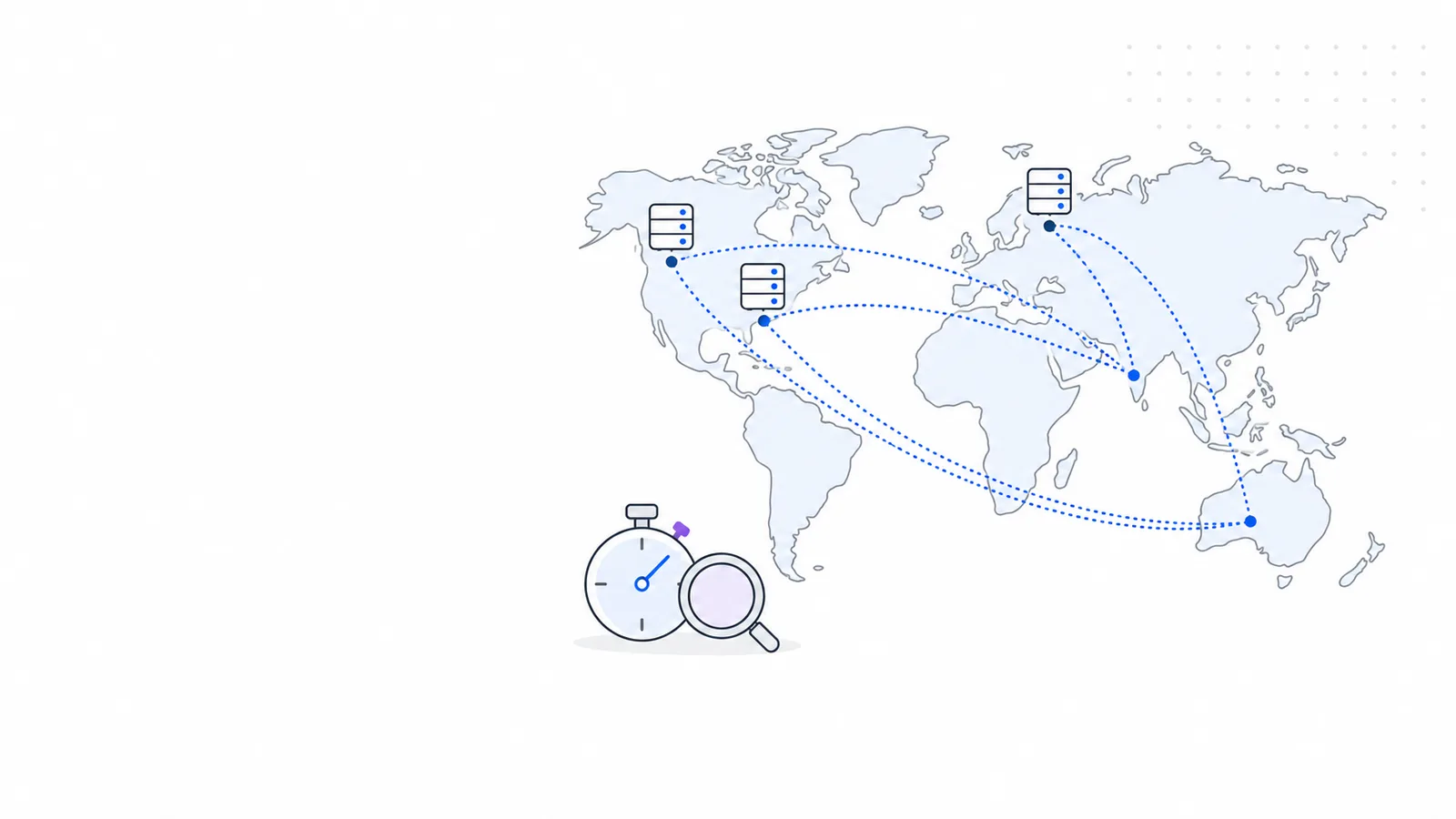
| Server location | Whether the data center is close to the people who visit your customers' sites |
| Renewal price | Whether the price rises after the first term |
| Upgrade path | Whether you can move to a larger plan without moving every account by hand |
| Support | Who you contact when the server has a fault, and at what hours |
| Billing | Whether the plan includes billing software or you arrange your own |
| Backups | How often the provider backs up accounts and who can restore them |
Look closely at server location if your customers are in one region. WaseerHost has data centers in the USA, Germany and Finland, so you would pick the one nearest to most of your customers' visitors.
If you already host customer sites somewhere else, ask how the move works. WaseerHost offers free website migration.
Who a reseller hosting plan suits
A reseller plan fits people who already look after other people's websites.
- Freelance designers and developers who build sites and want to host them under one login.
- Agencies that manage many client sites and want each client in a separate account.
- People who want to start a small hosting brand without buying or running servers. The guide on how to start a web hosting business covers the steps after you choose a plan.
It is a poor fit in a few cases. If you have one website, a shared hosting plan is simpler and gives you a single account for that site. If you need root access, custom server software or resources reserved for you alone, look at VPS hosting. If you have no time to answer customer questions, reselling will be hard, because your customers contact you first.
How to choose a plan in five steps
- Count the accounts you need now. Use one account for each customer, plus your own sites.
- Measure real usage. Check how much disk space your current sites and mailboxes use, then design one or two packages around those numbers.
- Multiply it out. Compare the accounts and the disk space you need with each plan's limits, and note which limit you reach first.
- Confirm the WHM privileges and the white label items from the table above.
- Pick the smallest plan that fits your count with some room to grow, and confirm the upgrade path before you pay.
Frequently asked questions
A reseller is a person or company that rents hosting capacity from a provider and sells it to their own customers. The reseller sets the packages and prices and handles billing and support. The provider runs the server.

Written by
Founder & CEO
Founder and CEO of Wasevo LLC, the company that runs WaseerHost. He works on cPanel/WHM servers, WHMCS billing and the Next.js storefront.